Your Brand on a Newspaper
Your logo, on the front page.
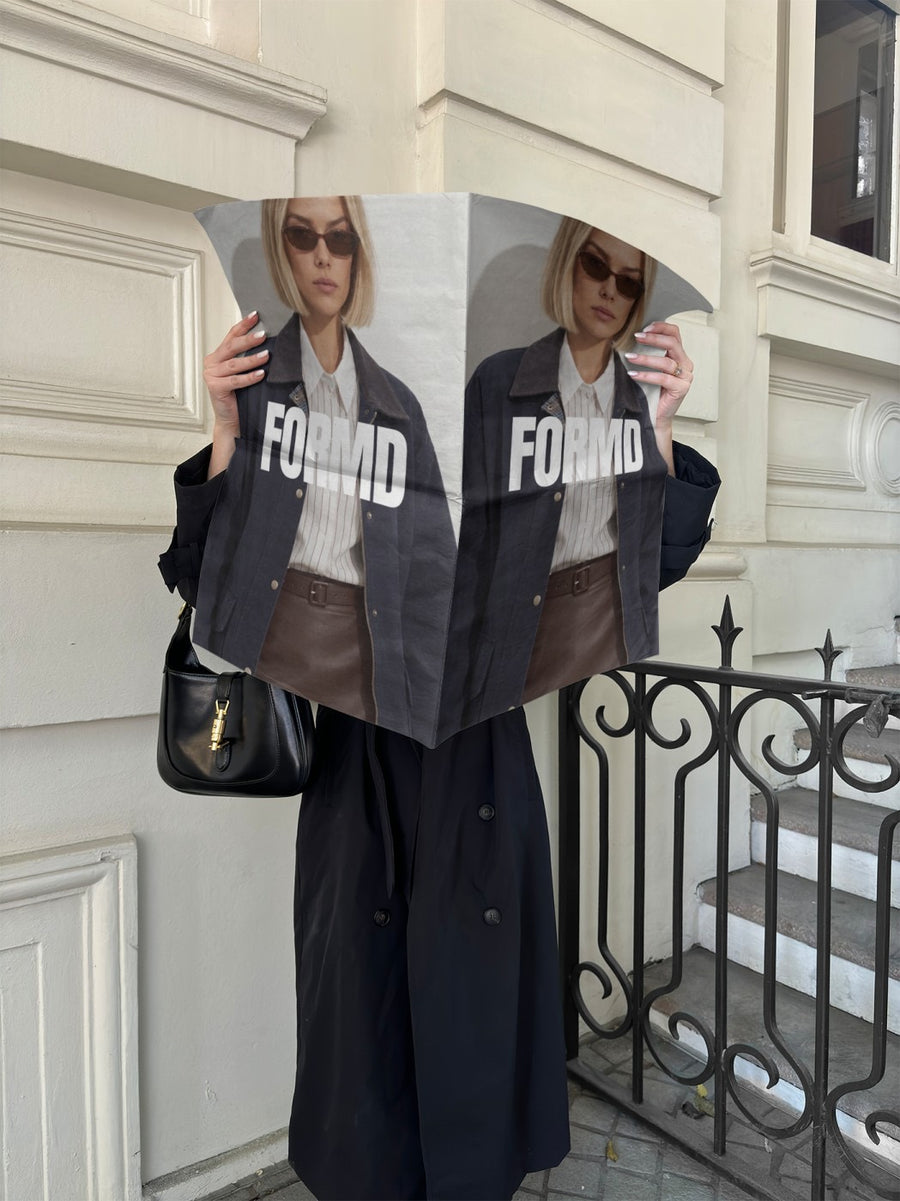
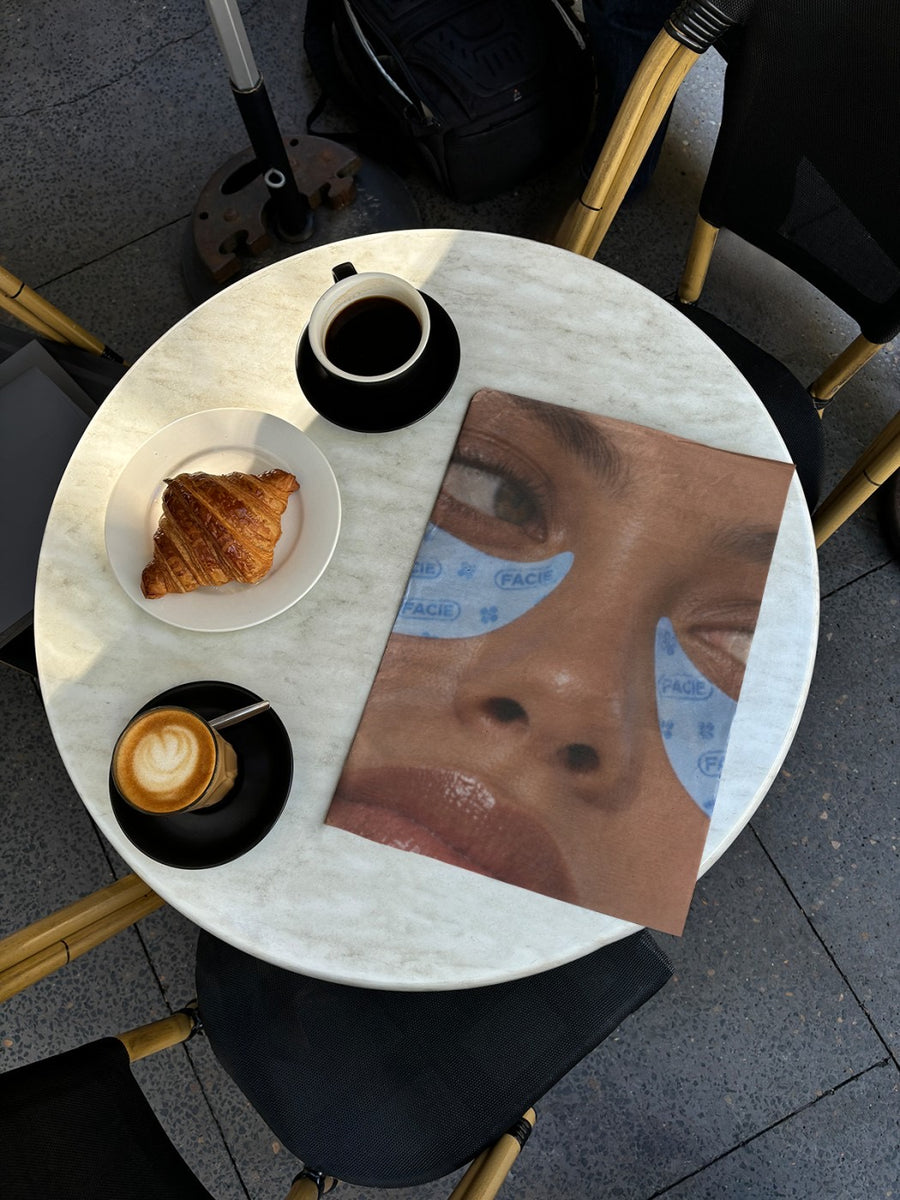
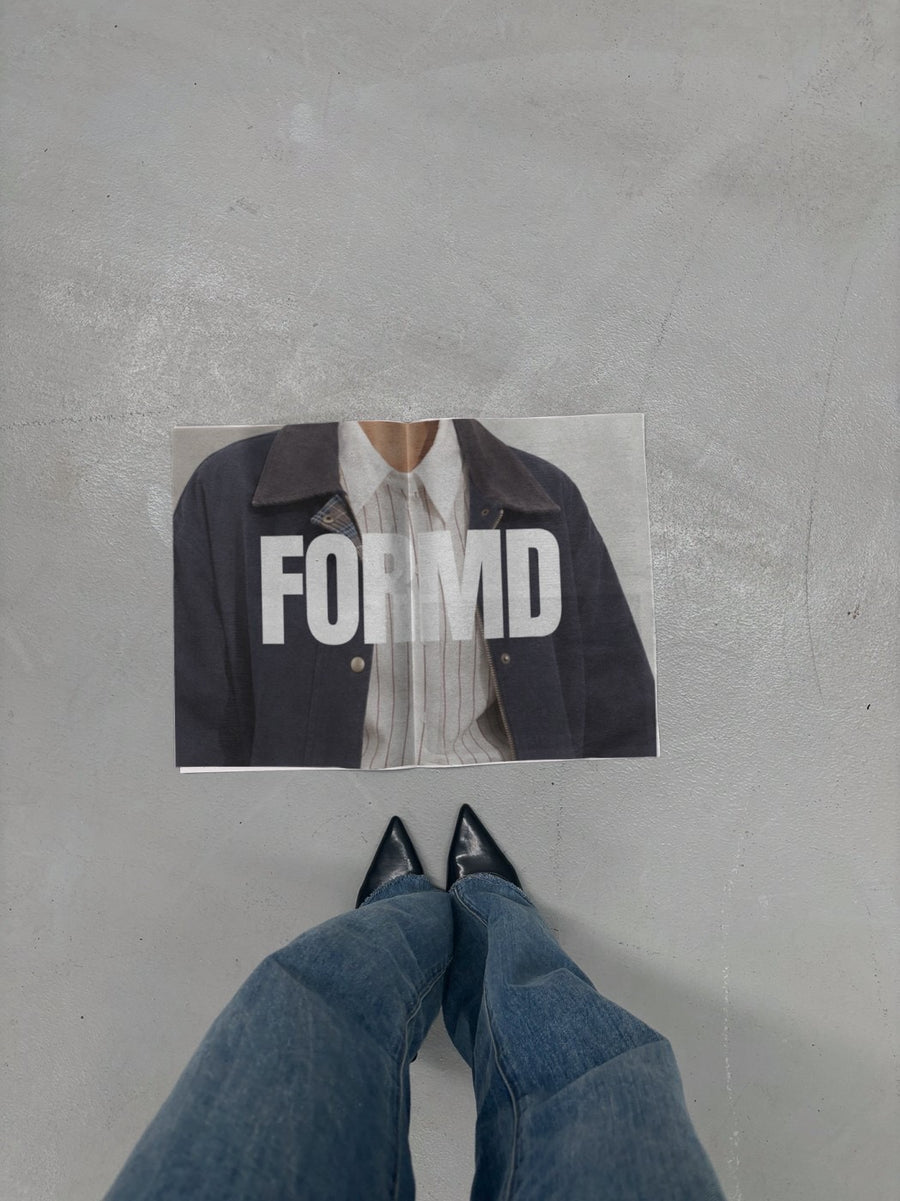
Upload your logo or campaign image. We put it on real photos of newspapers: held up on the street, open in a cafe, lying on concrete. Download it in seconds. No Photoshop.
Make your first one freeOne tap with Google. No card.
Why a newspaper works
A newspaper makes a brand look like news. It reads as editorial, not advertising, which is why it's the look people buy most from us.
Use it for a launch, a new collection, a big announcement, or a feed that needs to look less like a template.
Good for
- Launches and new collections
- Big announcements and rebrands
- Editorial-style feed content
- Fashion and beauty campaigns
How it works
- Add your image. A logo, poster, product shot or full campaign. PNG or JPG.
- Tap a newspaper photo. Your design goes on in seconds.
- Download it. A 2000px image, ready to post.
Real photos. Not AI.
Every newspaper you see is a real photograph, shot on a real camera. Your design goes on exactly as it is. Nothing gets redrawn, so it's still your brand.
What people say
I'm a therapist and have zero adobe photoshop experience but these were easy to use and looked great!
Verified buyer
Easy to use and so aesthetic, make the post immediately more attractive for social media
Verified buyer
Questions
Do I need Photoshop?
No. It all happens in your browser.
Is it really free?
Your first one is free when you make an account. After that, top up credits inside the studio. No subscription.
Does it have to be a logo?
No. Any PNG or JPG works, including a whole campaign image.

