Cyber Monday Post Ideas
Cyber Monday posts for online sales.
Cyber Monday is the online sale that follows Black Friday, and it has well and truly caught on in Australia. Upload your logo, sale graphic or a screenshot of your store and put it on real photos of phones, laptops and iPads. Posts that point straight to your checkout.
Make your first one freeOne tap with Google. No card.
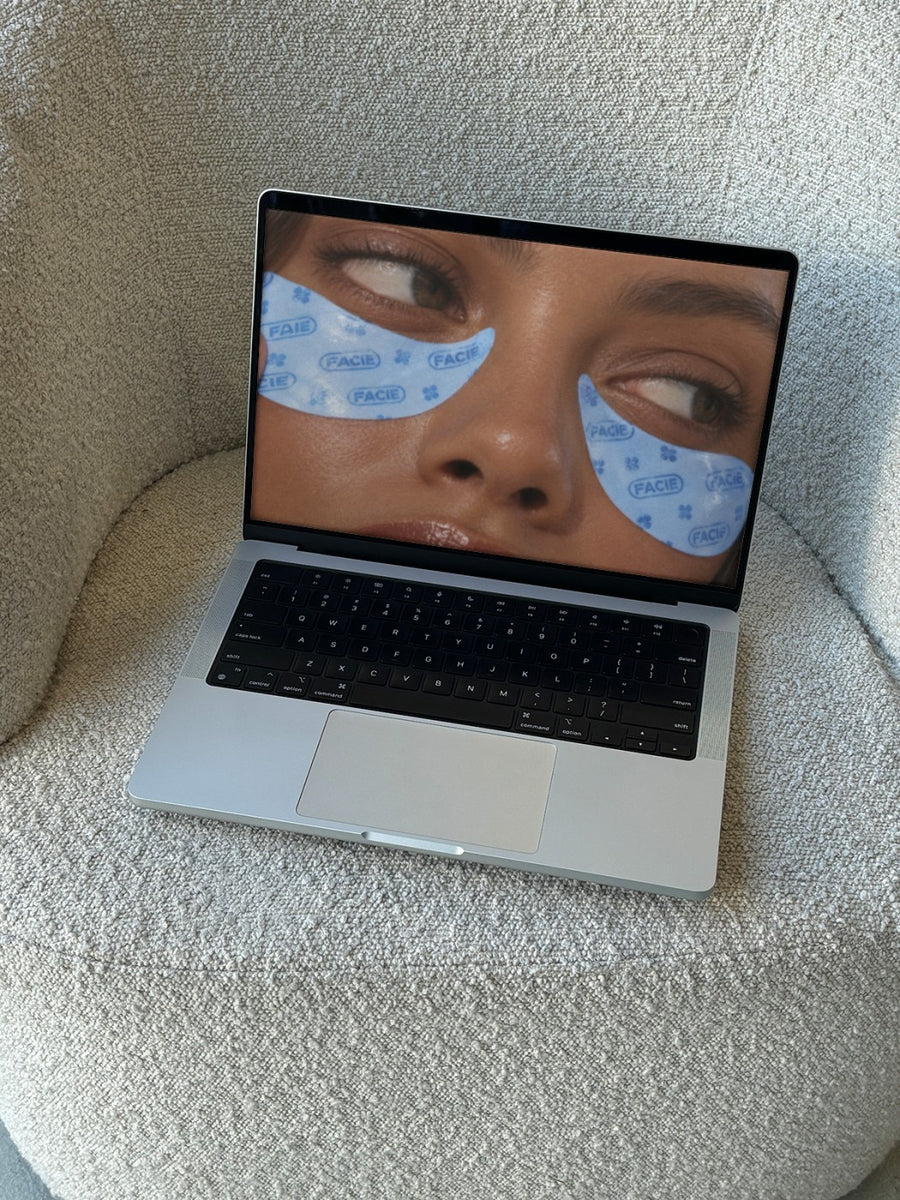
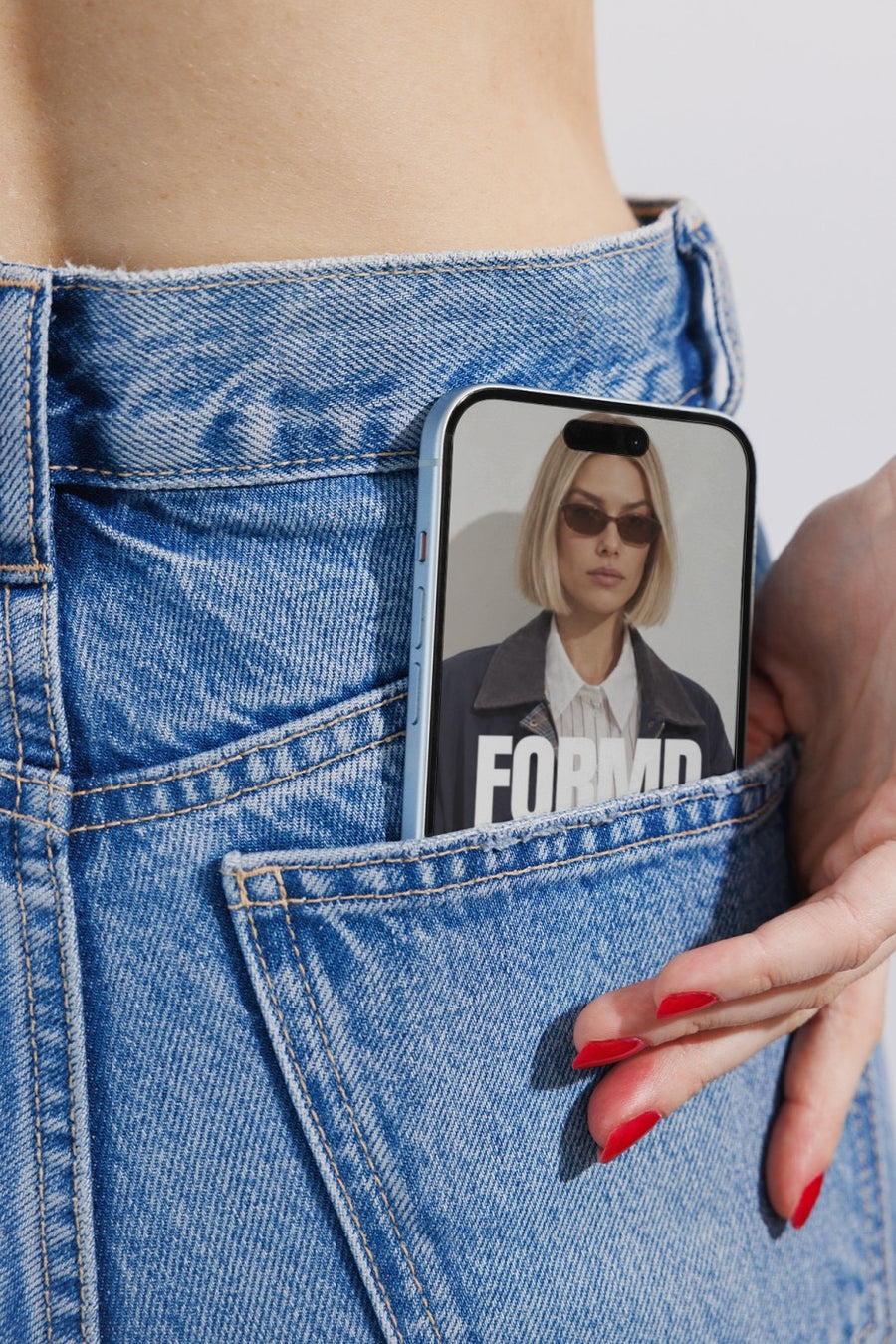
It's an online sale. Show it on a screen.
Cyber Monday is the day people shop from their phones on the lunch break and their laptops after dinner. If you sell online, it's often the last big push before Christmas shipping cut offs. The trouble is, by Monday your customers have seen four days of Black Friday posts.
A fresh angle helps. Your online store on a laptop on a boucle couch looks like someone about to buy. Your sale on an iPhone in a jeans pocket looks like a deal people carry around. It shows where the sale actually happens, which is on a screen.
Cyber Monday posts to make
- Your website on a laptop, with a one day only line
- Your sale graphic on an iPhone in a jeans pocket
- The online only products in the sale, on an iPad on a cafe table
- A reminder of your Christmas shipping dates alongside the sale
- A last hours post on Monday night
Captions to start with
Cyber Monday is on. Shop from the couch.
Online only. Today only. Link in bio.
Order today and get it sorted for Christmas.
Photos that suit you
- On a laptop: your store on a real screen, mid scroll.
- On a phone: for a sale people carry in their pocket.
- On an iPad: show off online only products on a cafe table.
How it works
- Add your image. A logo, poster, product shot or full campaign. PNG or JPG.
- Tap a photo. Your design goes on in seconds.
- Download it. A 2000px image, ready to post.
Real photos. Not AI.
Every photo is a real photograph, shot on a real camera. Your design goes on exactly as it is. Nothing gets redrawn, so it's still your brand.
Questions
Do I need Photoshop?
No. It all happens in your browser.
Is it really free?
Your first one is free when you make an account. After that, top up credits inside the studio. No subscription.
Can I show my website instead of a logo?
Yes. Take a screenshot of your online store or sale page, save it as a PNG or JPG and put it on a laptop, phone or iPad photo. It goes on exactly as it is.