Brand Photos for Stationery Brands
Your planner cover, next to the trains.
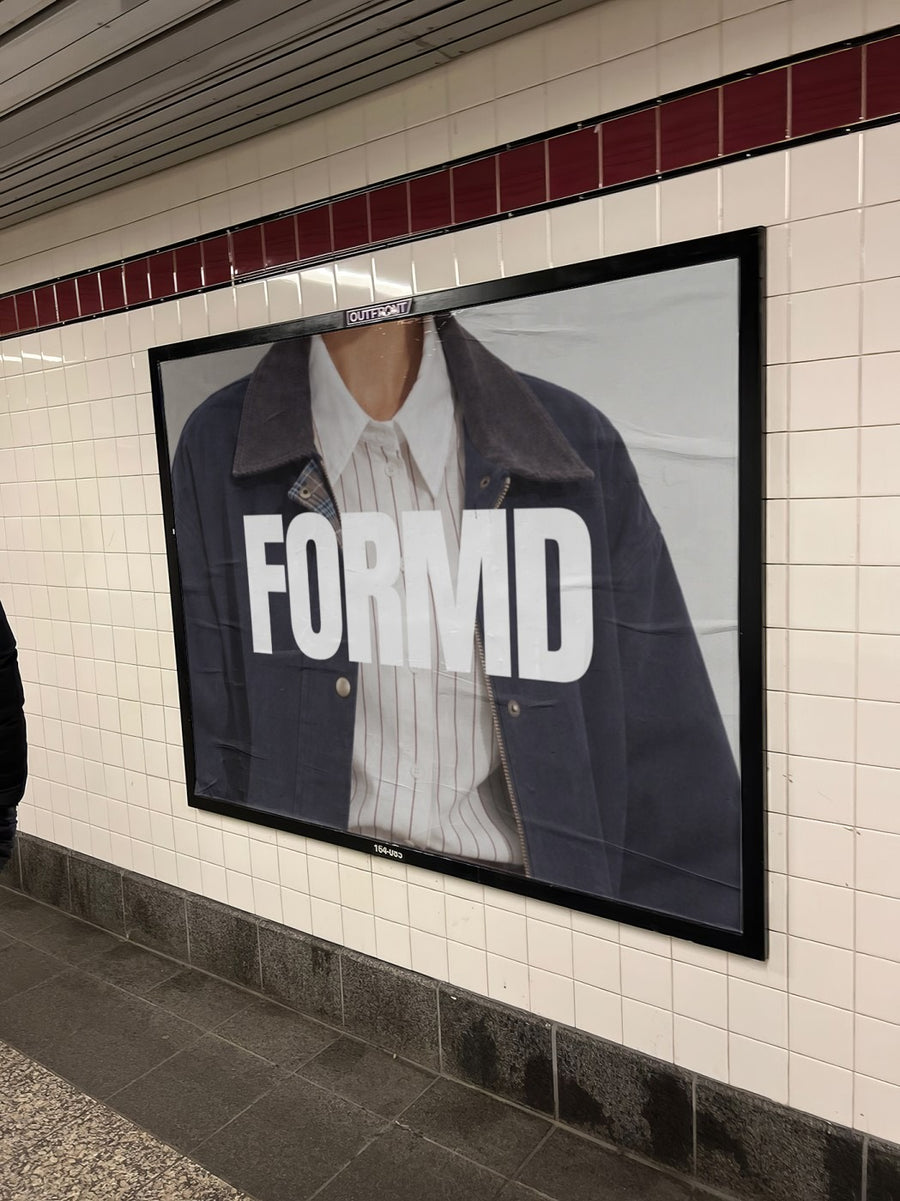
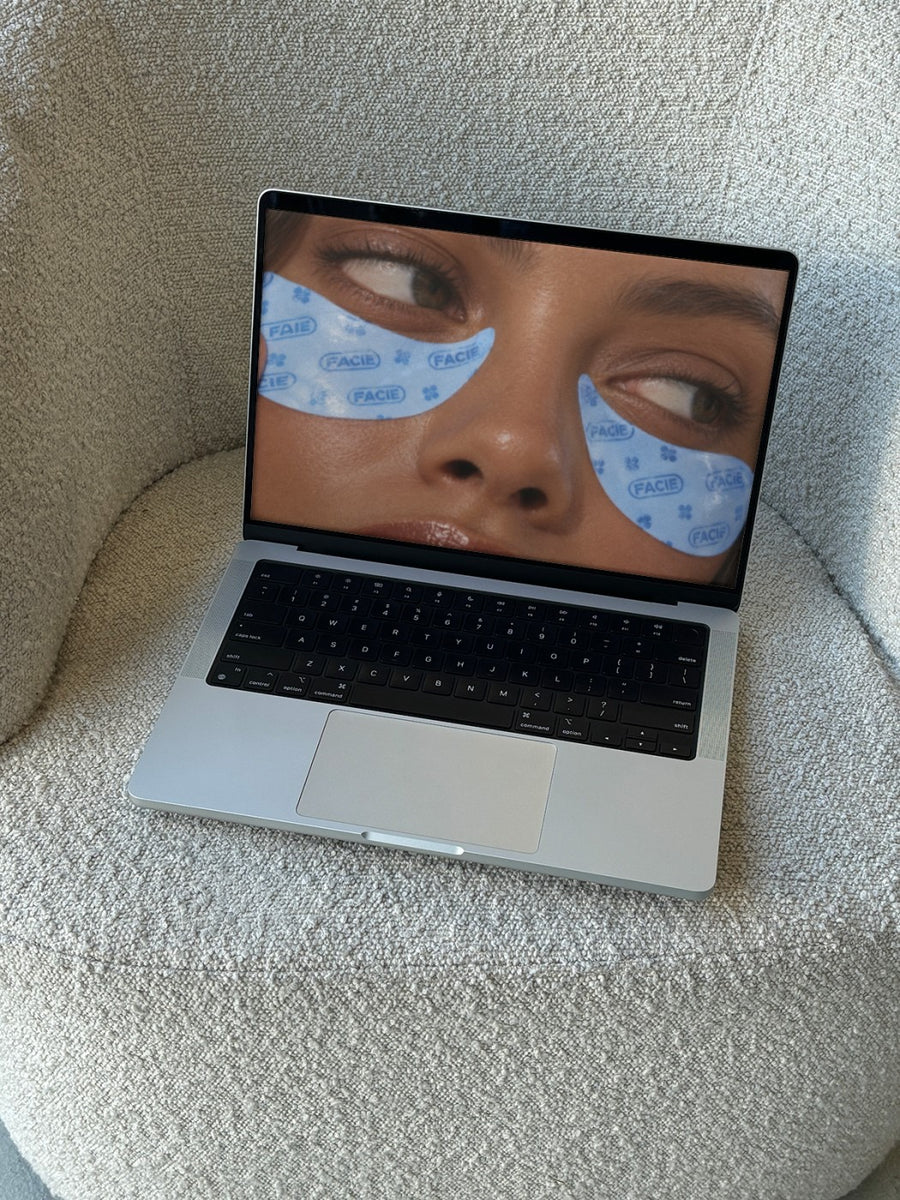
Upload your planner cover, card design or logo and we put it on real photos of subway billboards, city posters and laptops. Launch content for a new collection before the first box lands from the printer.
Make your first one freeOne tap with Google. No card.
You have to sell the new diary before it exists.
Stationery runs on a calendar. Diaries and planners need to be announced months before January, and back to school hits in late January. Financial year planners want a push before July. The problem is the stock usually arrives after the preorder window opens, so there's nothing real to shoot.
Your cover artwork on a subway billboard or a street poster gives preorders a real launch moment using the files you already have. When the stock arrives, you shoot the flat lays. Until then, you still look like a brand with news.
Posts for your stationery calendar
- Next year's diary cover reveal, on a subway billboard
- Back to school collection for late January, on a street poster
- Financial year planner preorders before EOFY on 30 June
- Your printables shop shown on a laptop on a boucle couch
- Father's Day card range in September, on a newspaper held up in the street
Captions to start with
The new diary is here. Well, the cover is. Preorders open now.
Your whole year, one spread at a time.
Back to school, sorted. Ships late January.
Photos that suit you
- On a street poster: for cover reveals and new collections.
- On a laptop: show your printables or online shop on a real screen.
- On a billboard: for your biggest launch of the year.
- On a tote bag: see your brand on a tote before you add it to the range.
How it works
- Add your image. A logo, poster, product shot or full campaign. PNG or JPG.
- Tap a photo. Your design goes on in seconds.
- Download it. A 2000px image, ready to post.
Real photos. Not AI.
Every photo is a real photograph, shot on a real camera. Your design goes on exactly as it is. Nothing gets redrawn, so it's still your brand.
Questions
Do I need Photoshop?
No. It all happens in your browser.
Is it really free?
Your first one is free when you make an account. After that, top up credits inside the studio. No subscription.
Can I upload a cover design rather than a logo?
Yes. Any PNG or JPG works, so a planner cover, a card front or a full collection layout goes on the same way. Tap Adjust to rotate or fit it. Changes are free.

