Band Album Release Post Ideas
Your album cover, up on the wall.
Upload your album cover and we put it on real photos of posters pasted on a city wall, a subway billboard and an iPhone in a jeans pocket. Content for the whole album cycle, from the announcement to the week after it drops.
Make your first one freeOne tap with Google. No card.
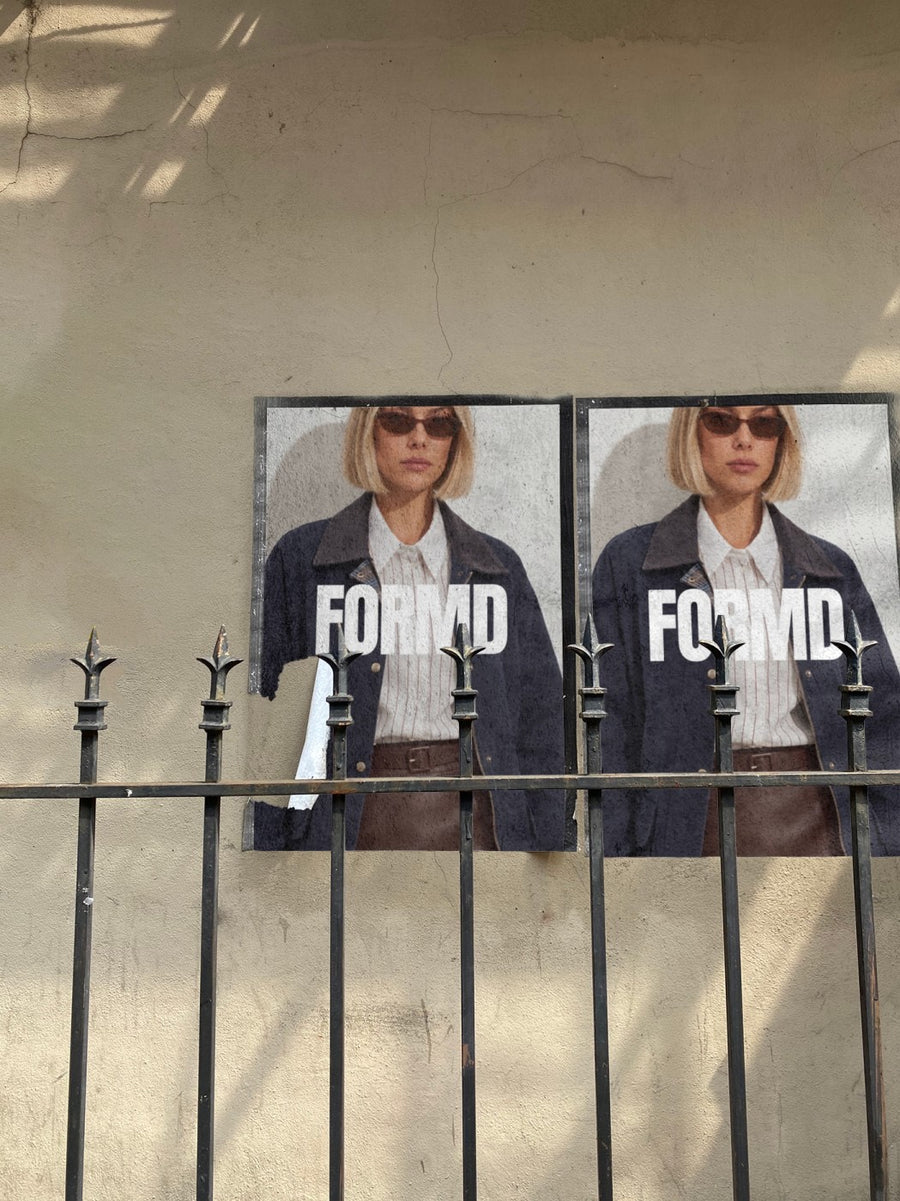
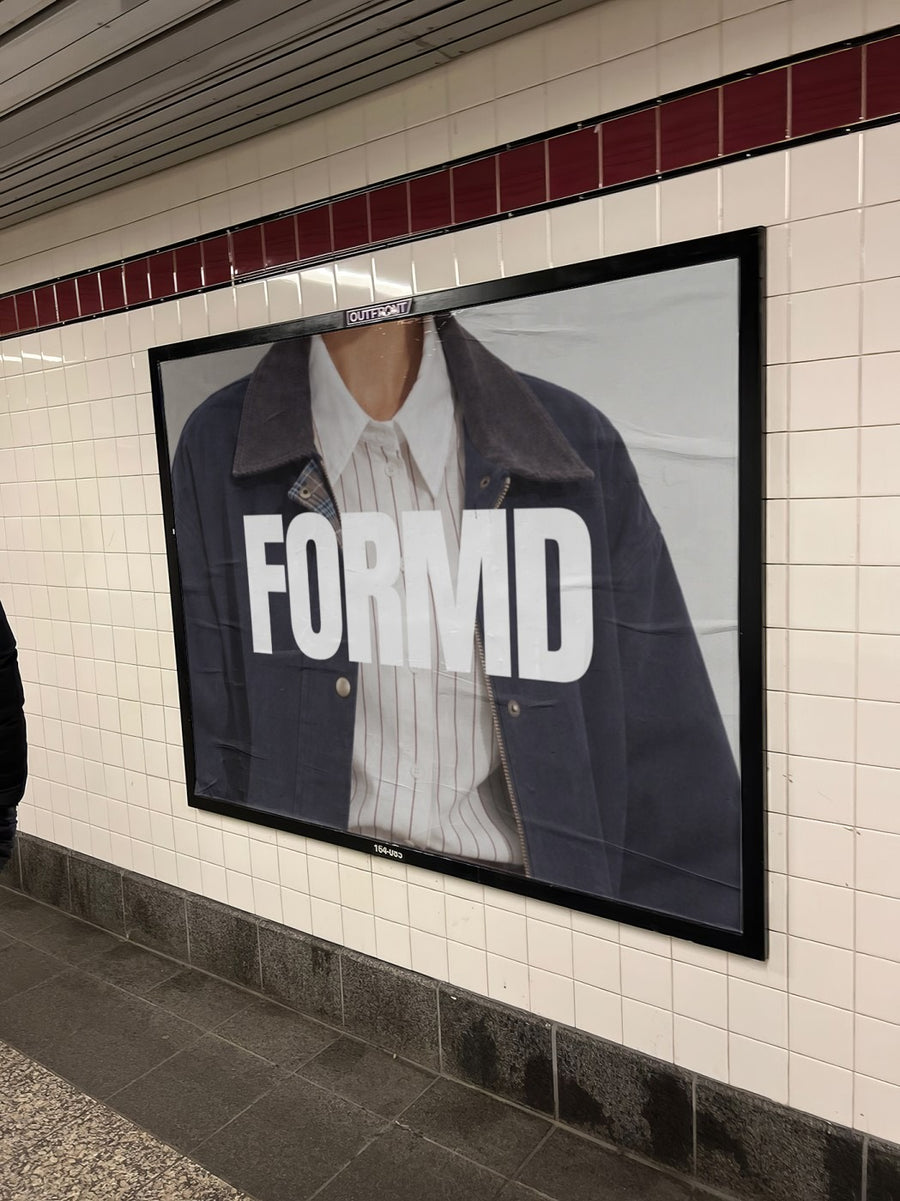
An album is a campaign. Four members, one cover, six weeks of posting.
A single gets one post. An album gets an announcement, a tracklist, a pre-save push, release day, the tour dates and a thank you. By week three every member has reposted the same flat square of the cover and it has stopped landing.
Your cover pasted on a wall twice over looks like the old street press days, when a record was something you saw on the way to the pub. Put it on a subway billboard for release day and it feels like an event. Nobody in the band has to learn Photoshop, and the drummer can make one too.
It's a look for your feed, not a claim you bought a billboard. Fans get that. They just want the drop to feel big.
Posts for the album cycle
- Cover reveal: the artwork pasted on a city wall, two copies side by side
- Tracklist on a newspaper held up in the street, like the liner notes made the paper
- Pre-save push: the cover on an iPhone in a jeans pocket, with the link in bio
- Release day: the cover on a subway billboard next to the trains
- Tour or launch show poster on the same wall, so the whole run looks like one campaign
- Merch tote with the album art, shown before you order the run
Captions to start with
Two years, eleven songs, one wall. Out Friday.
Pre-save it now so it's in your pocket on release day.
It's out. Play it loud, then play it for someone else.
Photos that suit you
- On a street poster: the classic gig poster look for the cover and the tour.
- On a billboard: for release day and the first stream numbers you're proud of.
- On a phone: for the pre-save and listen now posts.
- On a tote bag: see the album merch before you print it.
How it works
- Add your image. A logo, poster, product shot or full campaign. PNG or JPG.
- Tap a photo. Your design goes on in seconds.
- Download it. A 2000px image, ready to post.
Real photos. Not AI.
Every photo is a real photograph, shot on a real camera. Your design goes on exactly as it is. Nothing gets redrawn, so it's still your brand.
Questions
Do I need Photoshop?
No. It all happens in your browser.
Is it really free?
Your first one is free when you make an account. After that, top up credits inside the studio. No subscription.
Can each band member post a different one?
Yes. Make a set with your cover on different photos, then share them out so every account posts something fresh on release day instead of the same square.

