Online Course Launch Post Ideas
Your course, open on the couch.
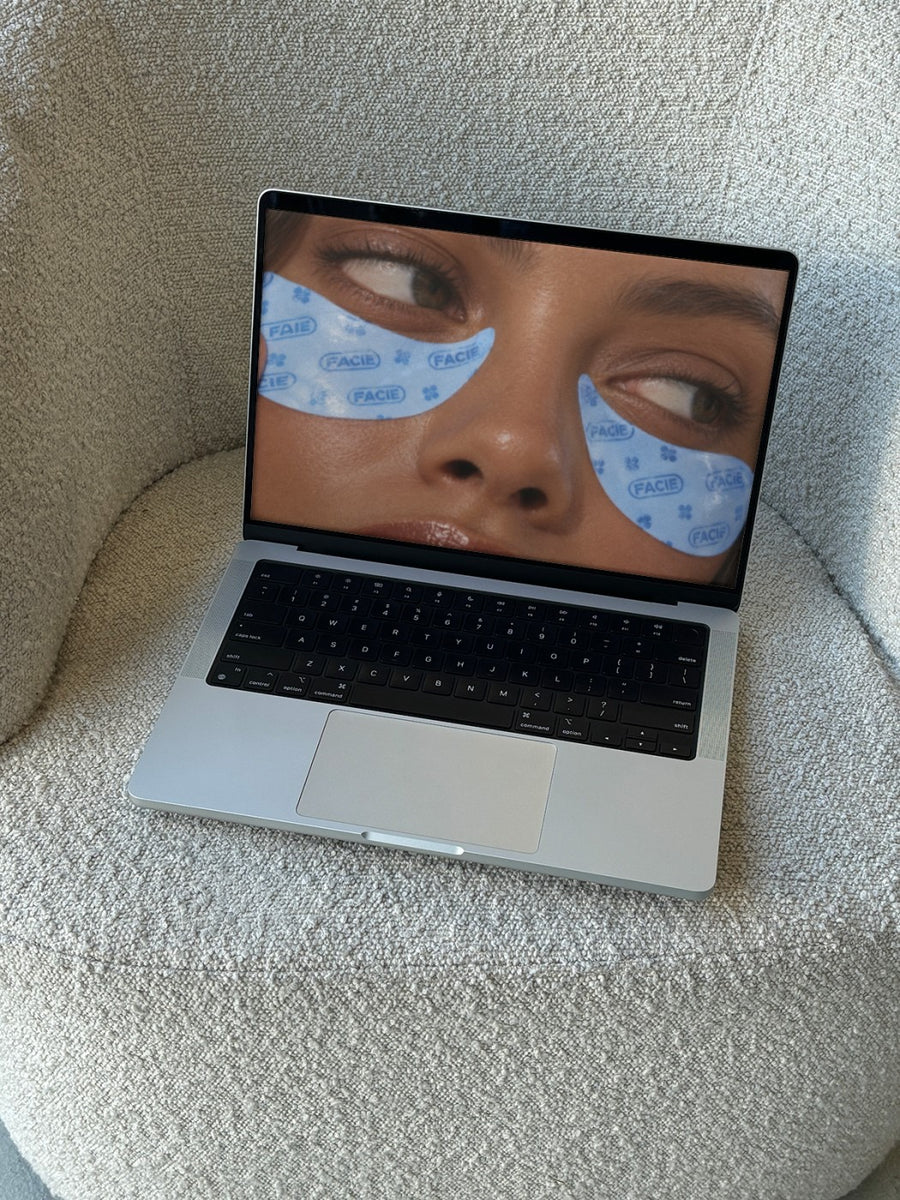
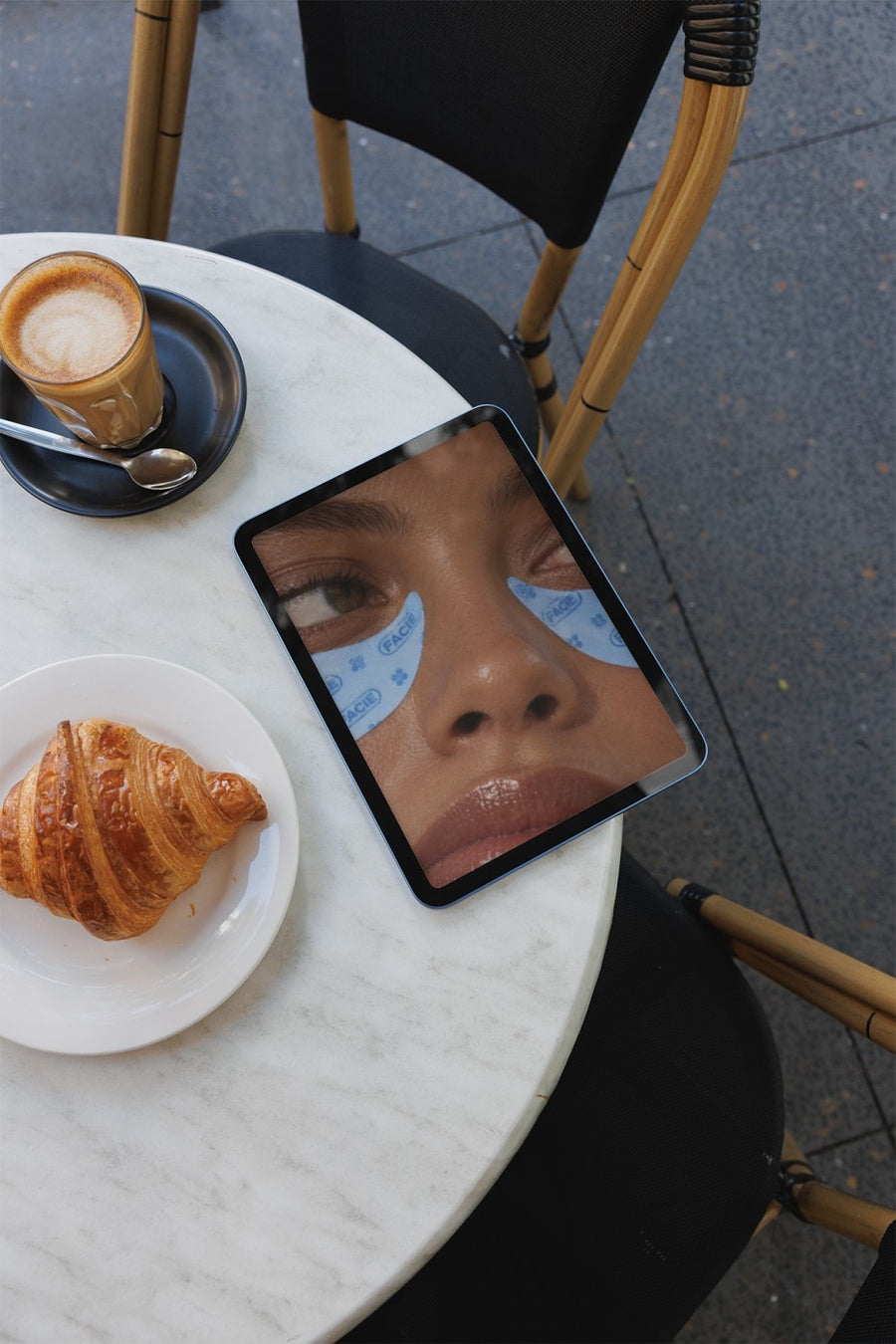
Upload your course logo, workbook cover or a screenshot of your lessons and we put it on real photos of a laptop on a boucle couch, an iPad on a cafe table and an iPhone in a jeans pocket. Launch content that shows people where they'll actually learn.
Make your first one freeOne tap with Google. No card.
People can't touch an online course. Show them where it lives.
A course is invisible until someone buys it. So launch posts end up as text on a coloured square, over and over, from the waitlist to cart close. Buyers want to picture themselves doing it.
Your lessons on a laptop on a boucle couch looks like a Sunday afternoon with a cuppa. Your workbook on an iPad at a cafe looks like study they'll actually enjoy. It's the difference between a sales graphic and a picture of their life with your course in it.
Keep your posts about what's inside and who it's for. Leave the income claims and results promises out of it.
Posts from waitlist to cart close
- Waitlist open: the course logo on a New York billboard
- What's inside: a lesson screenshot on a laptop on a boucle couch
- The workbook or templates on an iPad on a cafe table
- Cart open: the sales page on an iPhone in a jeans pocket, link in bio
- Module by module posts, one photo each, so the week doesn't repeat
- Last day reminder on a street poster, with the close time
Captions to start with
Six modules. Watch them on the couch, at the cafe, wherever.
Doors are open. Everything you need is inside, at your own pace.
Cart closes tonight at nine. Then it's gone until next year.
Photos that suit you
- On a laptop: show your lessons on a real laptop.
- On an iPad: for workbooks, templates and replays.
- On a phone: for cart open and link in bio posts.
- On a billboard: for the waitlist and launch day.
How it works
- Add your image. A logo, poster, product shot or full campaign. PNG or JPG.
- Tap a photo. Your design goes on in seconds.
- Download it. A 2000px image, ready to post.
Real photos. Not AI.
Every photo is a real photograph, shot on a real camera. Your design goes on exactly as it is. Nothing gets redrawn, so it's still your brand.
Questions
Do I need Photoshop?
No. It all happens in your browser.
Is it really free?
Your first one is free when you make an account. After that, top up credits inside the studio. No subscription.
Can I put a screenshot of my course platform on the laptop?
Yes. Take a PNG or JPG screenshot of a lesson, your dashboard or your sales page and it goes on the screen as it is. Tap Adjust to fit it.

