Bookings Open Post Ideas
Bookings open posts, that fill the calendar.
Salons, studios, tradies, photographers and tutors. Upload your logo or booking graphic and we put it on real photos of phones, billboards and laptops. Posts that get people to book now, not later.
Make your first one freeOne tap with Google. No card.
People mean to book. Help them do it.
Most people who follow you mean to book. They just need a nudge at the right moment.
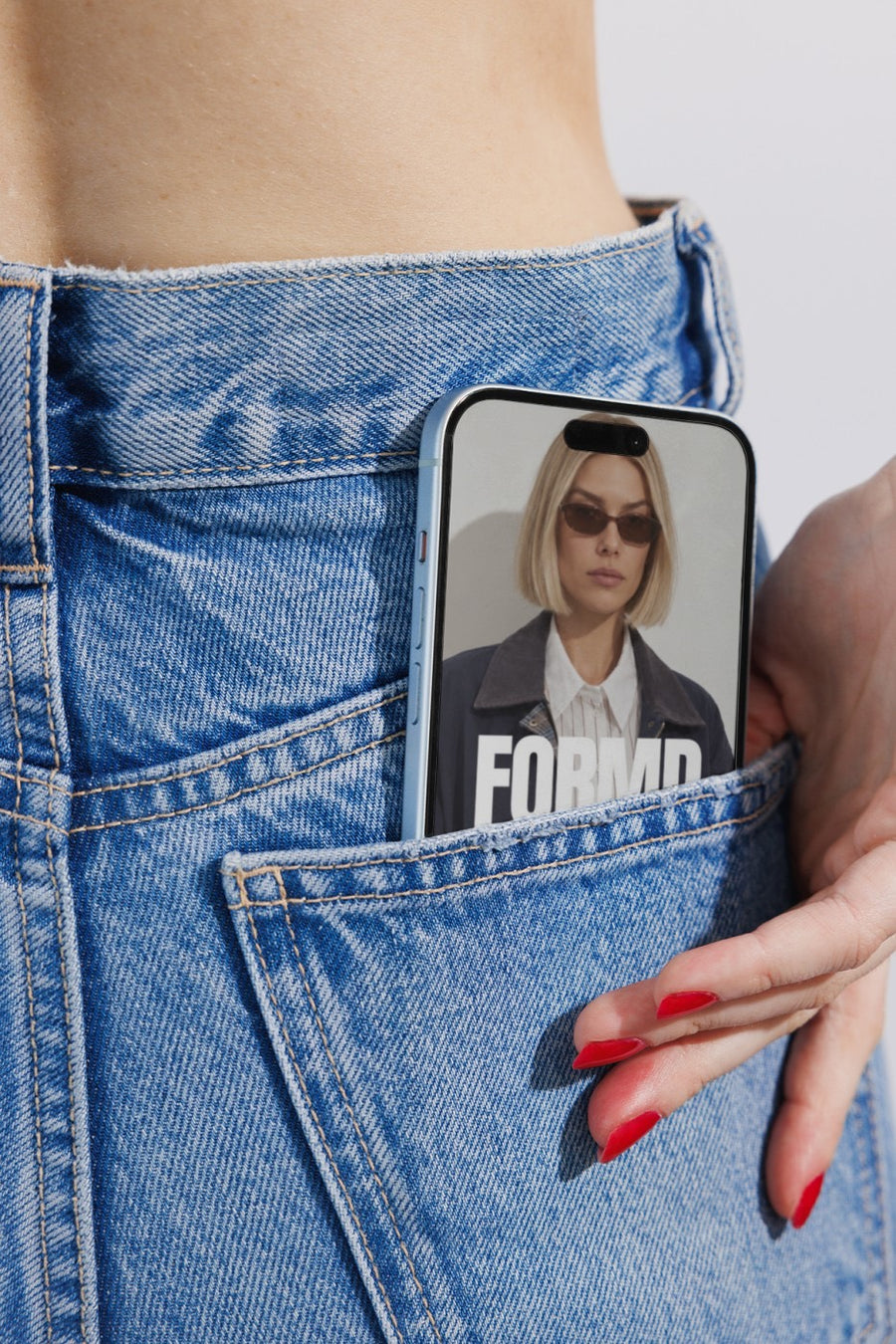
Your booking page on a phone in a jeans pocket shows how easy it is. Your logo on a billboard makes new availability feel like news.
Post when you open a new month, add a new service or have a few gaps to fill.
Ideas for your next few posts
- Next month is open: your logo on a billboard
- Book online, shown on a phone
- A few spots left this week, on a street poster
- A new service added, set on a newspaper
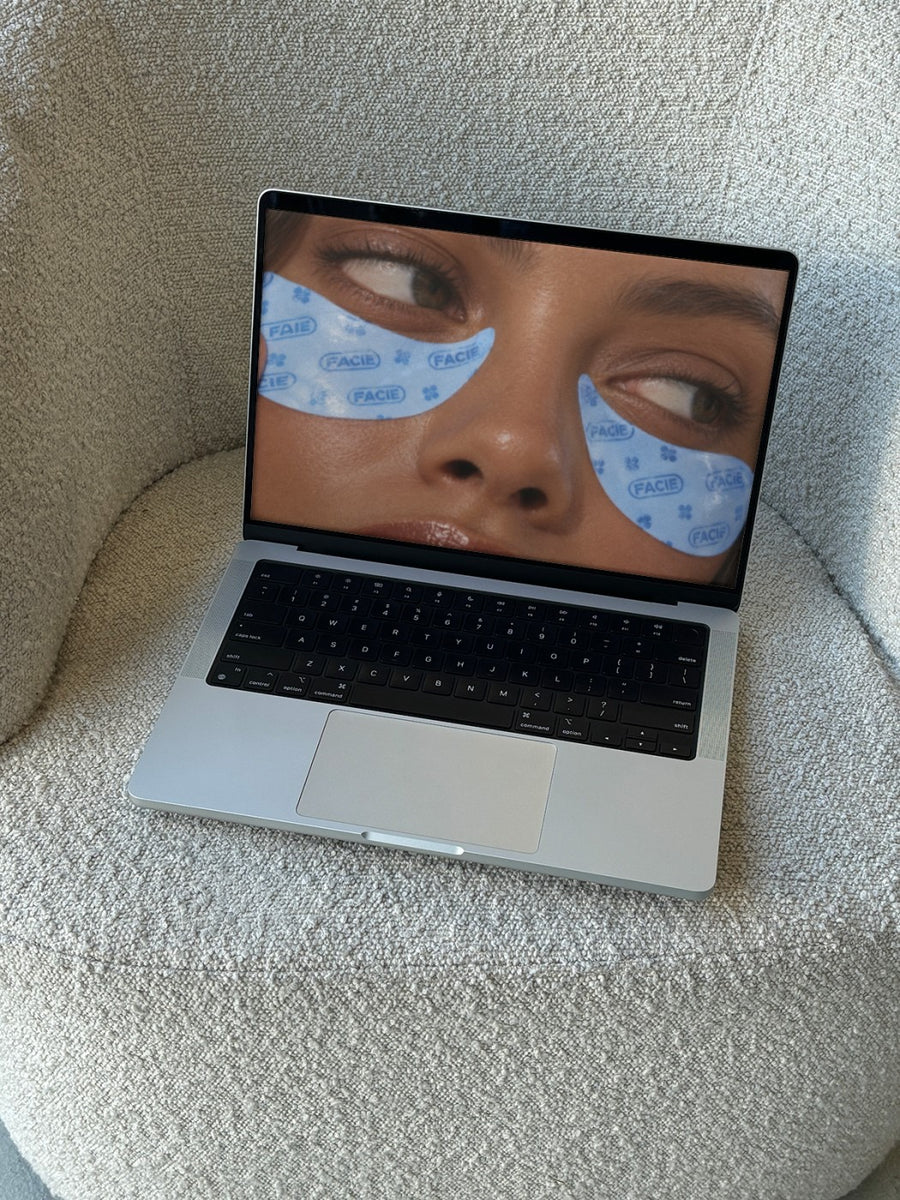
- Your booking page on a laptop
Captions to start with
Next month's books are open. Get in early.
A few spots left this week. Link in bio.
New service, now bookable online.
Photos that suit you
- On a phone: put your booking page on a real phone.
- On a billboard: for new months and big news.
- On a laptop: show your booking page on a real laptop.
- On a street poster: for last minute spots.
How it works
- Add your image. A logo, poster, product shot or full campaign. PNG or JPG.
- Tap a photo. Your design goes on in seconds.
- Download it. A 2000px image, ready to post.
Real photos. Not AI.
Every photo is a real photograph, shot on a real camera. Your design goes on exactly as it is. Nothing gets redrawn, so it's still your brand.
Questions
Do I need Photoshop?
No. It all happens in your browser.
Is it really free?
Your first one is free when you make an account. After that, top up credits inside the studio. No subscription.
Can I use a screenshot of my booking page?
Yes. A screenshot saved as a PNG or JPG goes on the same way as a logo. Tap Adjust to rotate or fit it. Changes are free.

