Brand Photos for Music Teachers
Your music school, on posters all over town.
Upload your logo or a term enrolment flyer and we put it on real photos of street posters, laptops and phones. Posts for enrolments and concerts that look the part.
Make your first one freeOne tap with Google. No card.
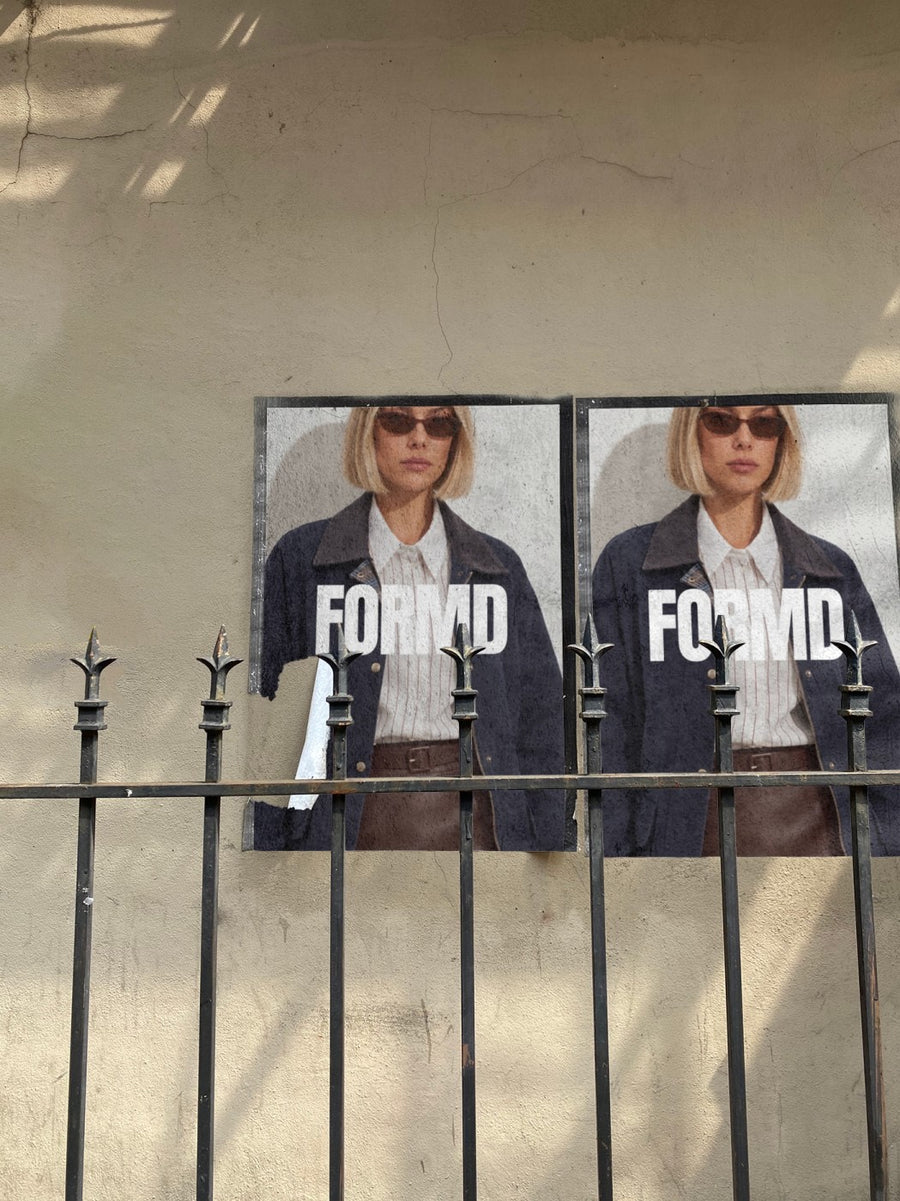
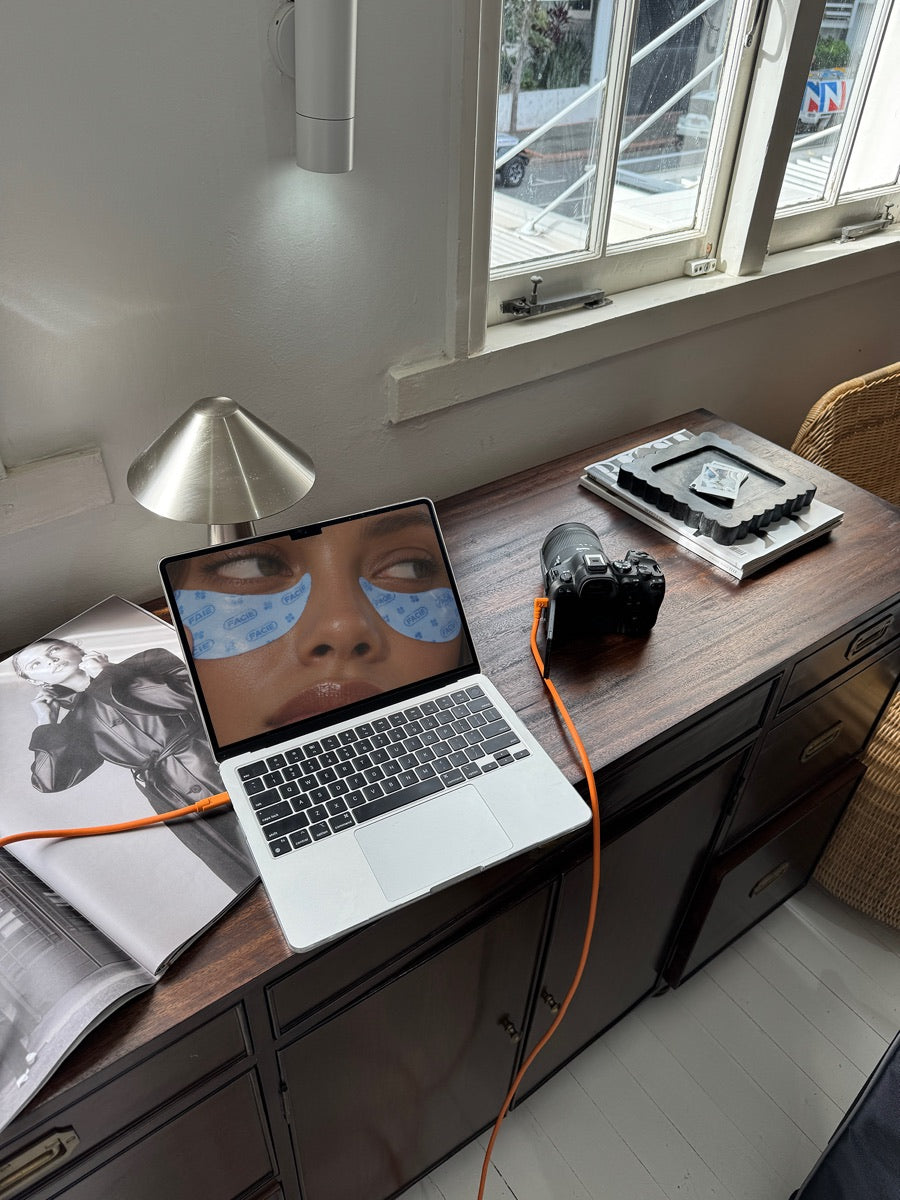
Parents choose with a phone in hand.
Most parents find a music teacher by searching, then checking Instagram. They want to see a real business that looks organised.
Your enrolment flyer on a street poster, or your website on a laptop, shows that. It has the feel of the gig posters people walk past on the way to rehearsal.
Do one between lessons.
Ideas for your next few posts
- Term enrolments are open: your flyer on a city wall
- End of year concert on a street poster
- Online lessons, shown on a laptop
- A new teacher or instrument joining the school
- School holiday workshops on a phone screen
Captions to start with
Enrolments for next term are open. Grab a spot.
Concert night is coming. Bring the grandparents.
Piano, guitar or voice. The first lesson is a chat.
Photos that suit you
- On a street poster: for enrolments and concerts.
- On a laptop: show your website or online lessons.
- On a phone: put your booking page on a real phone.
- On a tote bag: for a music bag your students carry.
How it works
- Add your image. A logo, poster, product shot or full campaign. PNG or JPG.
- Tap a photo. Your design goes on in seconds.
- Download it. A 2000px image, ready to post.
Real photos. Not AI.
Every photo is a real photograph, shot on a real camera. Your design goes on exactly as it is. Nothing gets redrawn, so it's still your brand.
Questions
Do I need Photoshop?
No. It all happens in your browser.
Is it really free?
Your first one is free when you make an account. After that, top up credits inside the studio. No subscription.
Can I use my concert poster?
Yes. Any PNG or JPG works, so a concert poster, an enrolment flyer or your logo all go on the same way. Tap Adjust to rotate or fit it. Changes are free.

