Brand Photos for Tutors
Your tutoring business, looking the part.
Upload your tutoring logo, subject list or booking page and we put it on real photos of laptops, iPads and newspapers. Content that looks as organised as your lesson plans, made in the time it takes to mark one worksheet.
Make your first one freeOne tap with Google. No card.
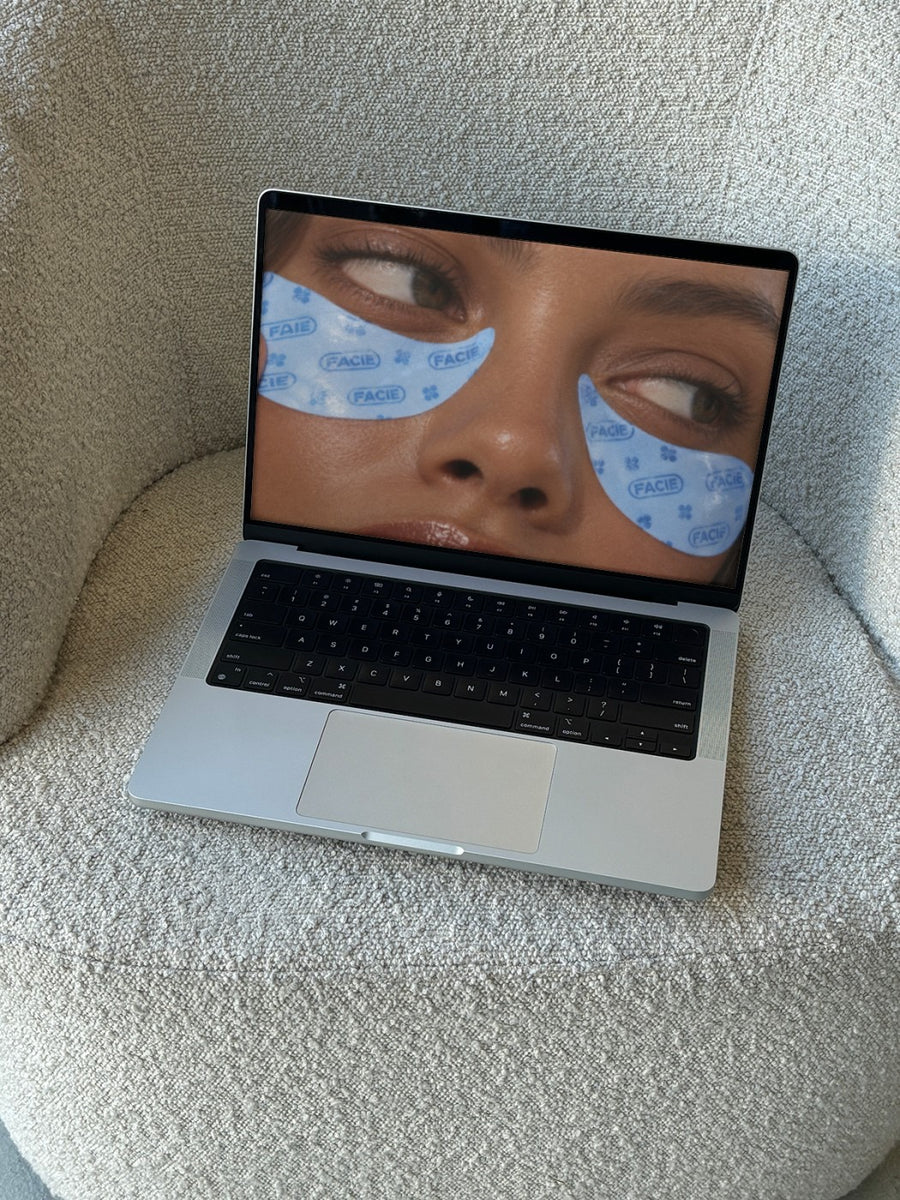
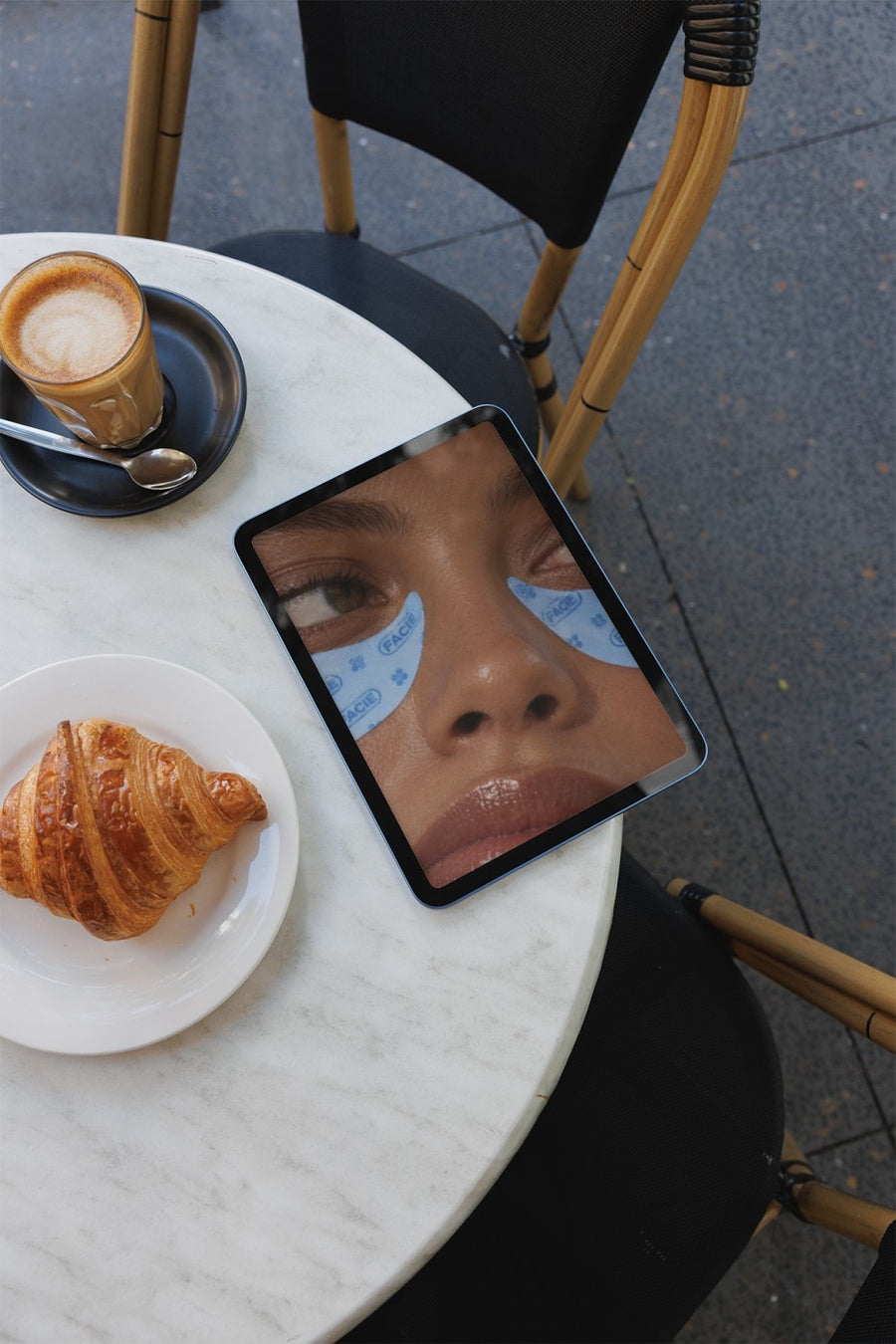
Parents judge a tutor by the page before the lesson.
Parents usually find a tutor through a local Facebook group, a recommendation or a quick search. Then they check your page. If it's three stock photos of pencils and a post from last February, they move on to the next name.
You can't post photos of your students, and a picture of a textbook isn't much to look at. Your booking page on a laptop, your subject list on an iPad at a cafe table or your logo on a newspaper gives your page something clean and current. It shows you're a real business that turns up every term.
Posts to book out your term
- Bookings open for next term, posted in the holidays before parents lock in their week
- Your online sessions on a laptop, so families can see how it works
- Exam season spots, with your subject list on an iPad
- A new subject, year level or suburb you now cover
- End of year thank you to your students and families
Captions to start with
Term 2 spots are open. Maths and English, Years 7 to 12.
Online or in person. Same tutor, same plan, your kitchen table.
Exam block is coming. A few after school spots left.
Photos that suit you
- On a laptop: show your booking page or online classroom on a real laptop.
- On an iPad: your subject list or timetable on a cafe table.
- On a newspaper: the editorial look for term announcements.
- On a phone: show how easy it is to book from a phone.
How it works
- Add your image. A logo, poster, product shot or full campaign. PNG or JPG.
- Tap a photo. Your design goes on in seconds.
- Download it. A 2000px image, ready to post.
Real photos. Not AI.
Every photo is a real photograph, shot on a real camera. Your design goes on exactly as it is. Nothing gets redrawn, so it's still your brand.
Questions
Do I need Photoshop?
No. It all happens in your browser.
Is it really free?
Your first one is free when you make an account. After that, top up credits inside the studio. No subscription.
Can I use a screenshot of my booking page?
Yes. Any PNG or JPG works, so a screenshot of your website, your timetable or a subject list goes on the same way. Keep it about your sessions and let families speak for themselves.

