Brand Photos for Dance Studios
Your dance studio, up on the city wall.
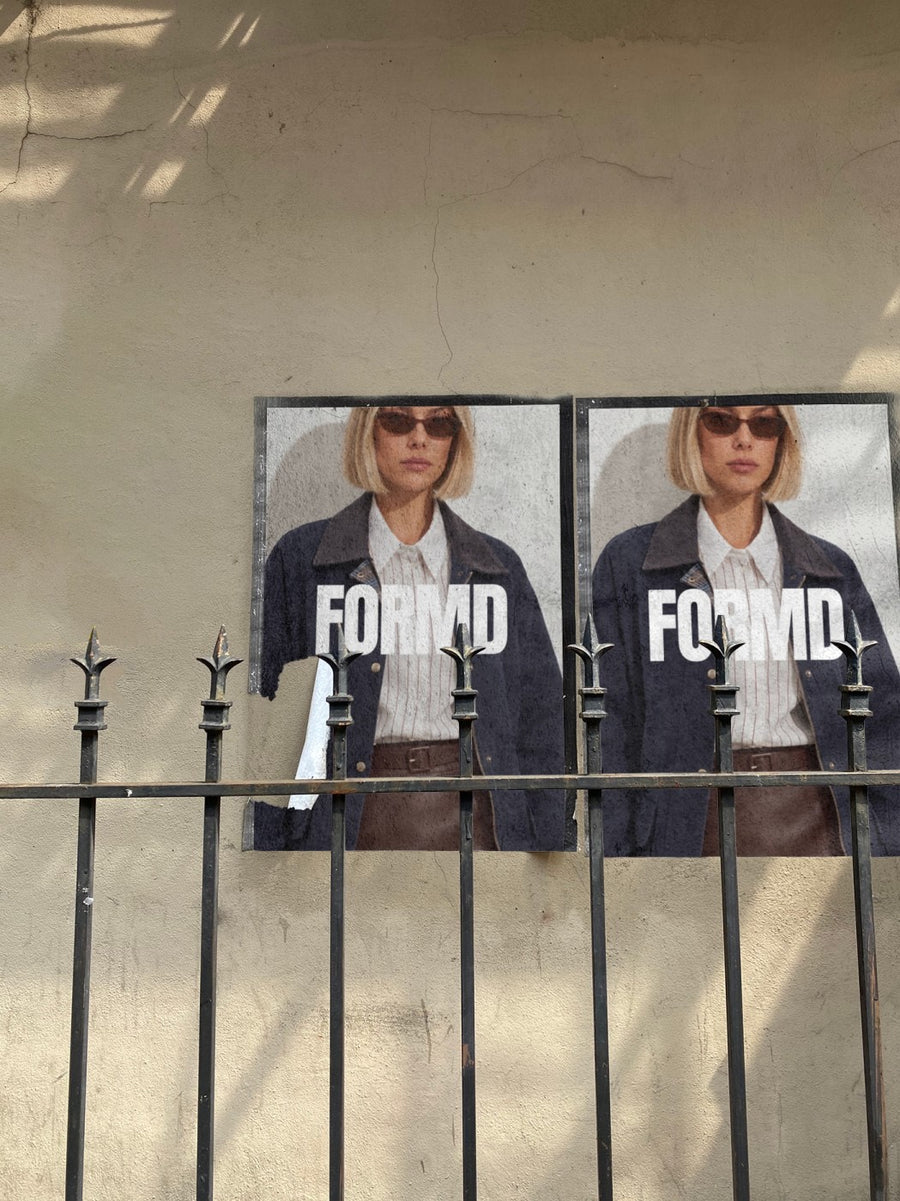
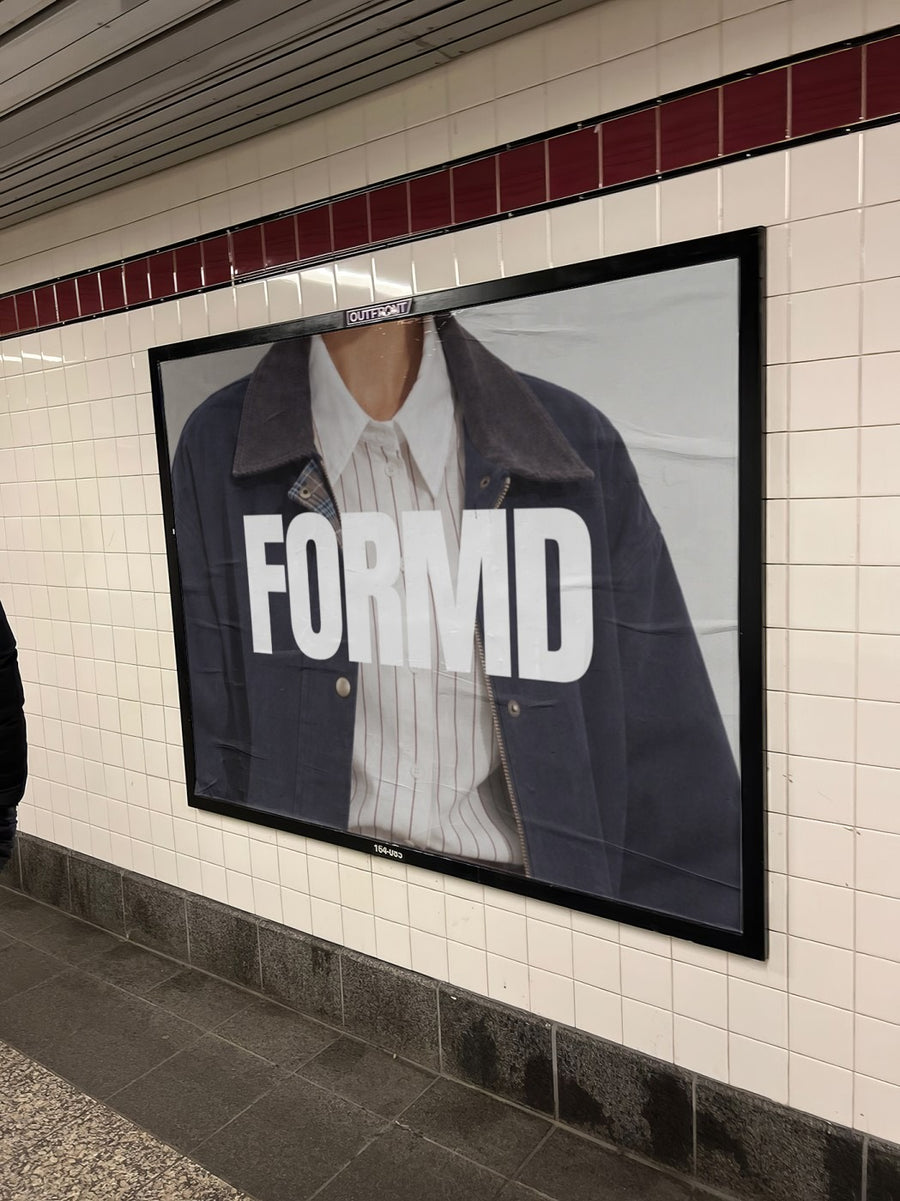
Upload your studio logo, concert poster or new term timetable and we put it on real photos of street posters and subway billboards. Posts that parents stop for, made in the gap between the 4pm and 5pm classes.
Make your first one freeOne tap with Google. No card.
You sell to parents. Parents scroll fast.
Your students' parents follow your page for one reason: to find out what's on. Enrolments, concert dates, costume deadlines, holiday workshops. When every post is a flyer made in Canva on the same pink background, the important ones blend in and you end up answering the same question twenty times.
Your concert poster pasted on a real city wall, or your enrolment dates on a subway billboard, feels like an event. It gets noticed, it gets shared into the class group chat, and it takes about a minute to make. You can't photograph the kids for every post, and with this you don't have to.
Posts for the dance year
- Term enrolments opening: your timetable on a subway billboard
- End of year concert: the poster pasted on a city wall like a real show
- School holiday workshops in January and July
- Eisteddfod and competition season, a good luck post from the studio
- A new studio name, logo or second location
Captions to start with
Term 1 enrolments are open. Classes fill fast, so get in early.
Concert tickets on sale Friday. Costume notes coming home this week.
Holiday workshops are back. Three days, all levels, bring a water bottle.
Photos that suit you
- On a street poster: the concert poster look for your end of year show.
- On a billboard: for enrolments, new locations and big news.
- On a tote bag: see your logo on a dance bag before you order them.
- On a phone: show parents your booking page or parent portal on a real phone.
How it works
- Add your image. A logo, poster, product shot or full campaign. PNG or JPG.
- Tap a photo. Your design goes on in seconds.
- Download it. A 2000px image, ready to post.
Real photos. Not AI.
Every photo is a real photograph, shot on a real camera. Your design goes on exactly as it is. Nothing gets redrawn, so it's still your brand.
Questions
Do I need Photoshop?
No. It all happens in your browser.
Is it really free?
Your first one is free when you make an account. After that, top up credits inside the studio. No subscription.
Can I use our concert poster instead of the logo?
Yes. Any PNG or JPG works, so a concert poster, a term timetable or a workshop flyer goes on the same way. No photos of students needed.

