Launch Promo Photos for Game Developers
Your game, out of the engine.
Upload your game's logo, key art or studio logo and we put it on real photos of billboards, phones and canvas totes. Posts for wishlist pushes and launch day that aren't another gameplay GIF.
Make your first one freeOne tap with Google. No card.
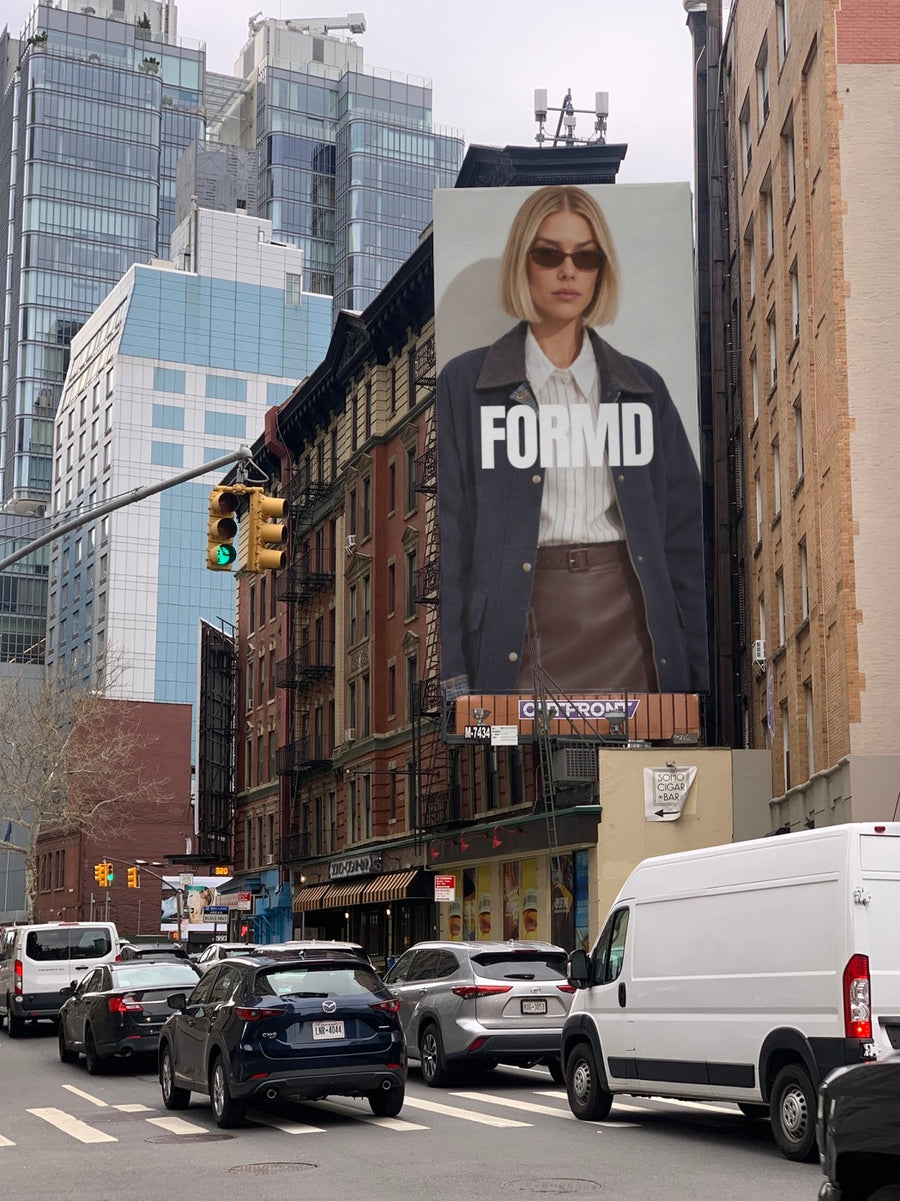
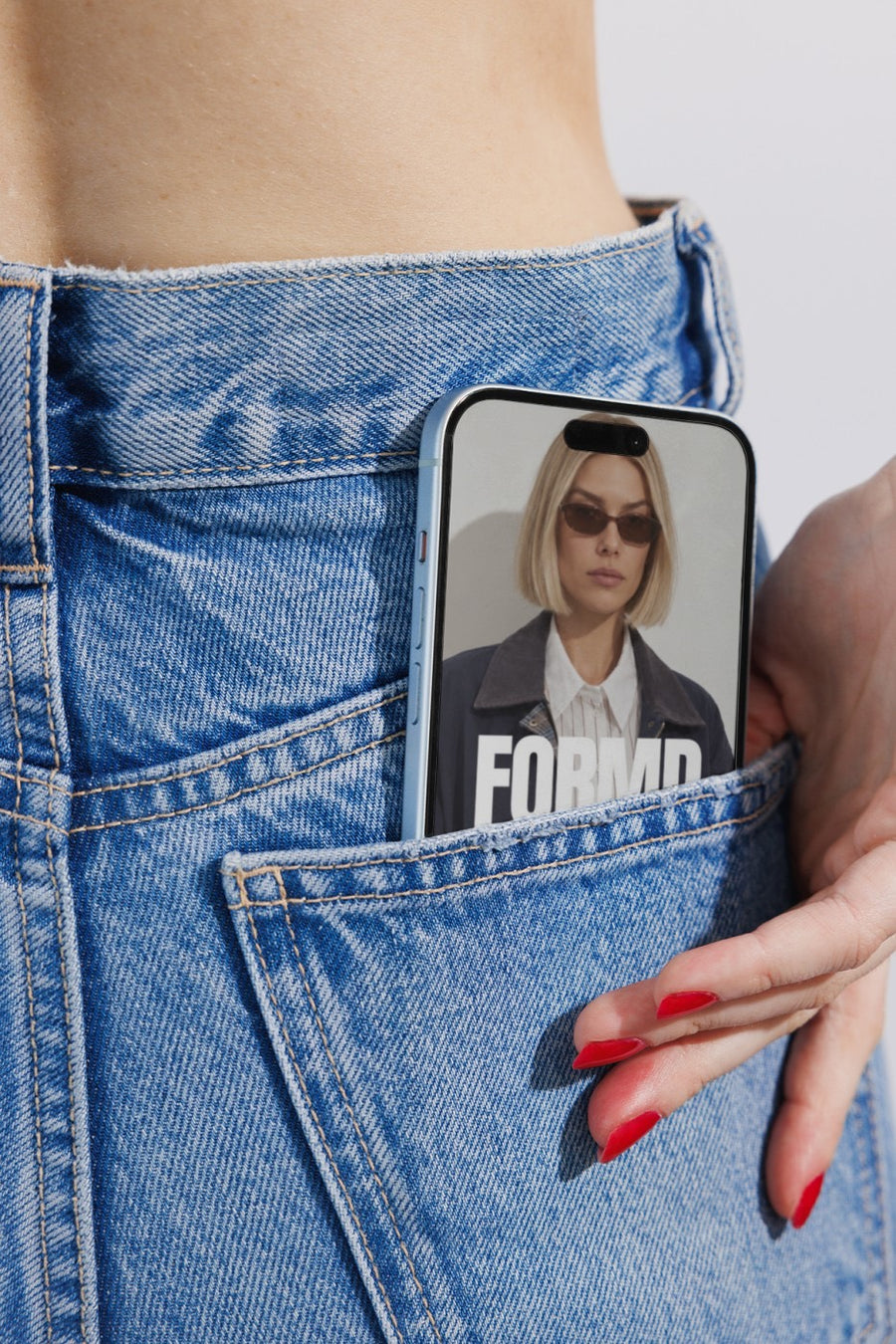
Gameplay clips do the heavy lifting. They can't do everything.
Indie devs are told to post every day, and most of it is clips and screenshots. They're essential, but after a few months your feed is all the same room from a slightly different angle.
Your key art on a New York billboard marks a moment: a release date, a demo going live, a festival spot. A mobile game's icon on an iPhone in a jeans pocket shows it where it will actually be played.
It suits small teams. Nobody has to stop working on the build to design a promo image. Upload the key art you already have and download in about a minute.
Posts for the road to launch
- Release date announcement: the key art on a New York billboard
- Wishlist push: your game's logo on a poster pasted on a city wall
- Mobile launch: the app icon or title screen on an iPhone in a jeans pocket
- Demo live or playtest sign-ups: the game on a laptop on a couch
- Merch or Kickstarter rewards: your logo on a canvas tote
Captions to start with
It has a release date. We can finally say it.
Demo is out. Play it, break it, tell us.
Five years of weekends. Wishlist it, please.
Photos that suit you
- On a billboard: release dates and trailer drops.
- On a phone: mobile games and app launches.
- On a laptop: demos, playtests and store pages.
- On a tote bag: merch and crowdfunding rewards.
How it works
- Add your image. A logo, poster, product shot or full campaign. PNG or JPG.
- Tap a photo. Your design goes on in seconds.
- Download it. A 2000px image, ready to post.
Real photos. Not AI.
Every photo is a real photograph, shot on a real camera. Your design goes on exactly as it is. Nothing gets redrawn, so it's still your brand.
Questions
Do I need Photoshop?
No. It all happens in your browser.
Is it really free?
Your first one is free when you make an account. After that, top up credits inside the studio. No subscription.
Can I use pixel art without it getting blurry?
Upload it at a larger size first so it has enough pixels for the photo. Your image goes on exactly as it is, nothing gets redrawn, and you download a 2000px image. Tap Adjust to fit or rotate it, changes are free.

