Issue Launch Photos for Magazines and Zines
The new issue, out in the world.
Upload your cover, masthead or issue artwork and we put it on real photos of iPads on cafe tables, canvas totes and posters on a city wall. Launch content for every issue, even the ones you made at the kitchen table.
Make your first one freeOne tap with Google. No card.
Print is beautiful. Photographing it is a whole job.
You finish an issue at two in the morning and the files go to the printer. Then you need launch content before the boxes even arrive, and a flat cover on a white background doesn't show anyone what holding it feels like.
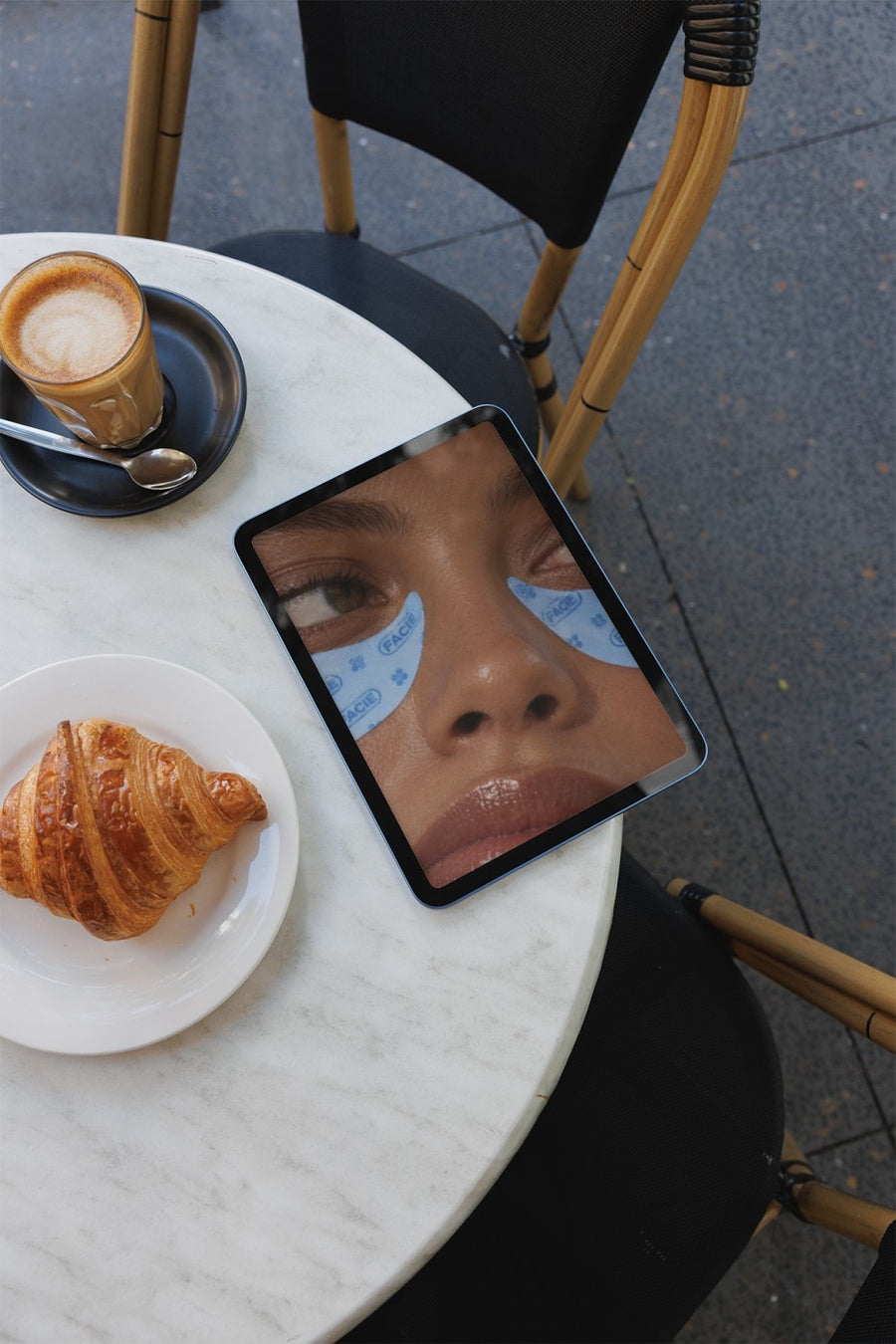
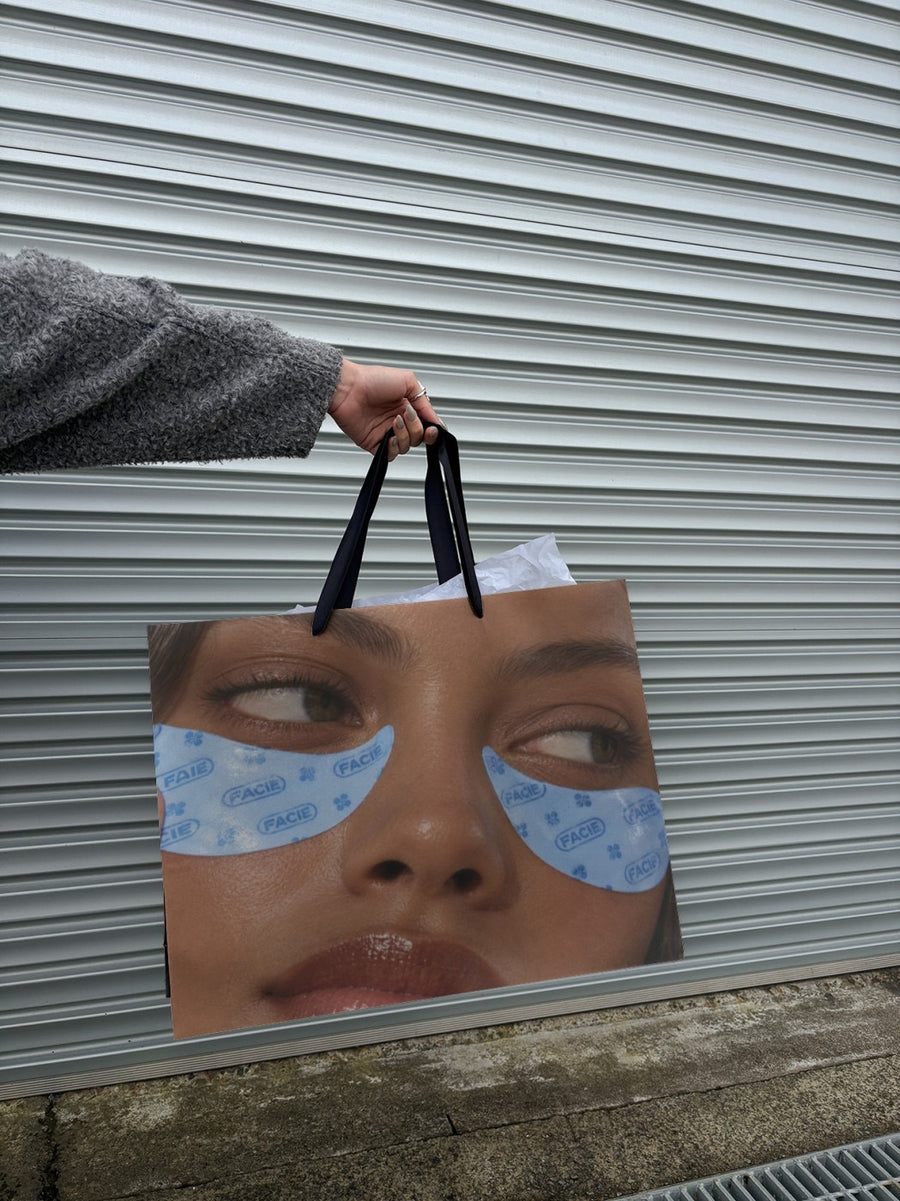
Your cover on an iPad on a cafe table looks like someone mid-read. Your masthead on a tote says this is a thing with a community around it. A poster on a city wall suits a launch party or a stockist announcement.
It works for digital editions too. If you publish online, the iPad and laptop photos show the issue the way readers will actually see it.
Posts for issue launch
- Cover reveal: the new cover on an iPad on a cafe table
- Launch party or zine fair table, on a poster pasted on a city wall
- Subscriber drive: your masthead on a canvas tote
- Call for contributors, on a subway billboard
- Digital edition live: the issue on a laptop on a couch
Captions to start with
Issue four. Forty pages. Stapled by hand.
Submissions are open for the next one. Send us your weird stuff.
Launch party Friday. Bring cash for the zine table.
Photos that suit you
- On an iPad: cover reveals and digital editions.
- On a tote bag: your masthead as merch.
- On a street poster: launch parties and zine fairs.
- On a laptop: your site or online issue on a real screen.
How it works
- Add your image. A logo, poster, product shot or full campaign. PNG or JPG.
- Tap a photo. Your design goes on in seconds.
- Download it. A 2000px image, ready to post.
Real photos. Not AI.
Every photo is a real photograph, shot on a real camera. Your design goes on exactly as it is. Nothing gets redrawn, so it's still your brand.
Questions
Do I need Photoshop?
No. It all happens in your browser.
Is it really free?
Your first one is free when you make an account. After that, top up credits inside the studio. No subscription.
Can I put a spread on instead of the cover?
Yes. Any PNG or JPG works, so a cover, a spread, an illustration from inside or your masthead on its own all go on the same way. It goes on exactly as you made it, so your type and layout stay intact.

