Brand Photos for Startups
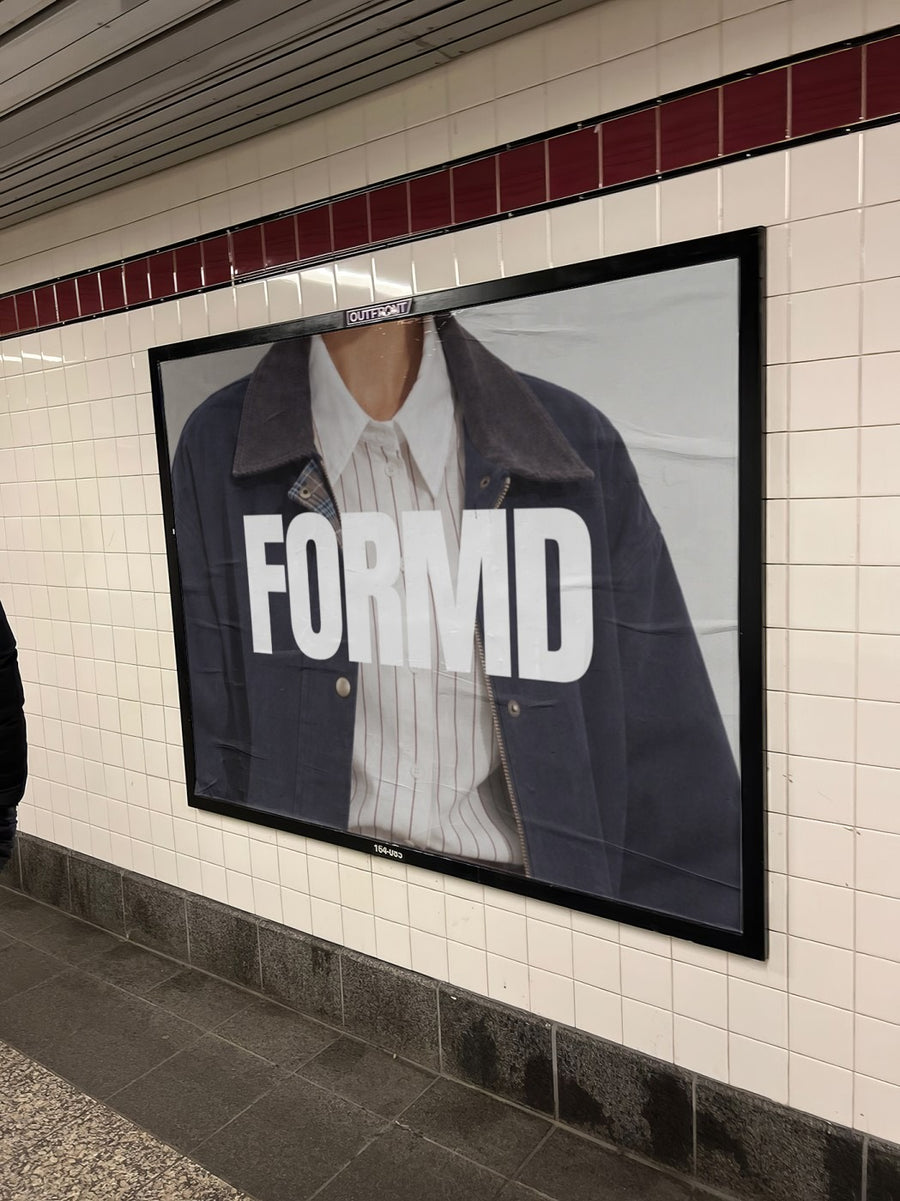
Your startup's name, on a subway billboard.
Upload your logo or a product screenshot and we put it on real photos of billboards, laptops, phones and street posters. Launch posts and deck slides that look like a company, not a Figma file.
Make your first one freeOne tap with Google. No card.
You've got a product. You don't have a brand photographer.
Early on, every visual is a screenshot or a logo on a white slide. That's fine inside the team. It's harder when you're announcing a launch, a raise or your first hire and you need people outside the building to care.
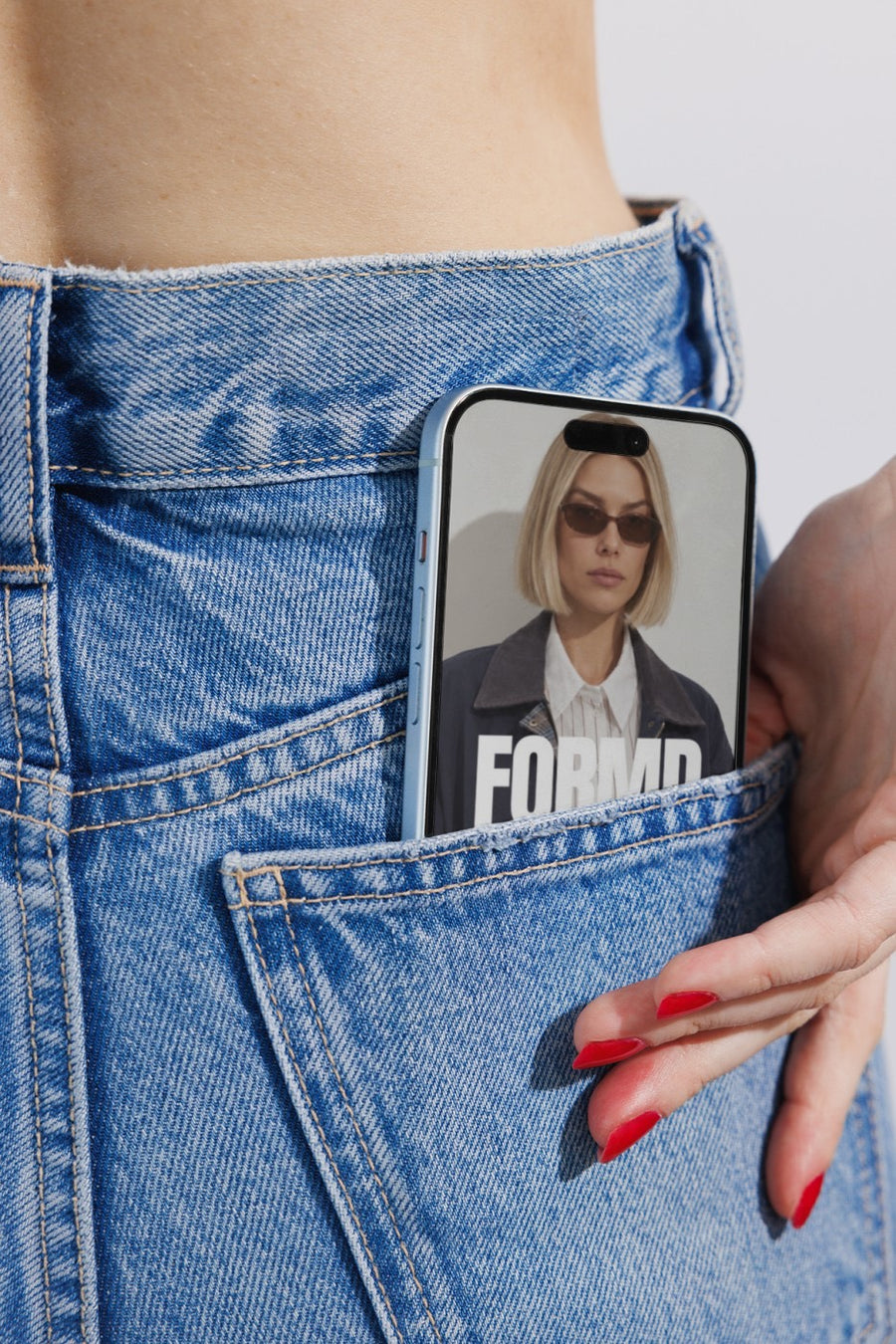
Your logo on a subway billboard, or your app on an iPhone in someone's jeans pocket, shows what the company looks like once it's out in the world. It works as the closing slide in a fundraising deck, the image on a launch post, or the top of a LinkedIn announcement.
It's also a fast way to test a rebrand. Put the old and new logo on the same photo and drop both in the team chat before anyone signs off.
Where it earns its place
- Launch day: your logo on a subway billboard for LinkedIn and X
- Your app on an iPhone in a jeans pocket, for the 'now live' post
- A vision slide for your fundraising deck, with the brand out on a real street
- Hiring posts that look like a company people want to join
- Two logo options on the same photo before the rebrand is locked in
- Team swag on a tote before you order a box of them
Captions to start with
We're live. Took two years and a lot of whiteboard markers.
Hiring our first designer. Come help us look less like a spreadsheet.
New name, same team. Here's why we changed it.
Photos that suit you
- On a billboard: the launch day announcement.
- On a laptop: your product on a real screen, for the site and the deck.
- On a phone: for app launches and 'now live' posts.
- On a tote bag: see the swag before you order it.
How it works
- Add your image. A logo, poster, product shot or full campaign. PNG or JPG.
- Tap a photo. Your design goes on in seconds.
- Download it. A 2000px image, ready to post.
Real photos. Not AI.
Every photo is a real photograph, shot on a real camera. Your design goes on exactly as it is. Nothing gets redrawn, so it's still your brand.
Questions
Do I need Photoshop?
No. It all happens in your browser.
Is it really free?
Your first one is free when you make an account. After that, top up credits inside the studio. No subscription.
Can I use it in a pitch deck?
Yes. You download a 2000px JPG, so it drops straight into Keynote, Google Slides or PowerPoint. Use your logo, a product screenshot or your landing page. Tap Adjust to fit it to the frame.

