Save the Date Post Ideas
Save the date. Make it hard to miss.
A save the date has one job. Get the date into people's calendars before they fill up. Upload your event poster or logo and we put it on real photos of billboards, street posters and newspapers, so your date looks like something happening in the real world.
Make your first one freeOne tap with Google. No card.
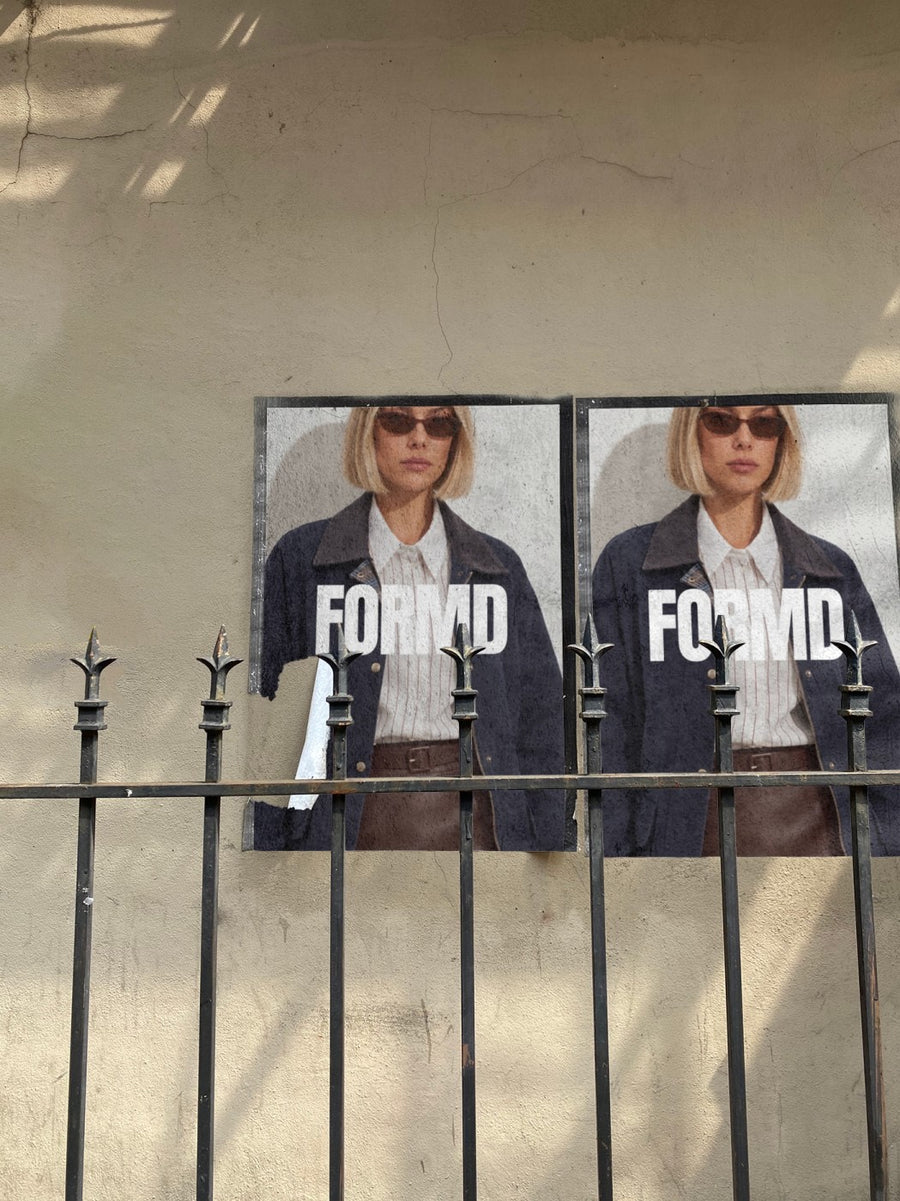
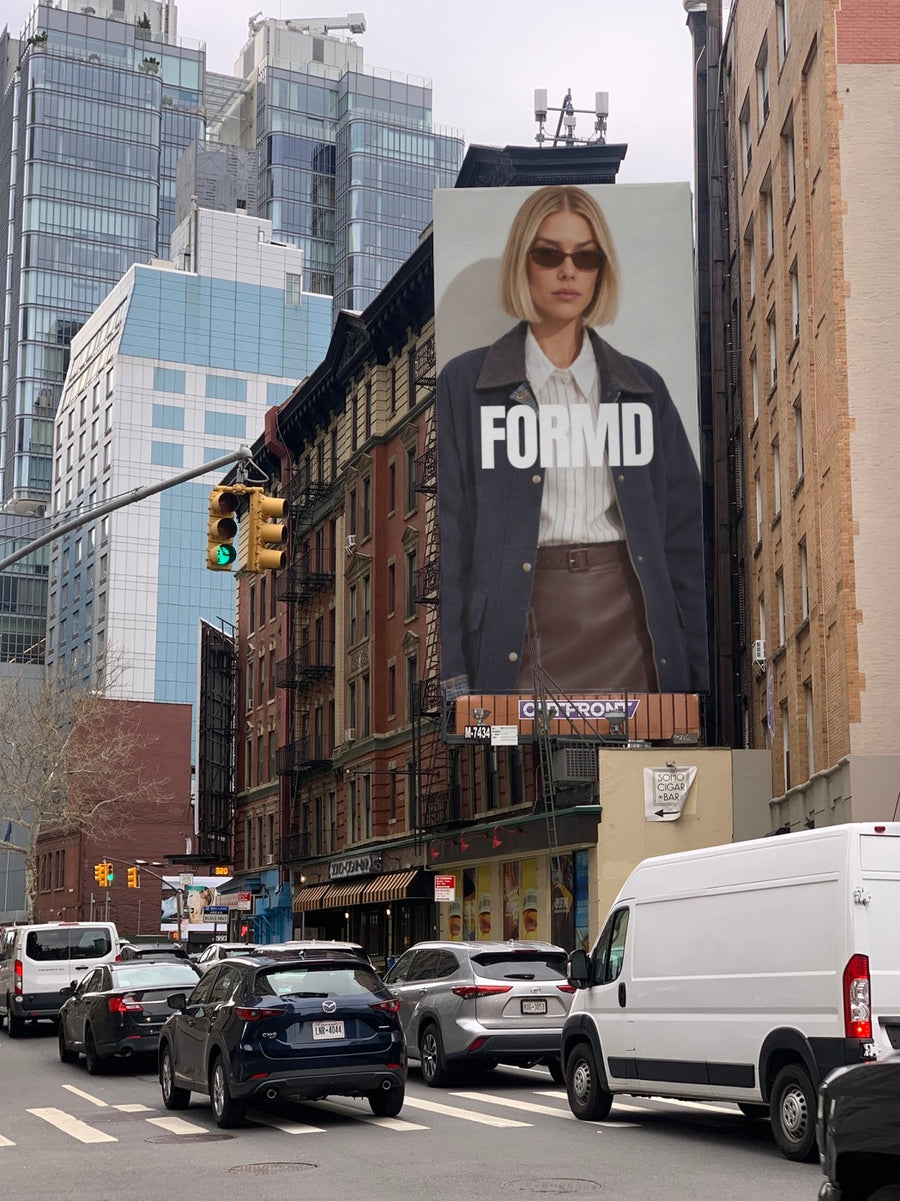
The first post sets the tone for the whole event.
People decide early whether an event feels worth keeping free. A flat graphic with a date on it gets a scroll past. The same date pasted on a city wall, or up on a billboard above a busy street, reads like the event already has momentum.
Save the dates also get posted more than once. You need a first announcement, a reminder a few weeks out and a last call. Putting the same poster on a few different real photos gives you a set of posts that look related but don't repeat.
It takes about a minute. You don't need the final poster yet either. A logo and a date is enough for the first one.
Save the date ideas that get remembered
- The first announcement: just the date and your logo on a New York billboard, no other details yet
- Two posters pasted side by side on a street wall, one with the date and one with the city
- A reminder post a month out, set on a newspaper like the date made the news
- The date on an iPhone lock screen, for a phone in a jeans pocket shot that says put it in your calendar
- A last call post the week before, using the same poster on a subway billboard
Captions to start with
Clear your calendar. You'll want to be there.
Save the date. Details soon.
One night only. Put it in your phone now.
Photos that suit you
- On a street poster: two posters on a city wall, for the date and the place.
- On a billboard: the big reveal when you first announce the date.
- On a newspaper: a reminder post that feels like news.
- On a phone: a nudge to put the date in your phone.
How it works
- Add your image. A logo, poster, product shot or full campaign. PNG or JPG.
- Tap a photo. Your design goes on in seconds.
- Download it. A 2000px image, ready to post.
Real photos. Not AI.
Every photo is a real photograph, shot on a real camera. Your design goes on exactly as it is. Nothing gets redrawn, so it's still your brand.
Questions
Do I need Photoshop?
No. It all happens in your browser.
Is it really free?
Your first one is free when you make an account. After that, top up credits inside the studio. No subscription.
Can I use a save the date I made in Canva?
Yes. Export it as a PNG or JPG and upload it. It goes onto the photo exactly as you made it. Tap Adjust to rotate it or make it fit, and changes are free.

