Workshop Announcement Ideas
Your workshop, fully booked.
Workshops sell on trust. People want to know it's organised, worth the time and run by someone who knows what they're doing. Upload your logo or workshop poster and we put it on real photos of laptops, iPads and newspapers, so your announcement looks as considered as the session itself.
Make your first one freeOne tap with Google. No card.
People book workshops they can picture themselves at.
A workshop post has to answer three questions fast. What will I learn, when is it and is it worth my Saturday. The image does half that work before anyone reads the caption.
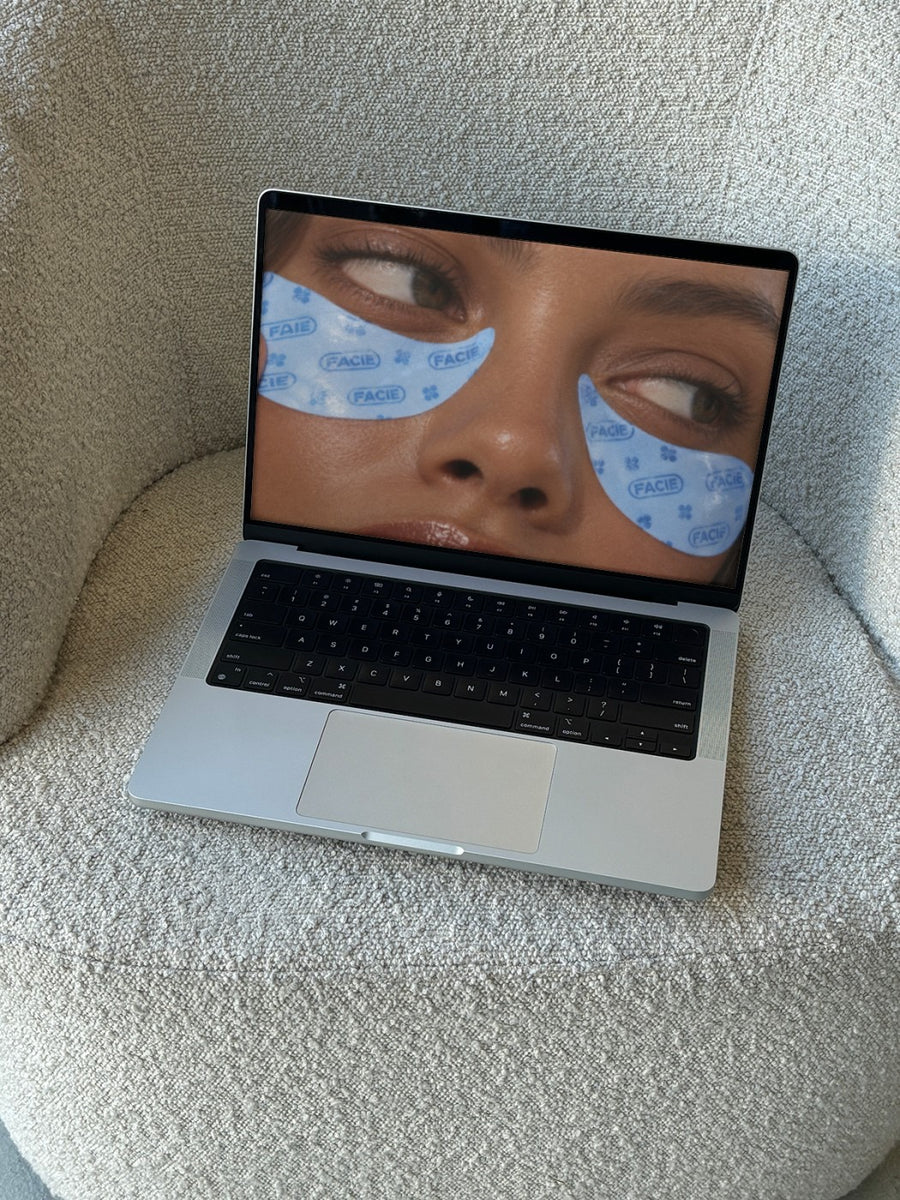
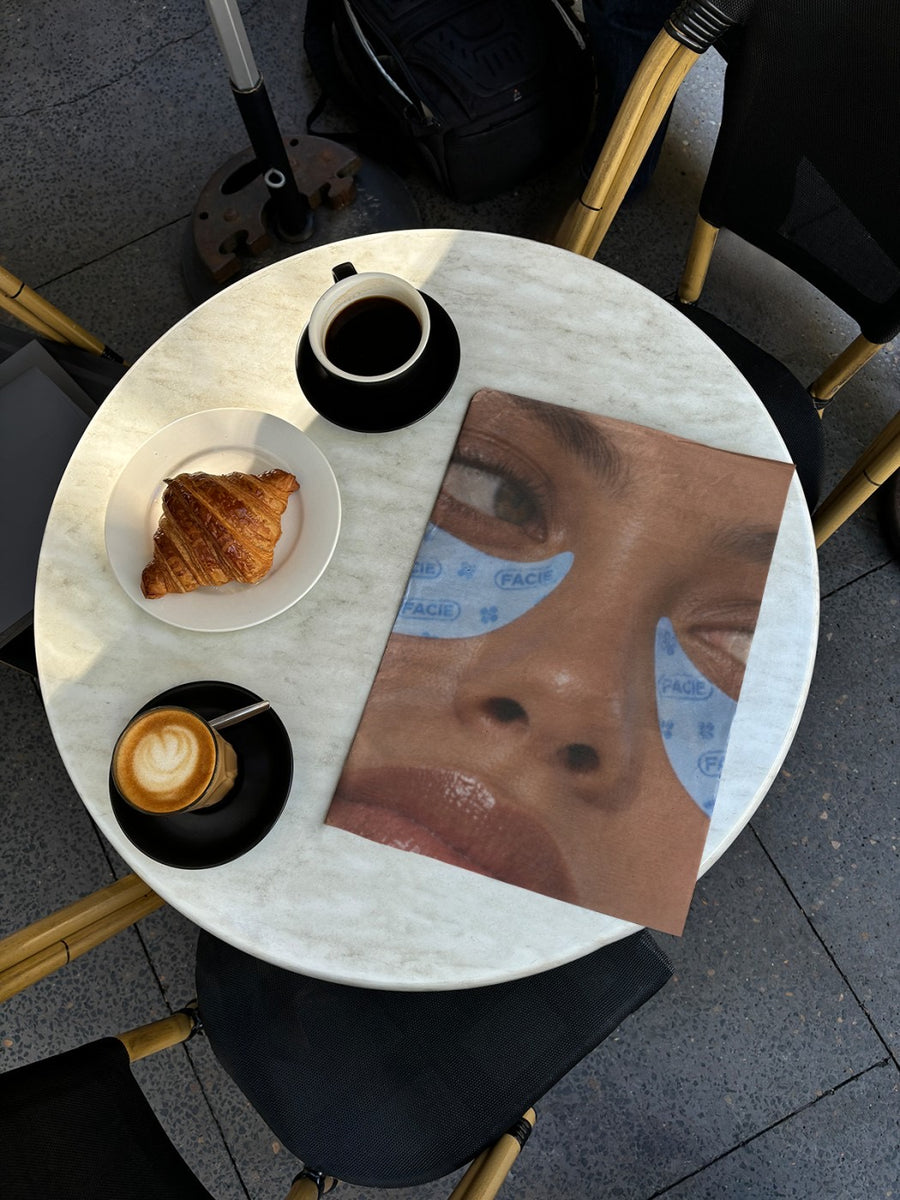
Your booking page on a laptop on a couch shows how easy it is to sign up. Your workshop poster on a newspaper at a cafe table looks like something people are talking about. Both feel more real than a flat graphic.
Workshops also need a few posts to fill. An announcement, a what you'll learn post and a few spots left post. Each can sit on a different photo.
Posts that fill the room
- The announcement: your workshop poster on a newspaper, like it made the weekend lift-out
- Your booking page on a laptop, with the link in your bio
- A what you'll learn post, with your slides or workbook cover on an iPad on a cafe table
- A few spots left post, with your poster on a street wall
- A post after the workshop, thanking everyone and announcing the next date
Captions to start with
One afternoon. Everything you need to get started.
Small group. Real skills. Link in bio.
Six spots left for Saturday.
Photos that suit you
- On a laptop: show your booking page on a real screen.
- On a newspaper: the editorial look for your announcement.
- On an iPad: for your slides, workbook or schedule.
- On a street poster: a last call that feels local.
How it works
- Add your image. A logo, poster, product shot or full campaign. PNG or JPG.
- Tap a photo. Your design goes on in seconds.
- Download it. A 2000px image, ready to post.
Real photos. Not AI.
Every photo is a real photograph, shot on a real camera. Your design goes on exactly as it is. Nothing gets redrawn, so it's still your brand.
Questions
Do I need Photoshop?
No. It all happens in your browser.
Is it really free?
Your first one is free when you make an account. After that, top up credits inside the studio. No subscription.
Can I put a screenshot of my booking page on the laptop?
Yes. Take a screenshot, save it as a PNG or JPG and upload it. It goes onto the laptop screen exactly as it is. Tap Adjust if you need it to fit.

