Album Release Post Ideas
Your album art, on the city walls.
Rollout ideas and captions for an album, EP or single. Upload your artwork and we put it on real photos of subway billboards, street posters and phones, so your release looks like it's everywhere.
Make your first one freeOne tap with Google. No card.
Music rollouts run for weeks. Your artwork has to carry all of it.
Announce, first single, second single, tracklist, release day, tour dates. That's a lot of posts built around one square image. Bands with a label get the wall posters and subway ads. Independent artists usually get a JPG and a link in bio.
Street posters and subway billboards have always been part of how music gets around. Putting your cover art on a real photo of a city wall gives your release that same feel. Present it as a look for the rollout, not as a real campaign, and it lands as part of the art.
A rollout in six posts
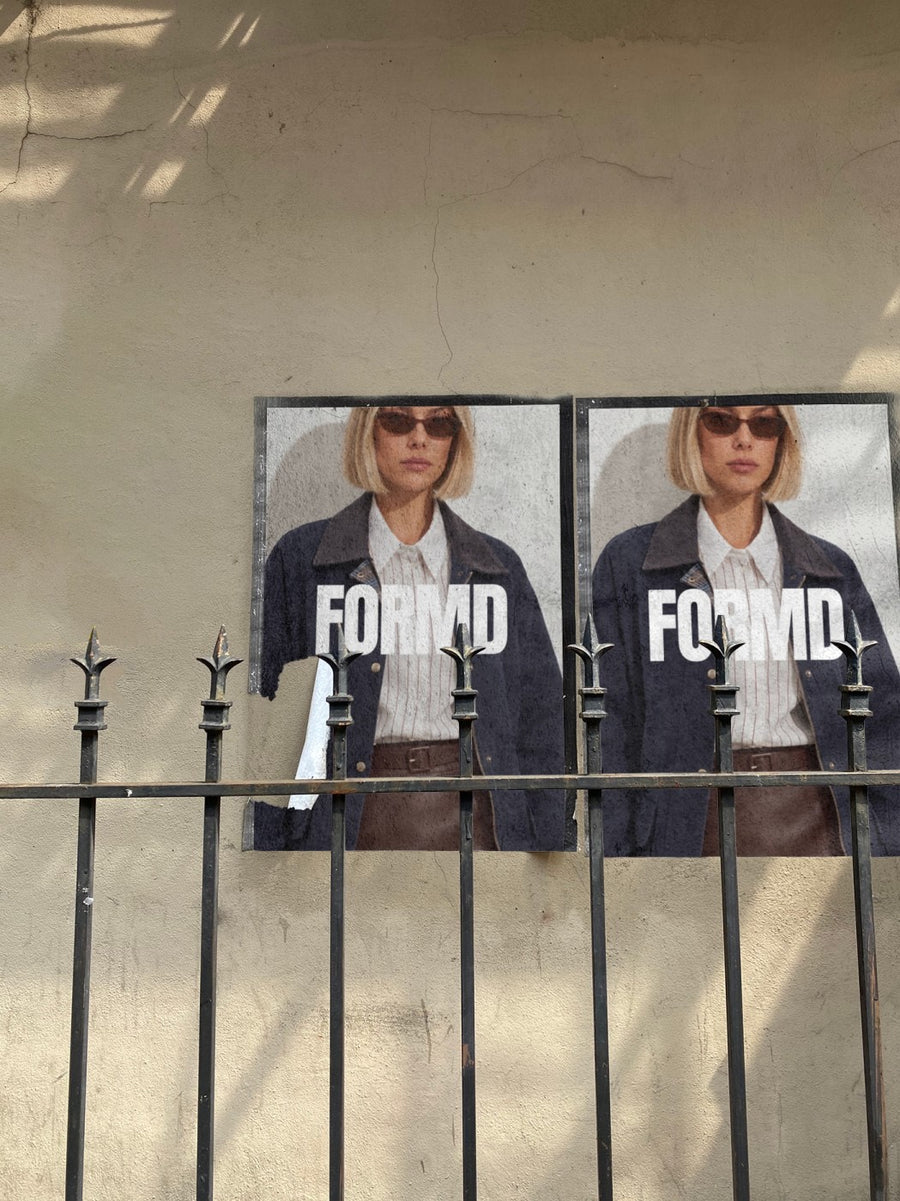
- Announcement: your cover art on two posters pasted on a city wall, with the release date and nothing else
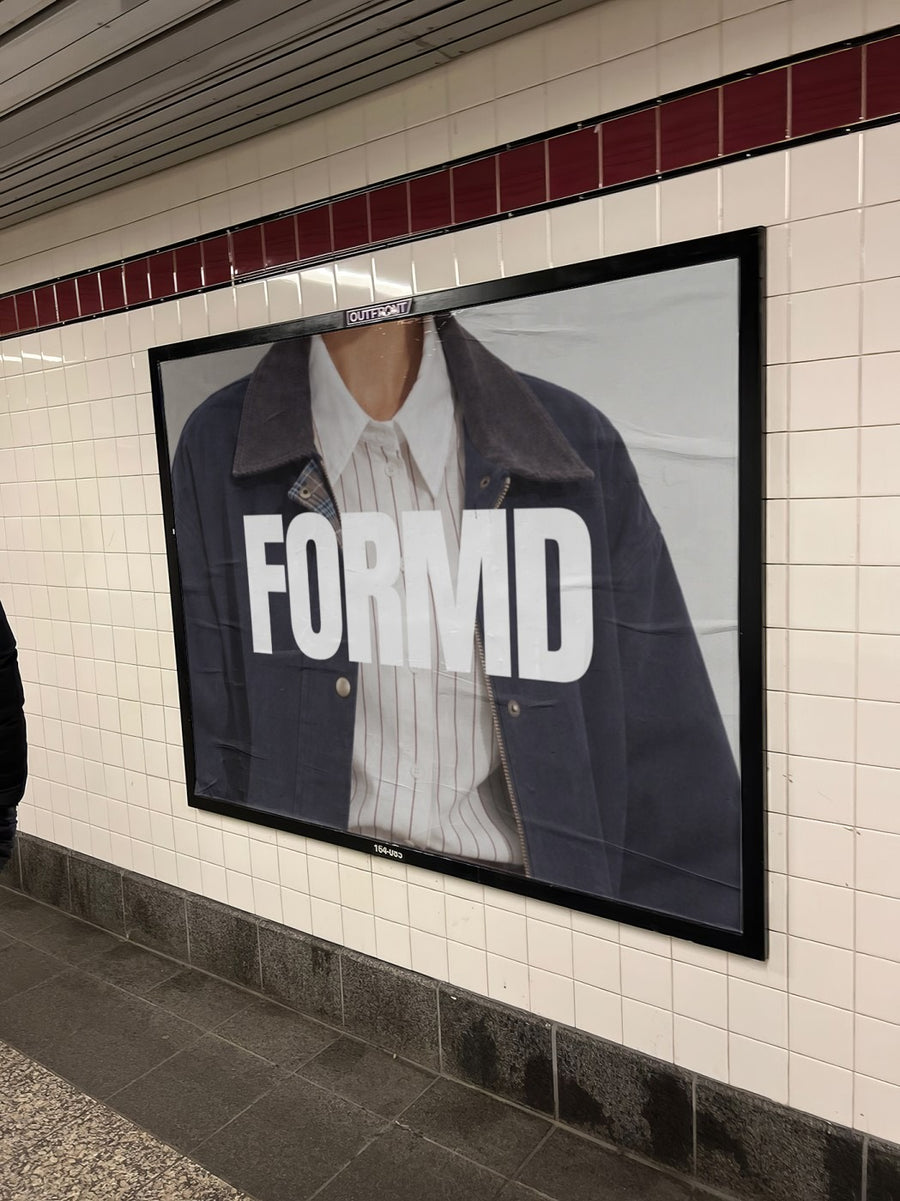
- Tracklist drop: the back cover or tracklist on a subway billboard next to the trains
- Single out now: the single art on an iPhone in a jeans pocket, like someone just pressed play
- Release day: the album art on a billboard above a New York street
- Tour or launch show: the gig poster on a street poster, with ticket details in the caption
- Merch: your art on a canvas tote before you get any printed
Captions to start with
New record. Out Friday. Turn it up.
We couldn't afford the posters, so here's how they'd look.
Track one is the one. Trust us.
Photos that suit you
- On a street poster: the classic gig poster look for announcements and show dates.
- On a billboard: for release day.
- On a phone: your art on a real iPhone, for single drops and streaming links.
- On a tote bag: check your merch design on a real bag first.
How it works
- Add your image. A logo, poster, product shot or full campaign. PNG or JPG.
- Tap a photo. Your design goes on in seconds.
- Download it. A 2000px image, ready to post.
Real photos. Not AI.
Every photo is a real photograph, shot on a real camera. Your design goes on exactly as it is. Nothing gets redrawn, so it's still your brand.
Questions
Do I need Photoshop?
No. It all happens in your browser.
Is it really free?
Your first one is free when you make an account. After that, top up credits inside the studio. No subscription.
Does it work with square album art?
Yes. Any PNG or JPG works. Tap Adjust to rotate or fit your art to the photo, and changes are free. Nothing gets redrawn, so your artwork stays exactly as you made it.

