Podcast Launch Post Ideas
Your podcast, in people's pockets.
Ideas and captions for launching a podcast and keeping it going past episode three. Upload your cover art and we put it on real photos of phones, laptops, billboards and newspapers.
Make your first one freeOne tap with Google. No card.
A podcast is audio. Your feed still needs something to look at.
The hard part of promoting a podcast is there's nothing to see. You've got a square of cover art and maybe a waveform clip. Launch week is fine. By episode eight you're out of ways to say a new one is up.
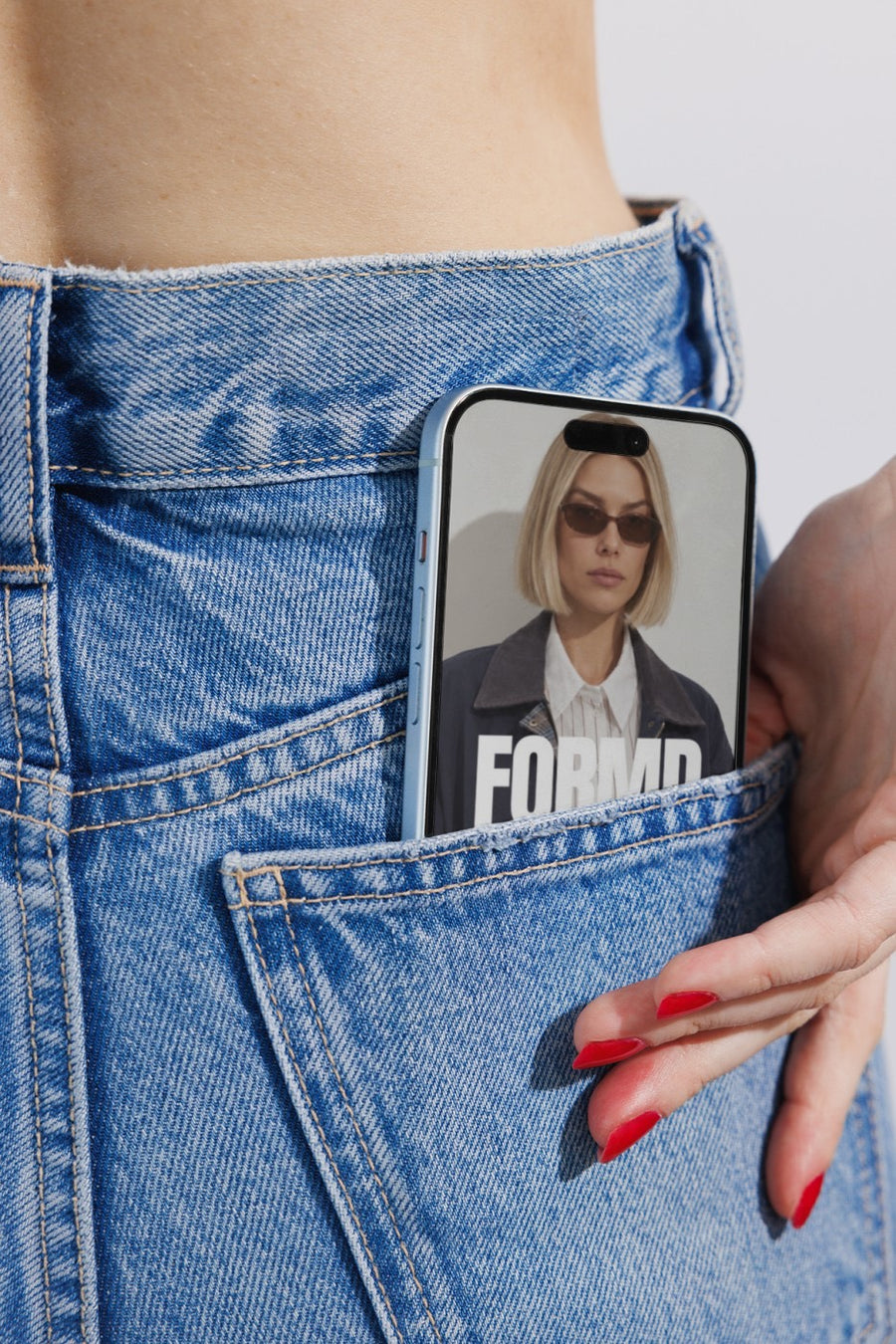
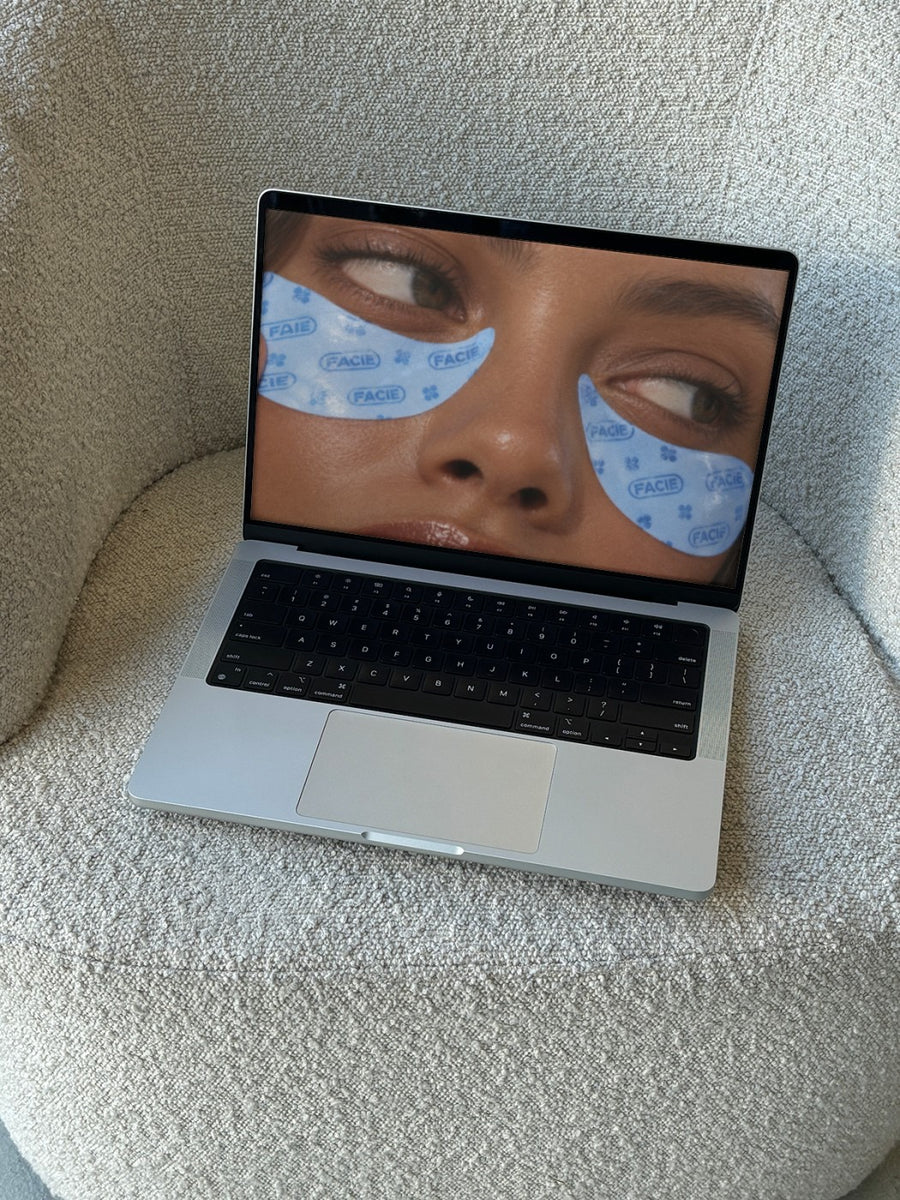
Your cover art on a real iPhone in a jeans pocket says what a podcast actually is: something people take with them. On a laptop on a couch, it says settle in. Each episode can get its own photo, so the feed doesn't look like the same square on repeat.
Posts for launch and every episode after
- Trailer drop: your cover art on an iPhone in a jeans pocket, with a link to follow
- Launch day: the cover art on a billboard above a New York street, with the first three episode titles
- Guest announcement: a guest graphic on a newspaper held up on the street, like a headline
- New episode: a different photo each week so your feed has some variety
- A quote from the episode set as a street poster, for the line people keep repeating
- Milestone episodes, like number 10 or the season finale, on a subway billboard
Captions to start with
Episode one is out. Put it in your ears.
New episode today. Perfect for the commute, the walk or the washing.
This week's guest said something we're still thinking about.
Photos that suit you
- On a phone: your cover art where people actually listen.
- On a laptop: for YouTube episodes and your show's website.
- On a newspaper: the headline look for guest announcements.
- On a billboard: for launch day and big episodes.
How it works
- Add your image. A logo, poster, product shot or full campaign. PNG or JPG.
- Tap a photo. Your design goes on in seconds.
- Download it. A 2000px image, ready to post.
Real photos. Not AI.
Every photo is a real photograph, shot on a real camera. Your design goes on exactly as it is. Nothing gets redrawn, so it's still your brand.
Questions
Do I need Photoshop?
No. It all happens in your browser.
Is it really free?
Your first one is free when you make an account. After that, top up credits inside the studio. No subscription.
Can I make a different image for each episode?
Yes. Upload each episode's graphic and tap a photo. Your first one is free when you make an account, and after that you top up credits inside the studio. No subscription.

