Christmas Post Ideas
Christmas posts for the busiest month of your year.
December is gift guides, cut-off dates, holiday hours and a thank you to everyone who backed you this year. Upload your logo or any graphic and we put it on real photos of shopping bags, totes, newspapers and billboards, so you have a month of posts ready before the rush.
Make your first one freeOne tap with Google. No card.
You need a lot of posts in December. You don't have time to make them.
Christmas is the month you post the most and have the least time. You're packing orders, running the shop and answering the same shipping question for the tenth time today.
Putting your logo on real photos gives you a set of posts that look planned, fast. Your gift guide on a newspaper, your last order date on a subway billboard, your brand on a tote for the stocking stuffer post. Make a few in one sitting and schedule them out.
Ideas for your December posts
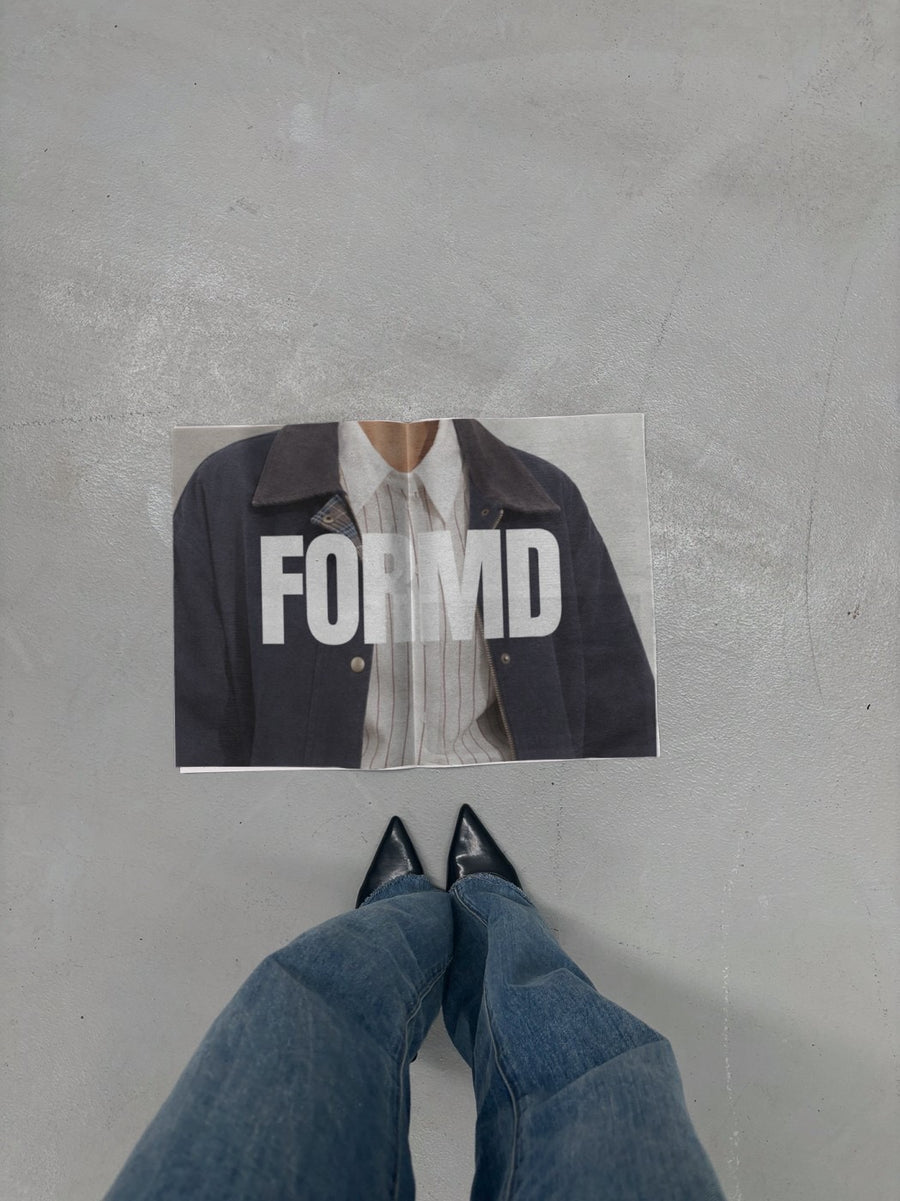
- Your gift guide set on a newspaper on concrete next to black heels, like a style page
- Last order dates for Christmas delivery on a subway billboard people can't miss
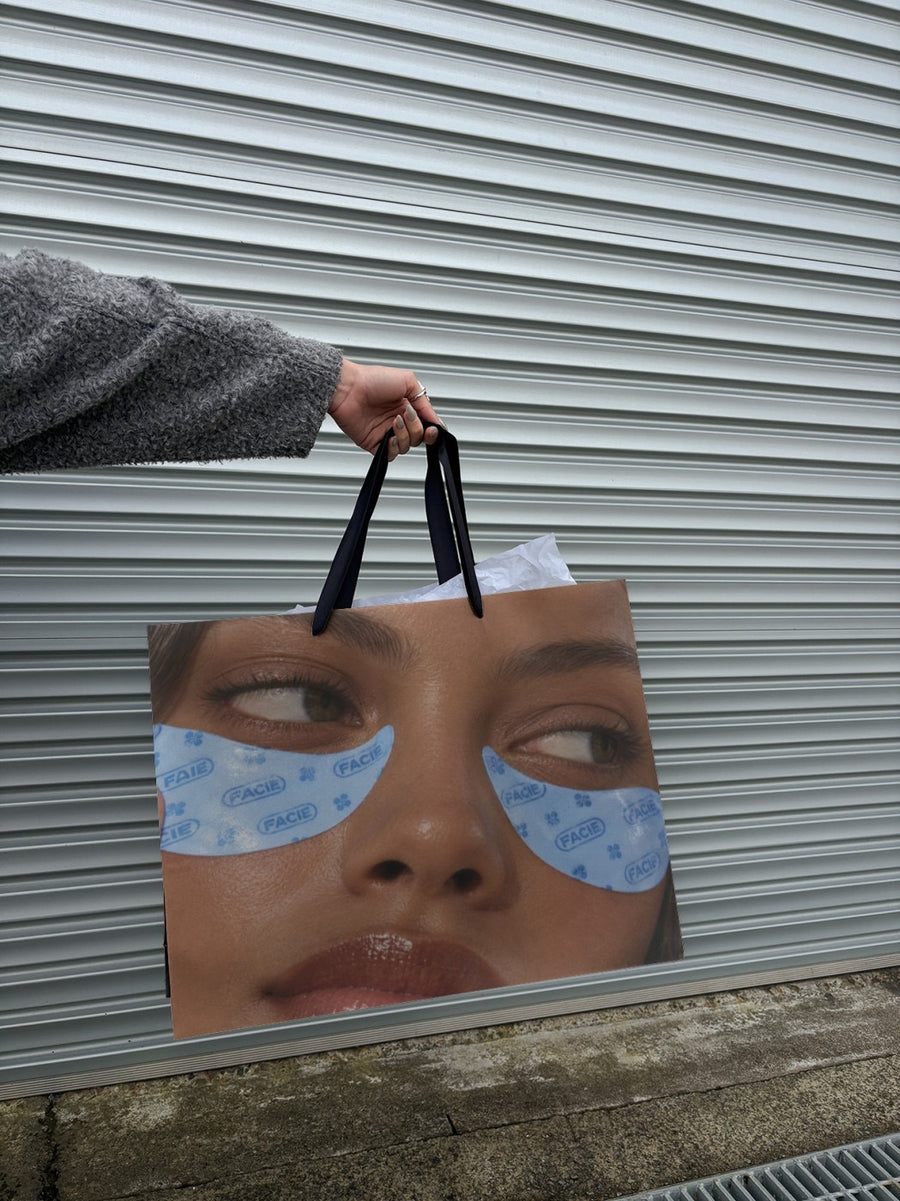
- A stocking stuffer post with your logo on a canvas tote
- Holiday hours and your reopening date on two posters on a city wall
- A year in review thank you, with your logo on a billboard above a New York street
Captions to start with
The gift guide is here. Everything we'd wrap for our own people this year.
Last day to order for Christmas delivery is on our site. Don't leave it to the 23rd.
Thank you for every order, share and kind word this year. See you in January.
Photos that suit you
- On a newspaper: the style page look for your gift guide.
- On a tote bag: a gift-ready post for small presents and stocking stuffers.
- On a billboard: for your end of year thank you.
- On a street poster: put your holiday hours up where people will see them.
How it works
- Add your image. A logo, poster, product shot or full campaign. PNG or JPG.
- Tap a photo. Your design goes on in seconds.
- Download it. A 2000px image, ready to post.
Real photos. Not AI.
Every photo is a real photograph, shot on a real camera. Your design goes on exactly as it is. Nothing gets redrawn, so it's still your brand.
Questions
Do I need Photoshop?
No. It all happens in your browser.
Is it really free?
Your first one is free when you make an account. After that, top up credits inside the studio. No subscription.
Can I make my gift guide graphic into a post?
Yes. Any PNG or JPG works. Make your gift guide or cut-off dates graphic in whatever you already use, upload it, and it goes onto the photo exactly as it is.

