EOFY Sale Post Ideas
EOFY sale posts that move stock by 30 June.
End of financial year sales run through June and wrap up on 30 June. It's a sale your customers already expect, and a lot of them are buying for work. Upload your logo or sale graphic and we put it on real photos of billboards, newspapers and laptops, so your EOFY sale looks the part.
Make your first one freeOne tap with Google. No card.
EOFY buyers are ready to spend. Give them a reason to pick you.
In June, people are hunting for deals on things they can claim for work, and shops are clearing stock before the new year starts. Your customers know the sale is coming. What they don't know is why they should buy from you.
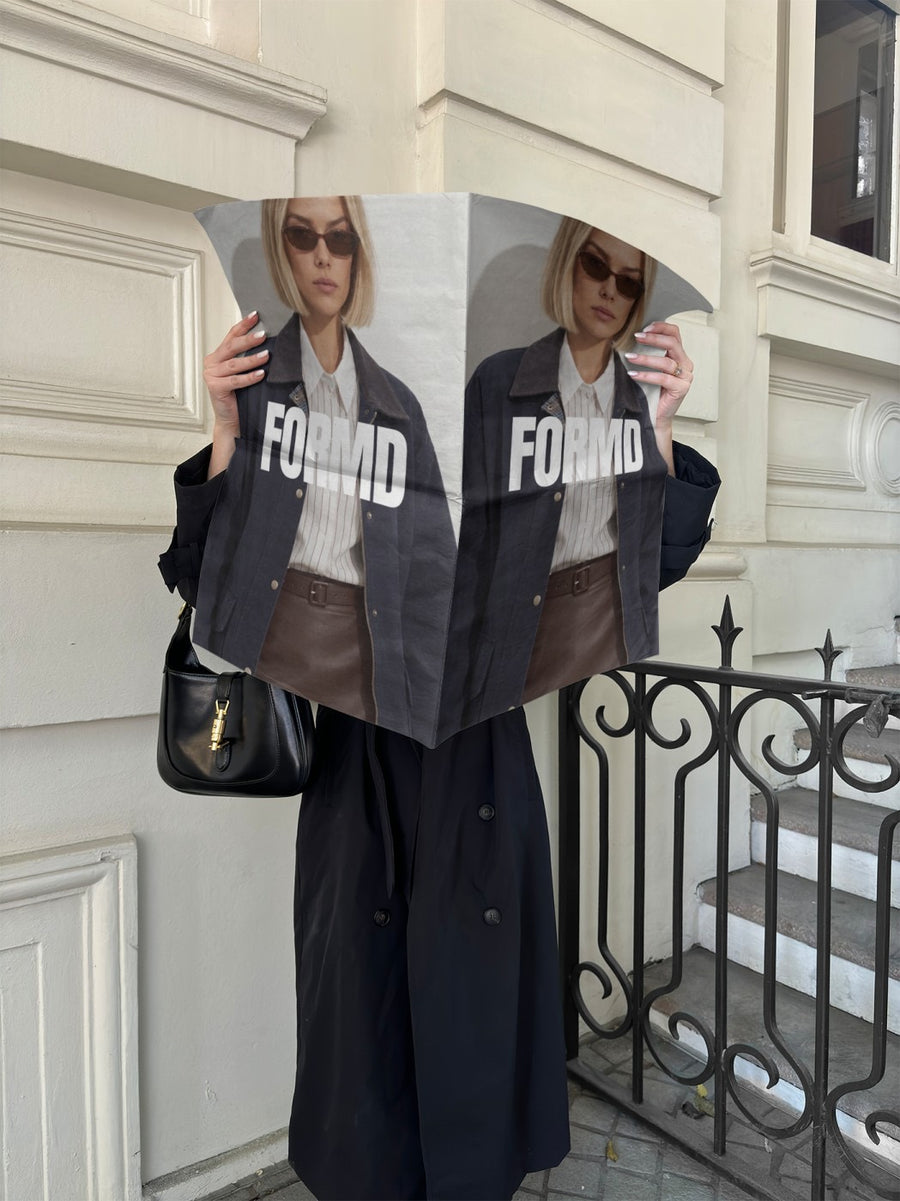
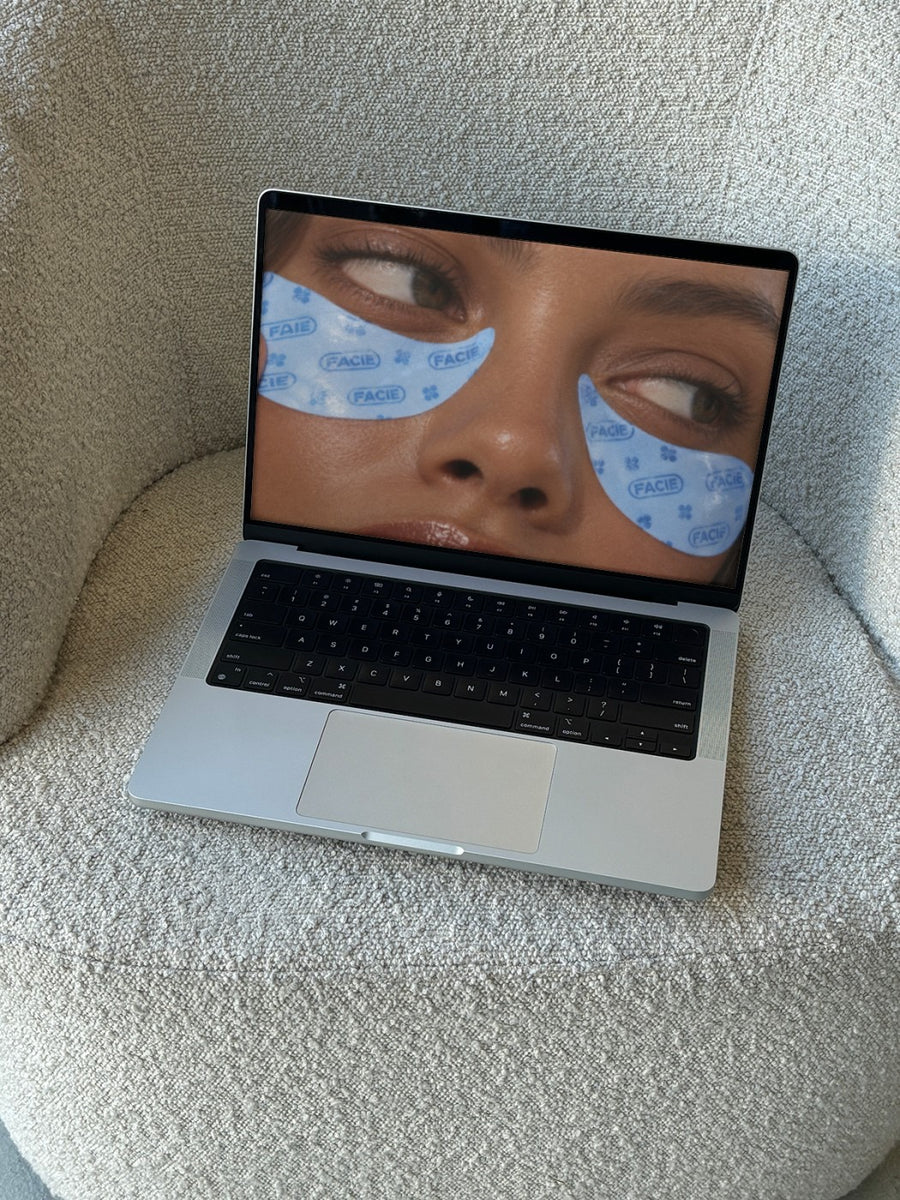
A newspaper held up outside a heritage building looks like a real announcement. Your shop on a laptop on a boucle couch looks like somewhere to buy for the home office. Both give your sale a bit more weight than a plain graphic, and they're quick enough to make fresh posts for each week of June.
Ideas for your EOFY sale
- Kick off in early June with your sale graphic on a newspaper held up on the street
- A work-from-home post: your online shop on a laptop on a boucle couch
- A mid-June price drop on a billboard above a New York street
- A clearance post for last season's stock on two posters on a city wall
- A final countdown in the last days before 30 June
Captions to start with
Our EOFY sale is on. Stock up before the year's out.
Setting up the home office? This is the week to do it.
Sale ends 30 June. After that, it's full price again.
Photos that suit you
- On a newspaper: the announcement look for kicking off your sale.
- On a laptop: put your shop on a real laptop for work-from-home buyers.
- On a billboard: for your mid-June price drop.
- On a street poster: a clearance post that looks pasted up around town.
How it works
- Add your image. A logo, poster, product shot or full campaign. PNG or JPG.
- Tap a photo. Your design goes on in seconds.
- Download it. A 2000px image, ready to post.
Real photos. Not AI.
Every photo is a real photograph, shot on a real camera. Your design goes on exactly as it is. Nothing gets redrawn, so it's still your brand.
Questions
Do I need Photoshop?
No. It all happens in your browser.
Is it really free?
Your first one is free when you make an account. After that, top up credits inside the studio. No subscription.
Can I update the post each week of the sale?
Yes. Upload a new graphic for each stage of your sale, from launch to the final days. If you just need to tweak the fit, tap Adjust to rotate or resize it, and changes are free.

