Mother's Day Post Ideas
Mother's Day posts that feel like a gift.
Mother's Day in Australia is the second Sunday in May, and most gift shopping happens in the fortnight before. Upload your logo or product shot and we put it on real photos of shopping bags, totes, a newspaper on a cafe table and an iPad at brunch. Warm, gifty posts without a styled shoot.
Make your first one freeOne tap with Google. No card.
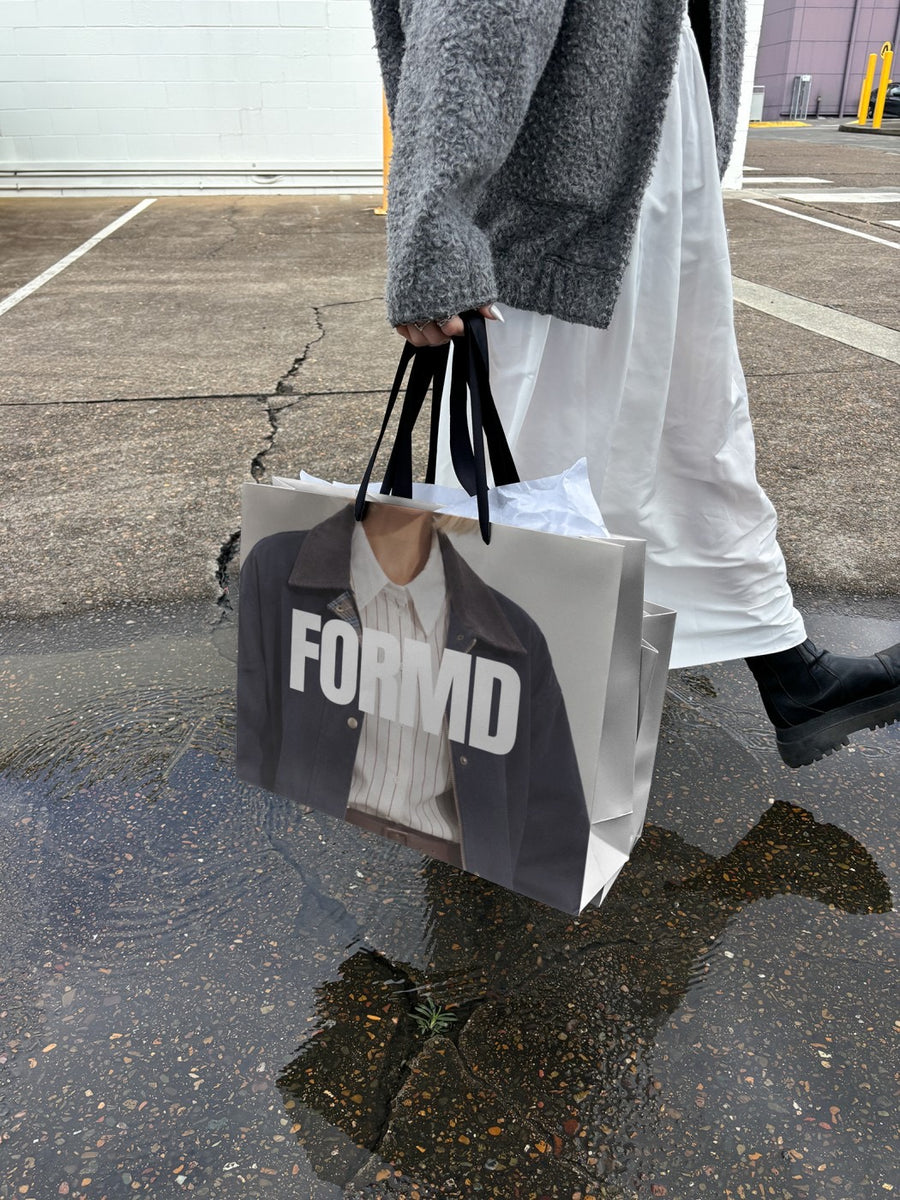
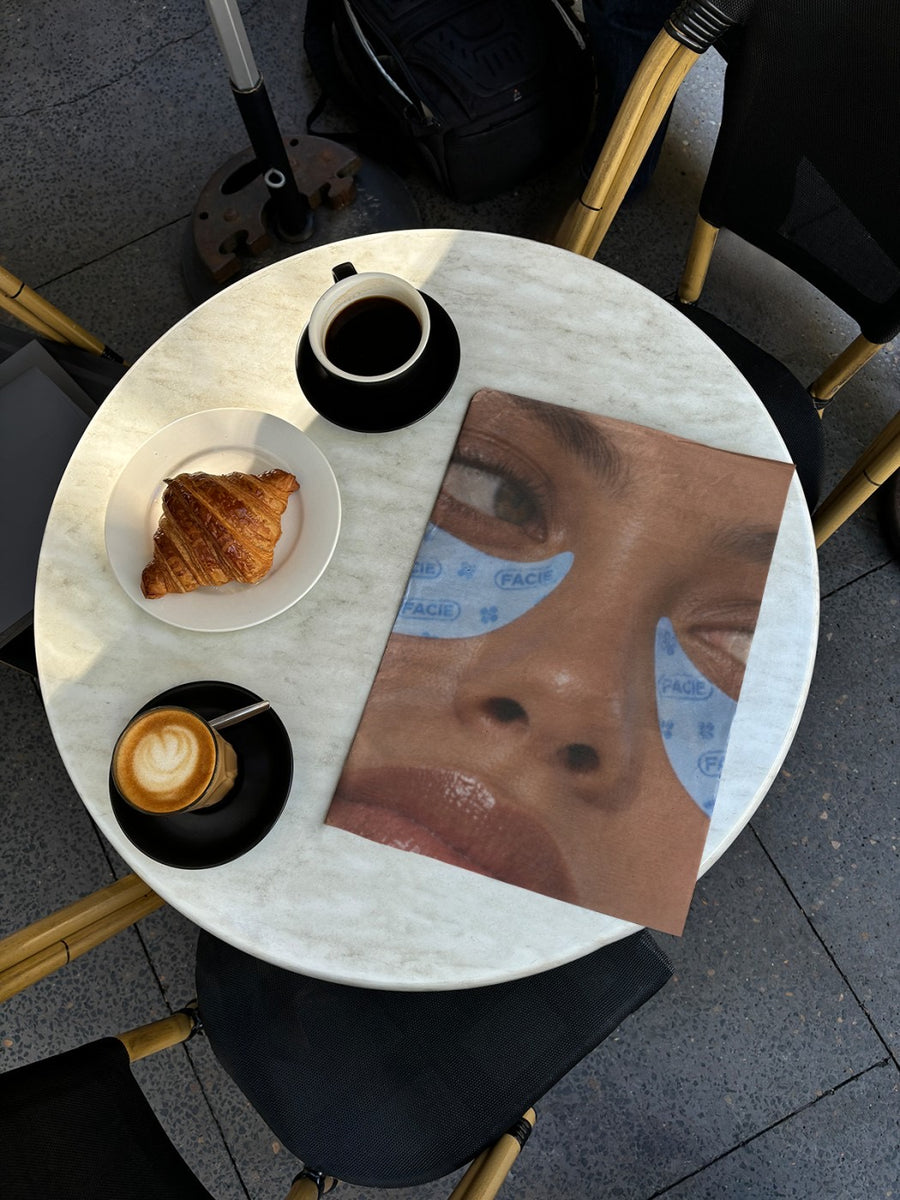
Mother's Day posts need to feel warm, not like another ad.
People shopping for Mother's Day want something that feels thoughtful. A flat product tile with "Order now" doesn't do that. They're picturing the moment they hand it over.
Your logo on a shopping bag or a newspaper open on a cafe table gives them that picture. It looks like a gift being carried home, or a slow Sunday brunch. That's the feeling you're selling, and it's how your post earns a save and a share to the family group chat.
Ideas for the lead up to Mother's Day
- A gift post with your logo on a shopping bag, like it's on its way to Mum
- A brunch post: your menu or gift card on an iPad on a cafe table
- "For the mum who has everything" with your product on a canvas tote
- A gift guide on a newspaper open on a cafe table, set for a slow Sunday
- An order-by reminder the week before, so no one misses the date
Captions to start with
For the woman who always got it right. Mother's Day is this Sunday.
Order by Wednesday to have it with her by Sunday.
Gifts she'll actually use. Wrapped and ready.
Photos that suit you
- On a shopping bag: the gift-in-hand look for your main Mother's Day post.
- On a tote bag: for gifts that are a little more casual.
- On a newspaper: a slow Sunday brunch feel for your gift guide.
- On an iPad: show a gift card or brunch menu on a real screen.
How it works
- Add your image. A logo, poster, product shot or full campaign. PNG or JPG.
- Tap a photo. Your design goes on in seconds.
- Download it. A 2000px image, ready to post.
Real photos. Not AI.
Every photo is a real photograph, shot on a real camera. Your design goes on exactly as it is. Nothing gets redrawn, so it's still your brand.
Questions
Do I need Photoshop?
No. It all happens in your browser.
Is it really free?
Your first one is free when you make an account. After that, top up credits inside the studio. No subscription.
Does it work for gift cards and vouchers?
Yes. Upload your gift card design as a PNG or JPG and it goes onto the photo exactly as it is. It's a good way to sell a last minute gift when shipping has closed.

