End of Season Sale Post Ideas
End of season sale, with your logo on it.
Clearing out last season's stock to make room for the new range? Upload your logo or sale graphic and we put it on real photos of shopping bags, billboards and street posters.
Make your first one freeOne tap with Google. No card.
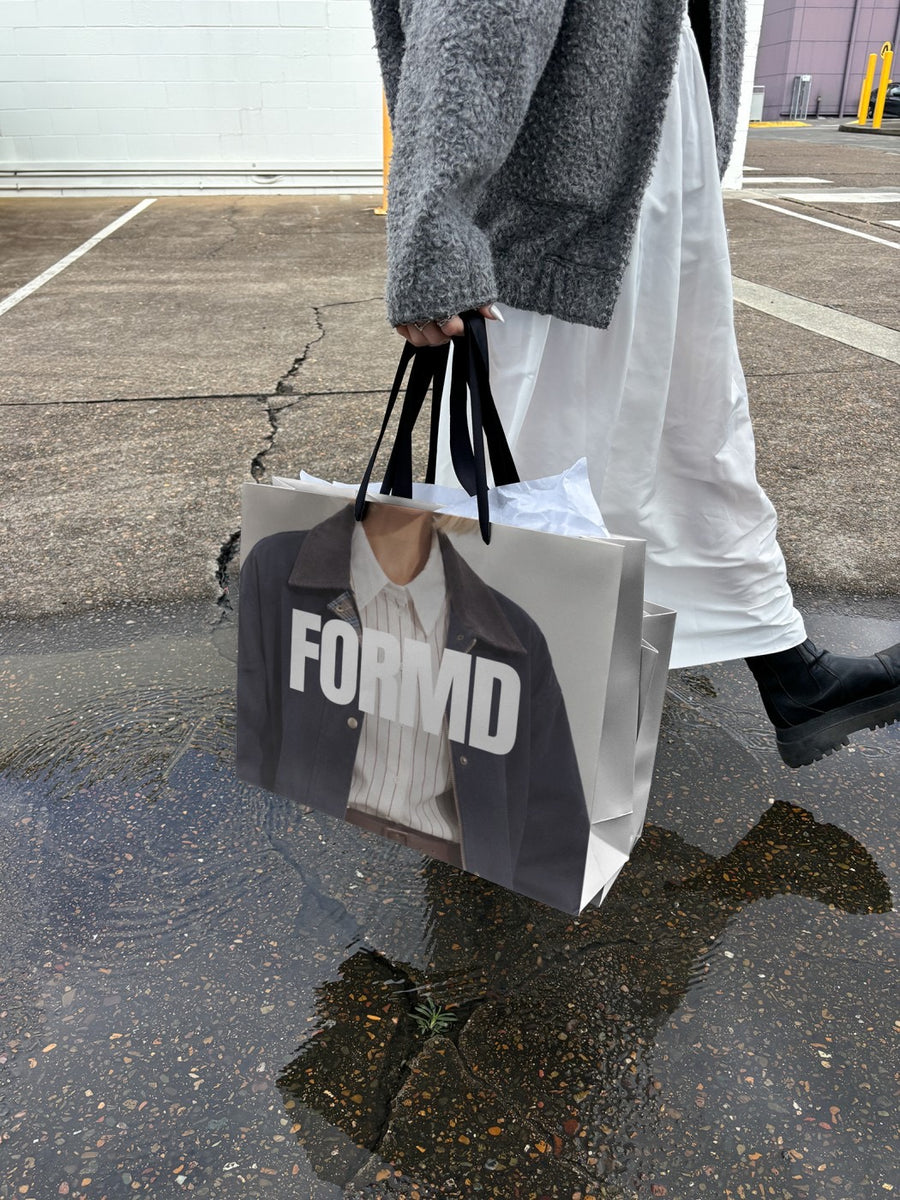
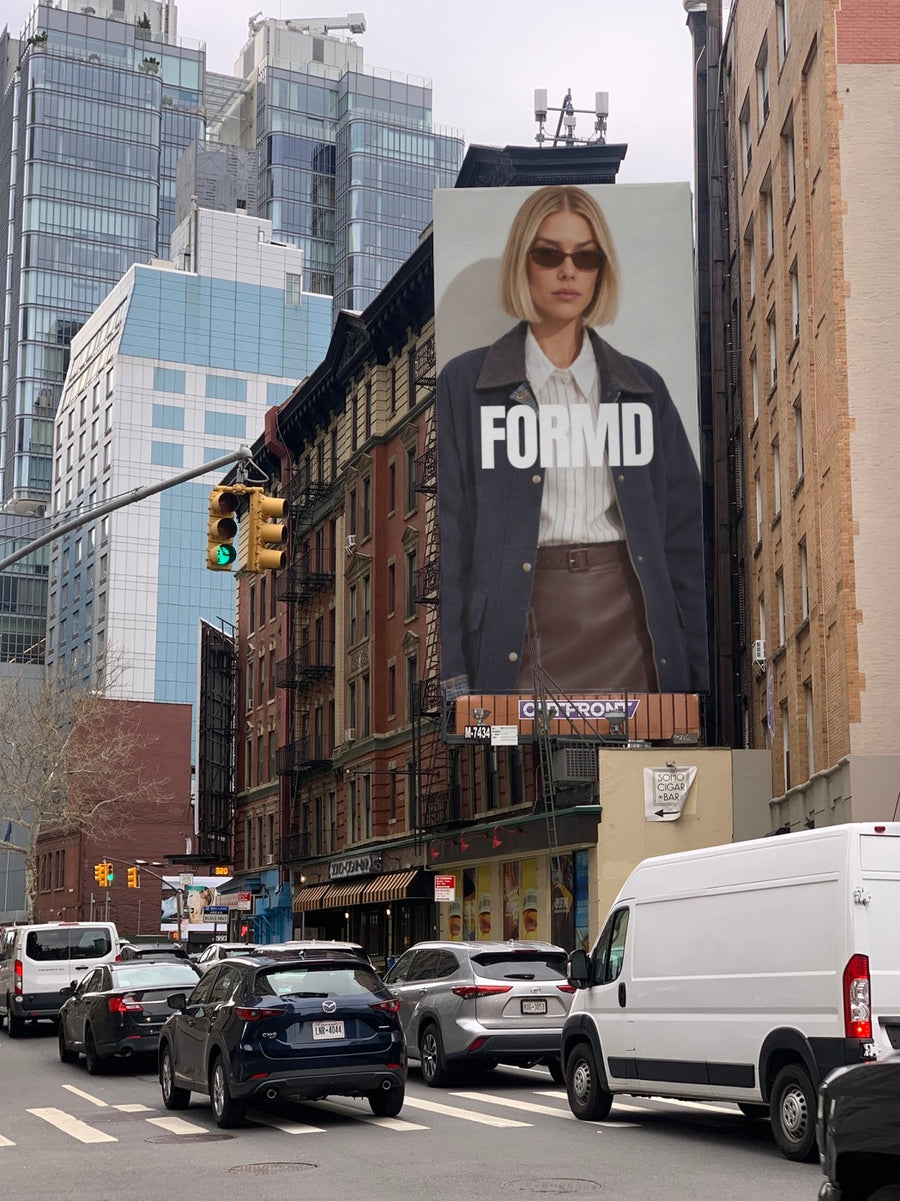
A sale post has to stop the scroll in a second.
Everyone runs an end of season sale, so a red square that says SALE disappears fast. People need to see your brand and the offer at the same time.
Your sale graphic on a billboard above a New York street feels big. Your logo on a shopping bag in the rain says take it home now. Both look like a brand, not a bargain bin.
Ideas for your next few posts
- The sale announcement, on a billboard
- Last few days, set as front page news
- Final sizes left, on a shopping bag
- Store hours for sale week, on a street poster
- The new season teaser that follows, on a phone screen
Captions to start with
Last season has to go. The sale starts now.
Final days. Final sizes. Don't wait.
Out with the old. The new range lands next week.
Photos that suit you
- On a billboard: for the big sale announcement.
- On a shopping bag: for the take it home now feeling.
- On a street poster: for dates and store hours.
- On a phone: your sale page on a real phone.
How it works
- Add your image. A logo, poster, product shot or full campaign. PNG or JPG.
- Tap a photo. Your design goes on in seconds.
- Download it. A 2000px image, ready to post.
Real photos. Not AI.
Every photo is a real photograph, shot on a real camera. Your design goes on exactly as it is. Nothing gets redrawn, so it's still your brand.
Questions
Do I need Photoshop?
No. It all happens in your browser.
Is it really free?
Your first one is free when you make an account. After that, top up credits inside the studio. No subscription.
Can I change the sale graphic each day?
Yes. Upload a new PNG or JPG whenever the offer changes. Tap Adjust to rotate or fit it. Changes are free.

