Restock Announcement Post Ideas
Back in stock? Say it louder.
A restock is a second launch for something people already want. Here are ideas to get the word out fast, plus captions to start from. Upload your product shot or logo and we put it on real photos of shopping bags, phones and billboards, so the post doesn't look like the one you already made.
Make your first one freeOne tap with Google. No card.
A restock post can't look like a repost
When something sells out, the people who missed it are waiting. The problem is the restock post often uses the same product shot as the launch. People think they've seen it before and scroll on.
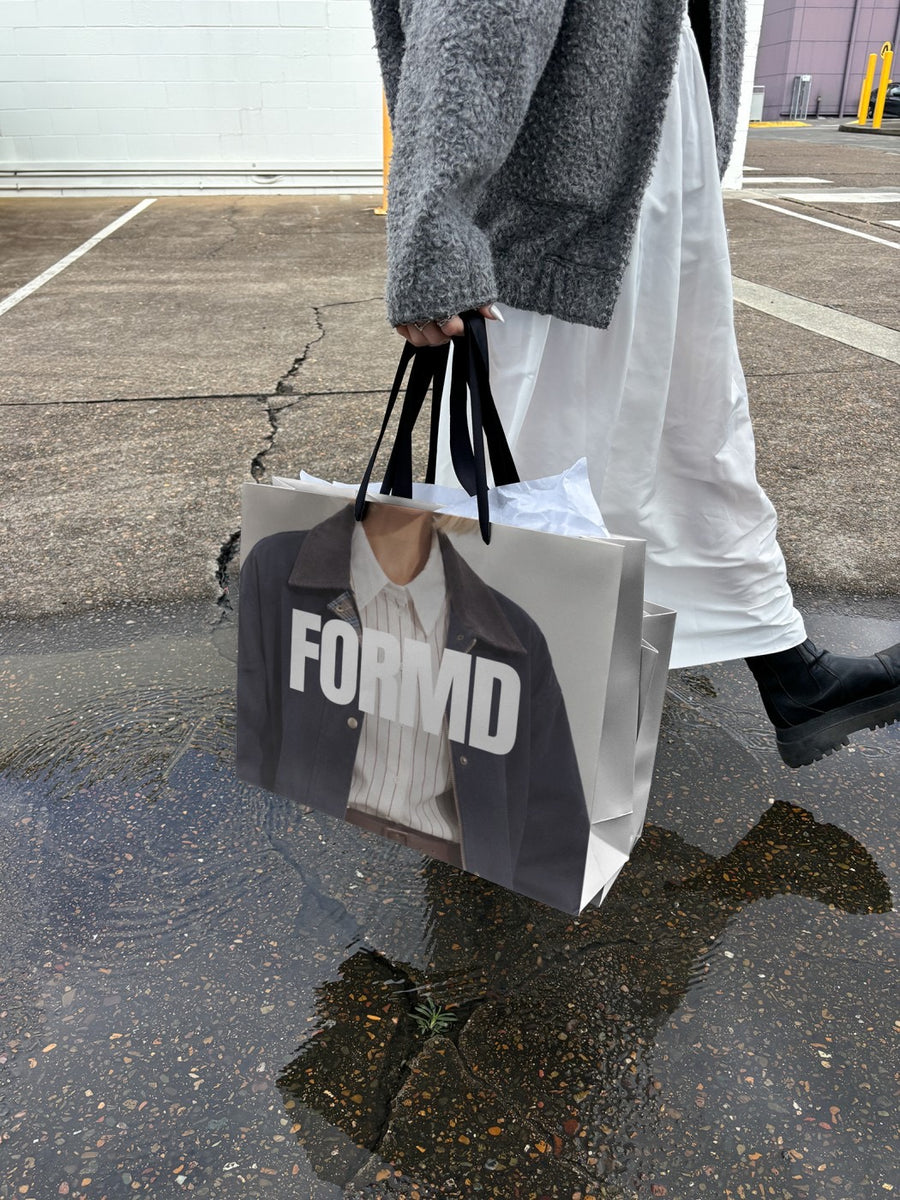
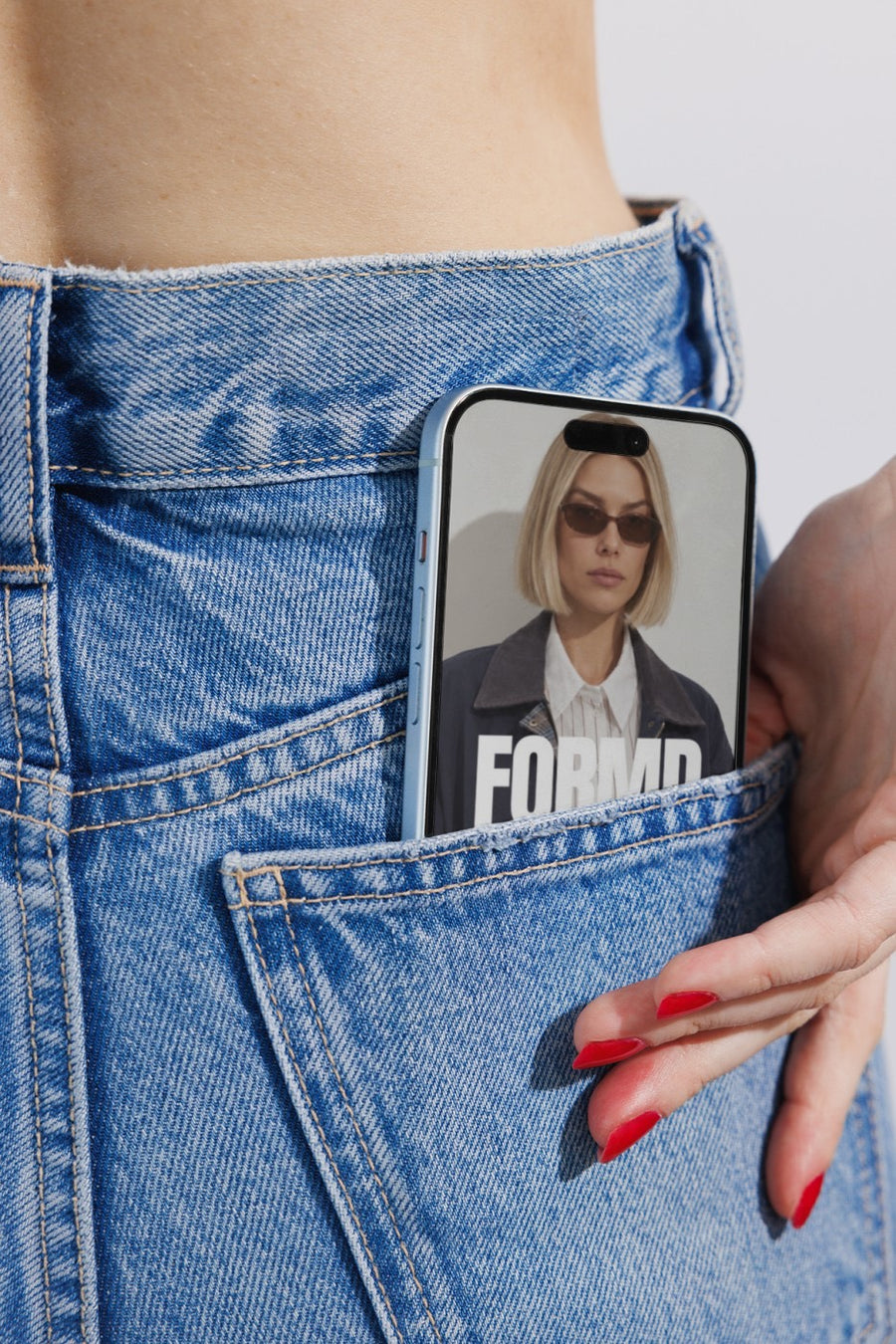
A new photo tells people this is new news. Put the same product shot on a shopping bag or a phone and it looks fresh, without a reshoot. You can have it posted within minutes of the stock landing, while the people who missed out are still keen.
Ideas for your restock posts
- The heads up: tell people a restock is coming before it lands, with your product on a subway billboard and a date.
- The waitlist: ask people to comment or sign up, and post your product on a phone with the link.
- Back in stock: the product on a shopping bag in the rain, with the time it goes live.
- Proof it sold out: share the real messages you got from people who missed out, if they're happy for you to.
- Last few left: a short follow up a day or two later if stock really is running low. Only say it if it's true.
Captions to start with
It's back. Restocked tonight at 7pm.
You asked, we listened. Back in stock, and in two new colours.
Sold out in a week last time. Waitlist gets first look. Link in bio.
Photos that suit you
- On a shopping bag: for the back in stock post.
- On a phone: point people to the link or the waitlist.
- On a billboard: a big post for the heads up before the restock.
How it works
- Add your image. A logo, poster, product shot or full campaign. PNG or JPG.
- Tap a photo. Your design goes on in seconds.
- Download it. A 2000px image, ready to post.
Real photos. Not AI.
Every photo is a real photograph, shot on a real camera. Your design goes on exactly as it is. Nothing gets redrawn, so it's still your brand.
Questions
Do I need Photoshop?
No. It all happens in your browser.
Is it really free?
Your first one is free when you make an account. After that, top up credits inside the studio. No subscription.
How fast can I make a restock post?
It takes about a minute. Upload your product shot or logo, tap a photo and download a 2000px image. You can do it from your phone the moment the stock arrives.

