Product Launch Post Ideas
New product? Show it out in the world.
A product launch needs more than a product shot on a white background. Here's how to tease it, reveal it and keep it going after launch day, with captions to start from. Upload your product shot or logo and we put it on real photos, so it looks like it's already out there.
Make your first one freeOne tap with Google. No card.
One product shot can carry a whole launch
Most small brands have one good product photo when they launch. Post it five times and people scroll past by the third. What you need is the same product in different places, so each post feels new.
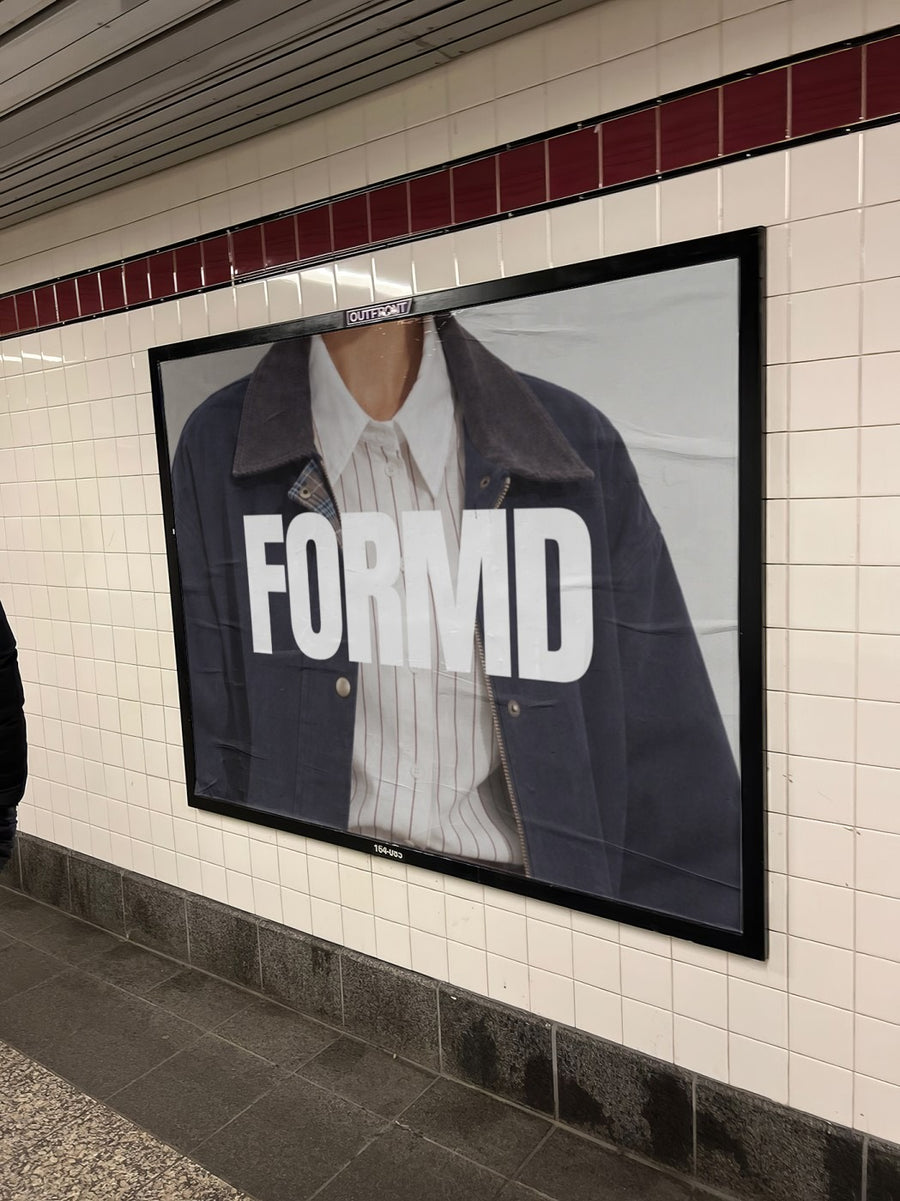
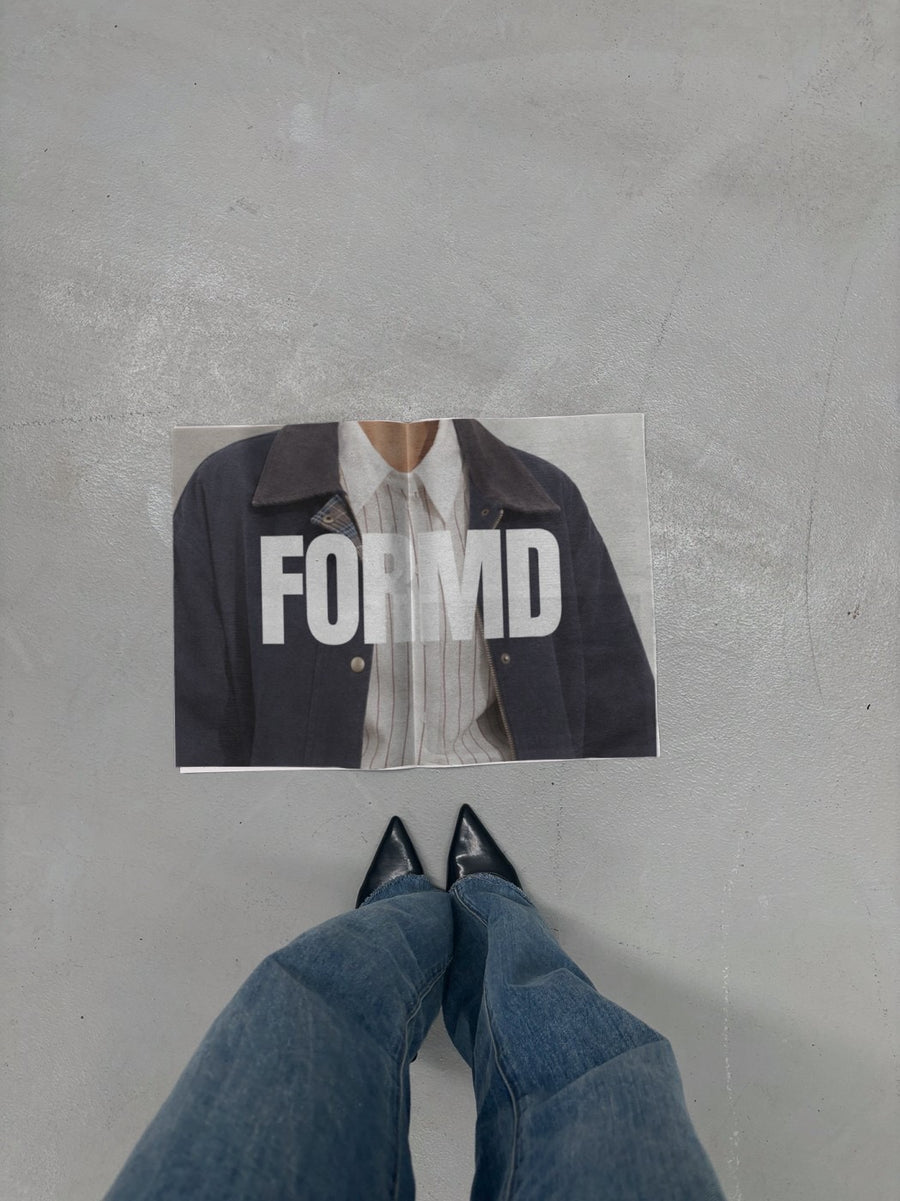
Put your product shot on a subway billboard for the reveal, on a newspaper for the details, and on a phone for the link to buy. It's the same image each time, so it stays exactly as you shot it. Nothing gets redrawn. You get a week of launch posts from one photo.
How to run your launch posts
- The tease: a crop or a silhouette of the product on a street poster, with no name yet. Ask people to guess.
- The reveal: the full product shot on a subway billboard. Name, price and launch date in the caption.
- The details: the product on a newspaper next to black heels, with a caption on what it's made of and why you made it.
- The link: your product page on an iPhone in a jeans pocket, so people know exactly where to buy.
- After launch: share real customer photos and pair them with one more billboard post for anyone who missed it.
Captions to start with
Something new lands Friday. Any guesses?
It's here. Two years of samples and one very patient family. Link in bio.
Made in small batches, so when it's gone it's gone. Shop now.
Photos that suit you
- On a billboard: a big reveal for your product and its name.
- On a street poster: for the tease, before you show the whole thing.
- On a newspaper: the editorial look for the story behind the product.
- On a phone: put your product page on a real phone for the buy now post.
How it works
- Add your image. A logo, poster, product shot or full campaign. PNG or JPG.
- Tap a photo. Your design goes on in seconds.
- Download it. A 2000px image, ready to post.
Real photos. Not AI.
Every photo is a real photograph, shot on a real camera. Your design goes on exactly as it is. Nothing gets redrawn, so it's still your brand.
Questions
Do I need Photoshop?
No. It all happens in your browser.
Is it really free?
Your first one is free when you make an account. After that, top up credits inside the studio. No subscription.
Can I upload a product photo instead of a logo?
Yes. Any PNG or JPG works. A product shot with a clean background, a flat lay or a launch graphic with the name and date all go on the same way, exactly as you made them.

