Rebrand Announcement Post Ideas
New logo? Help people know it's you.
A rebrand only works if people recognise the new look. Here are ideas for announcing it, showing it in context and explaining the why, plus captions to start from. Upload your new logo and see it on real photos of billboards, bags and screens, before and after you launch it.
Make your first one freeOne tap with Google. No card.
A logo on a white square doesn't tell anyone much
Post your new logo on a plain background and people see a shape. They don't see how it'll feel on the bag they carry out, the sign on the street or the tab in their browser. That's why rebrand posts often get a few polite likes and nothing more.
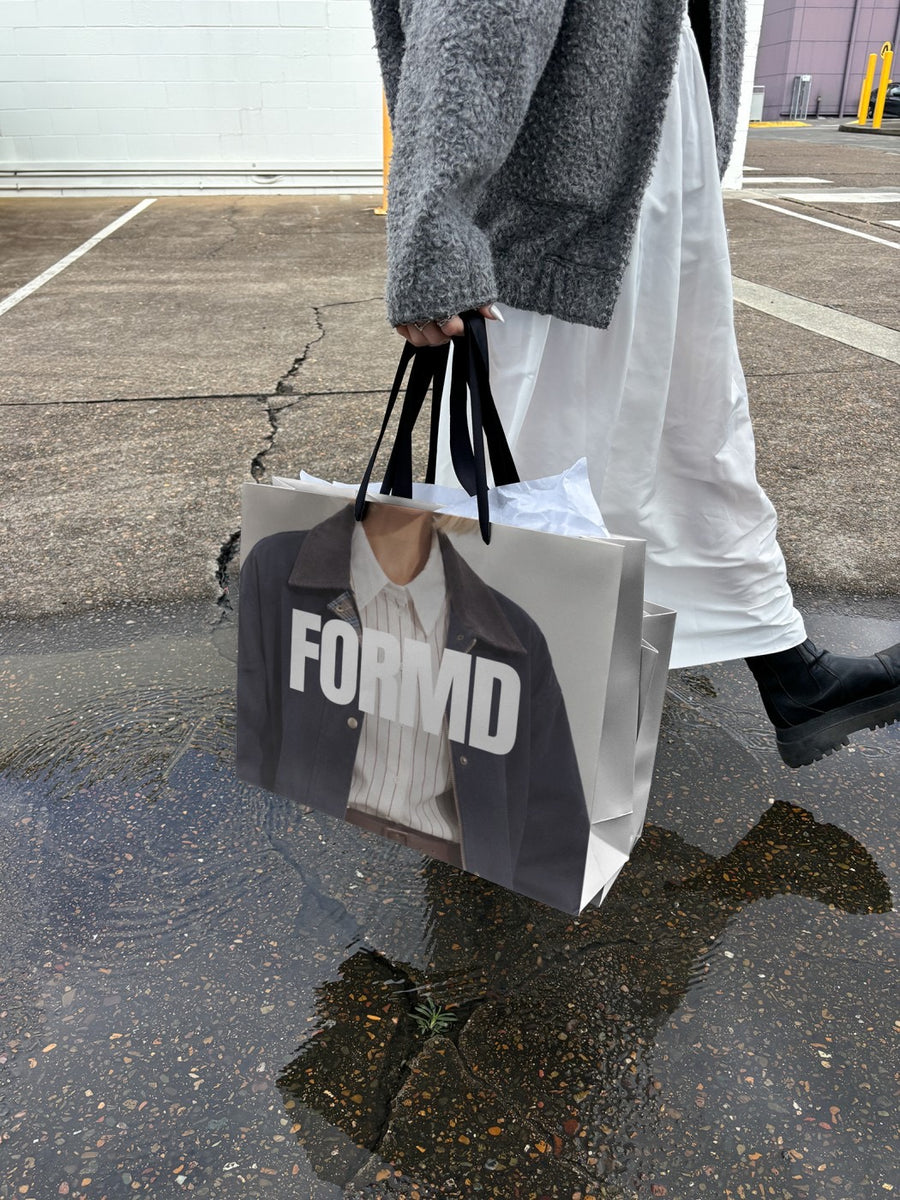
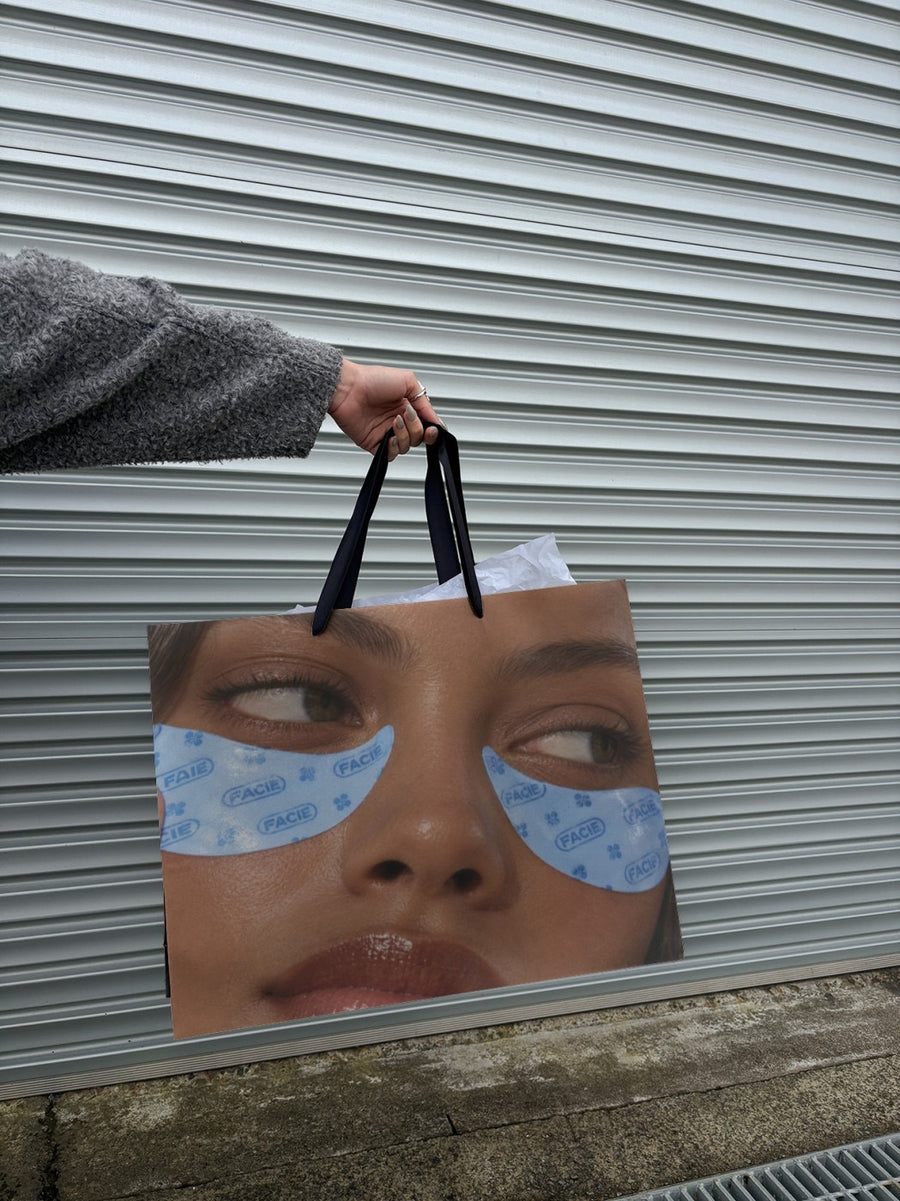
Show the new logo in real places and it clicks. A tote, a shopping bag, a laptop screen. People start to link it back to you. It also helps before you launch. Put the new logo on real photos, look at it next to the old one, and make sure you're happy before you print anything.
Ideas for your rebrand posts
- Before and after: the old logo and the new one on the same shopping bag photo, side by side in a carousel.
- The why: a short note from you on what changed and what didn't. Set it on a newspaper for the editorial look.
- In the wild: the new logo on a tote, a bag and a billboard, so people see it in lots of places at once.
- The details: zoom in on one part of the new logo, a colour or a letter, and tell the story behind it.
- The reminder: a week later, post the new logo on a phone or laptop so it's the one people see on your site.
Captions to start with
Same people. Same product. New look.
We've grown up a bit. Here's our new logo and why we changed it.
Old on the left, new on the right. Tell us what you notice.
Photos that suit you
- On a shopping bag: show the old and new logo on the same bag for a clear before and after.
- On a tote bag: see your new logo on something people carry around.
- On a billboard: the big announcement post.
- On a laptop: show the refreshed website with the new logo on a real screen.
How it works
- Add your image. A logo, poster, product shot or full campaign. PNG or JPG.
- Tap a photo. Your design goes on in seconds.
- Download it. A 2000px image, ready to post.
Real photos. Not AI.
Every photo is a real photograph, shot on a real camera. Your design goes on exactly as it is. Nothing gets redrawn, so it's still your brand.
Questions
Do I need Photoshop?
No. It all happens in your browser.
Is it really free?
Your first one is free when you make an account. After that, top up credits inside the studio. No subscription.
Can I test my new logo before I announce it?
Yes. That's a good use for it. Upload the new logo and put it on a few different photos to see how it holds up at a distance, on a bag or on a screen. Tap Adjust to rotate or fit it. Changes are free.

