Grand Opening Post Ideas
Opening soon? Make it look like an event.
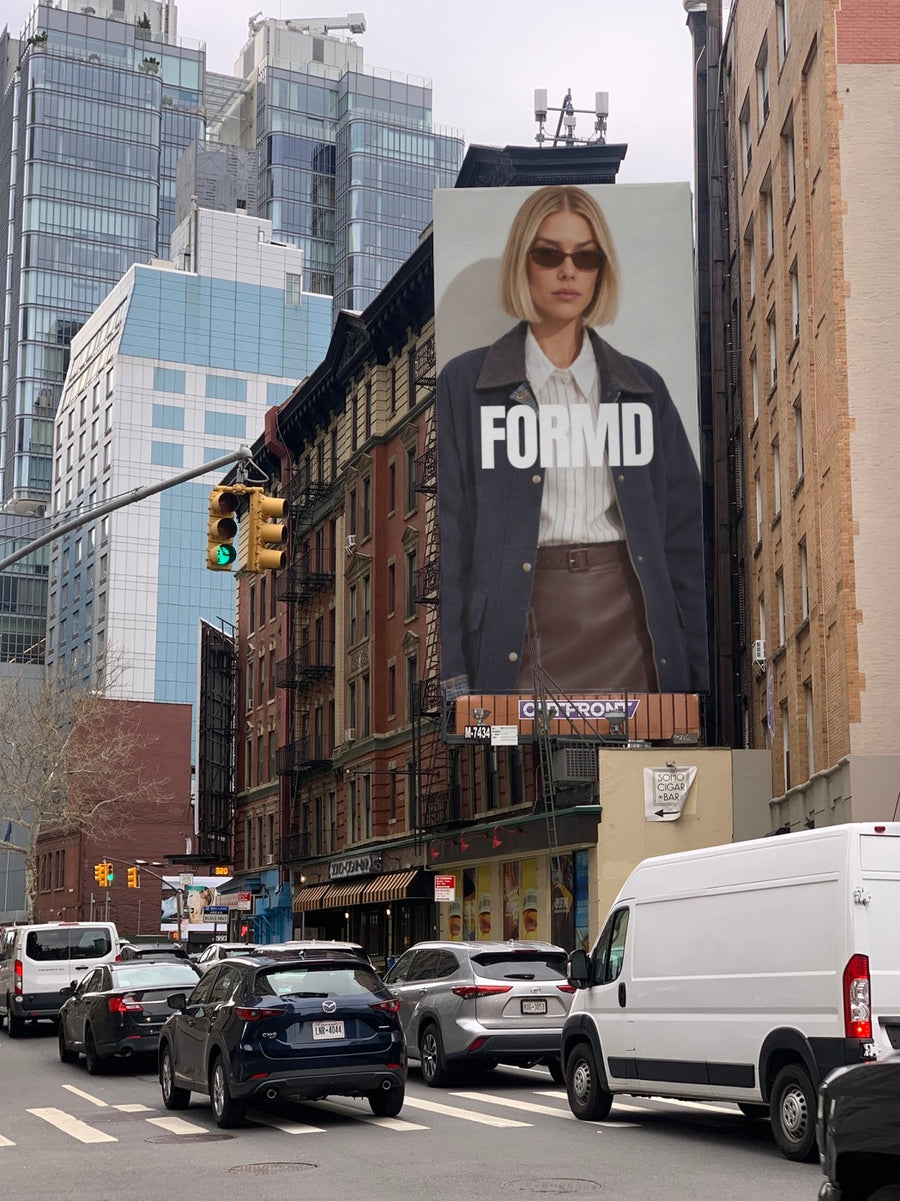
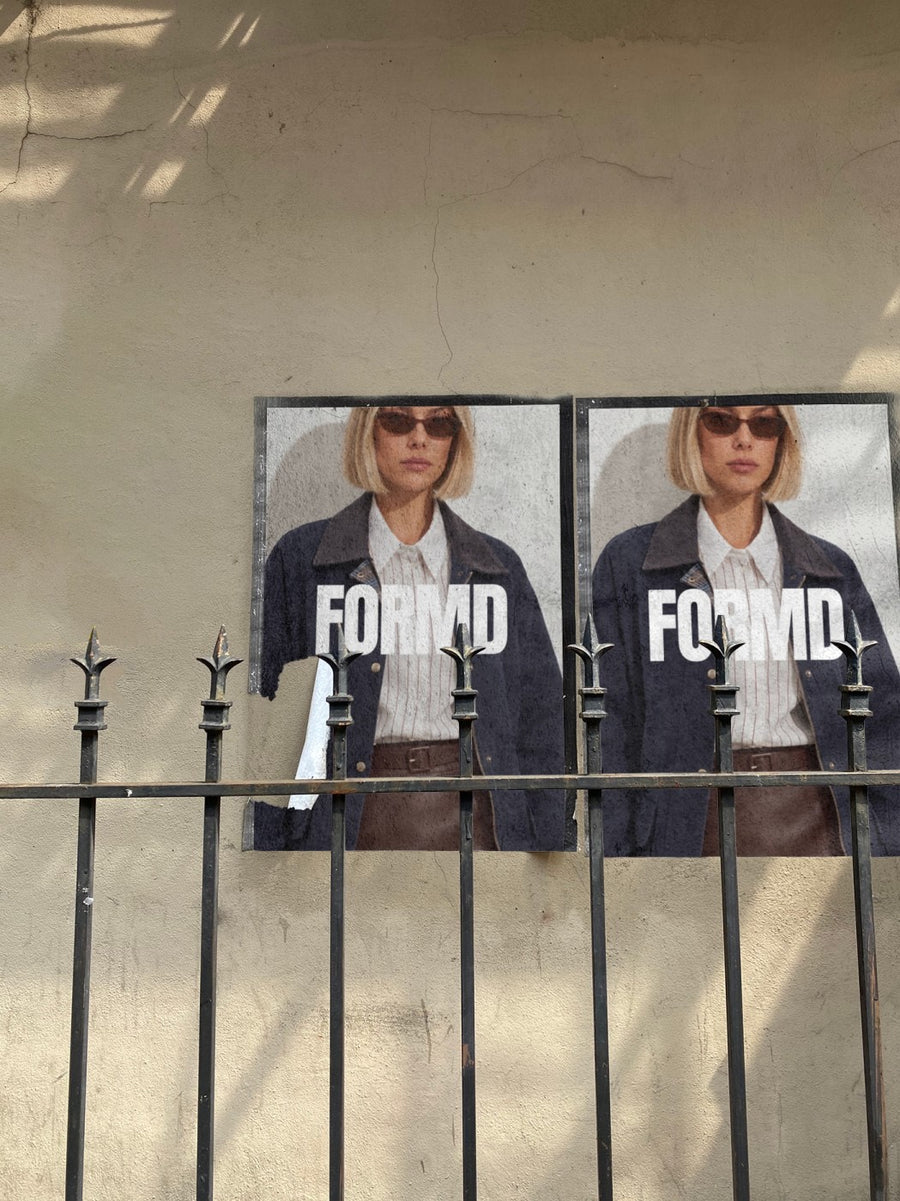
A grand opening is a week of posts, not one. Here's a plan for the countdown, the day and the week after, plus captions you can use. Upload your logo and we put it on real photos of billboards, street posters and newspapers, so every post feels bigger than a phone shot of a shopfront.
Make your first one freeOne tap with Google. No card.
The build up matters as much as the day
Most openings get one post on the day and a photo of the ribbon. By then it's too late for people to plan to come. The posts that fill a room start a week or two out, and each one gives people a new reason to share it.
The trouble is you don't have much to show yet. The fit out is half done and the signage isn't up. Your logo on a real billboard or a wall of street posters gives you something big to post while the builders are still in. It's a look, not a real ad, so say it that way and have fun with it.
A post plan for your opening
- Two weeks out: your logo on a New York billboard with the opening date. Keep the caption short and just give the date.
- One week out: two street posters on a city wall. One with your logo, one with the date and address.
- The day before: your logo on a newspaper held up on the street, with a caption about what's on for opening day.
- Opening day: a real photo of the door or the first customer. Your logo posts did the build up, so let this one be raw.
- The week after: a thank you post with your logo on a shopping bag, and a line about what's coming next.
Captions to start with
Save the date. Doors open Saturday at 8.
We're not on a real billboard. But we are opening on Saturday, and that's bigger news to us.
Day one done. Thank you for coming. Same time tomorrow?
Photos that suit you
- On a billboard: the big reveal of your name and opening date.
- On a street poster: two posters side by side, so you can pair your logo with the date.
- On a newspaper: for the day before, when you want it to feel like news.
- On a shopping bag: for the thank you post in the week after.
How it works
- Add your image. A logo, poster, product shot or full campaign. PNG or JPG.
- Tap a photo. Your design goes on in seconds.
- Download it. A 2000px image, ready to post.
Real photos. Not AI.
Every photo is a real photograph, shot on a real camera. Your design goes on exactly as it is. Nothing gets redrawn, so it's still your brand.
Questions
Do I need Photoshop?
No. It all happens in your browser.
Is it really free?
Your first one is free when you make an account. After that, top up credits inside the studio. No subscription.
Can I put my opening date on it, not just my logo?
Yes. Make a simple graphic with your logo, the date and your address in Canva or anything you like, save it as a PNG or JPG and upload that. It goes on exactly as you made it.

