Collab Announcement Ideas
Two brands. One big reveal.
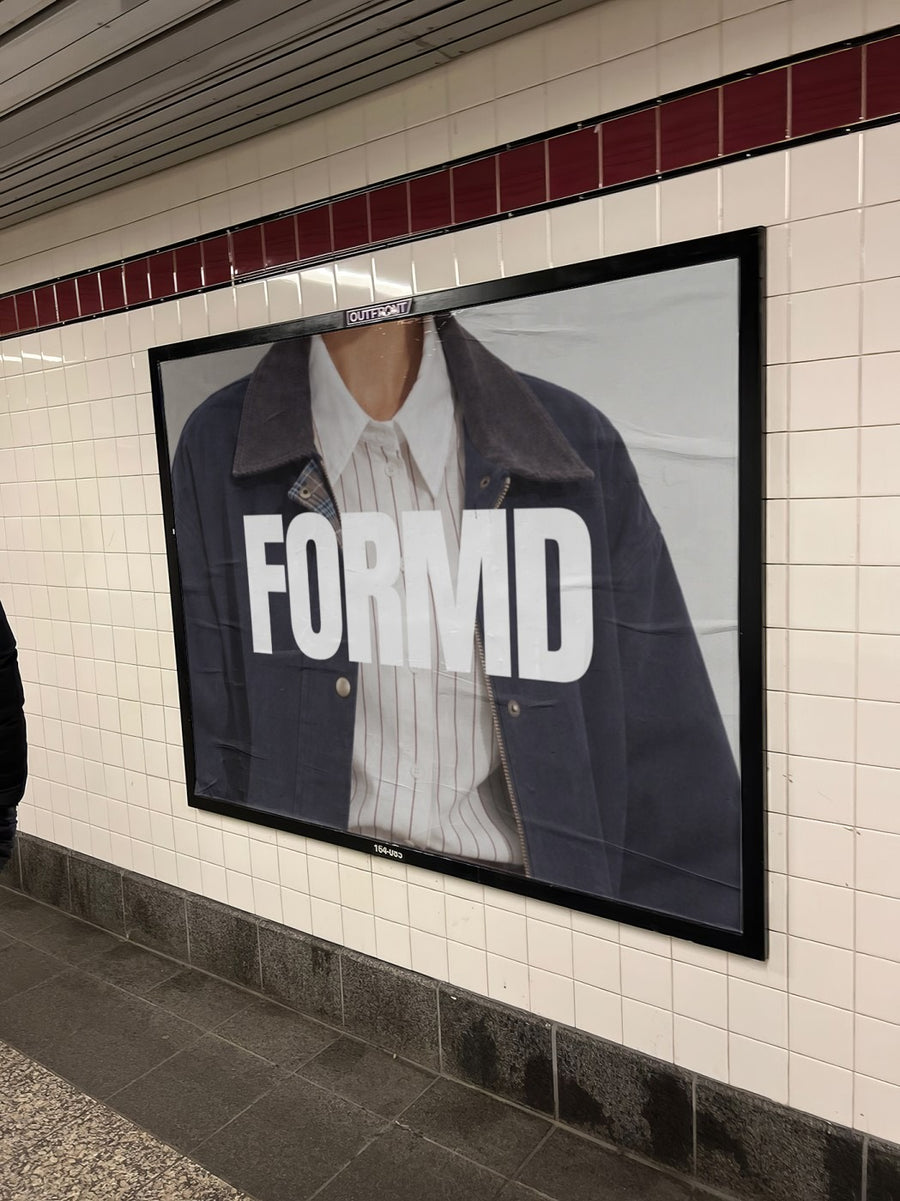
A collab only works if both audiences get excited at the same time. Put both logos side by side on a real billboard or a newspaper and you get one image both brands can post on the same day, looking like the same event.
Make your first one freeOne tap with Google. No card.
A collab post has two audiences to win.
Your followers know you. Theirs don't. The announcement has to make sense to both in a single glance, and a split screen of two logos on a white tile rarely does it.
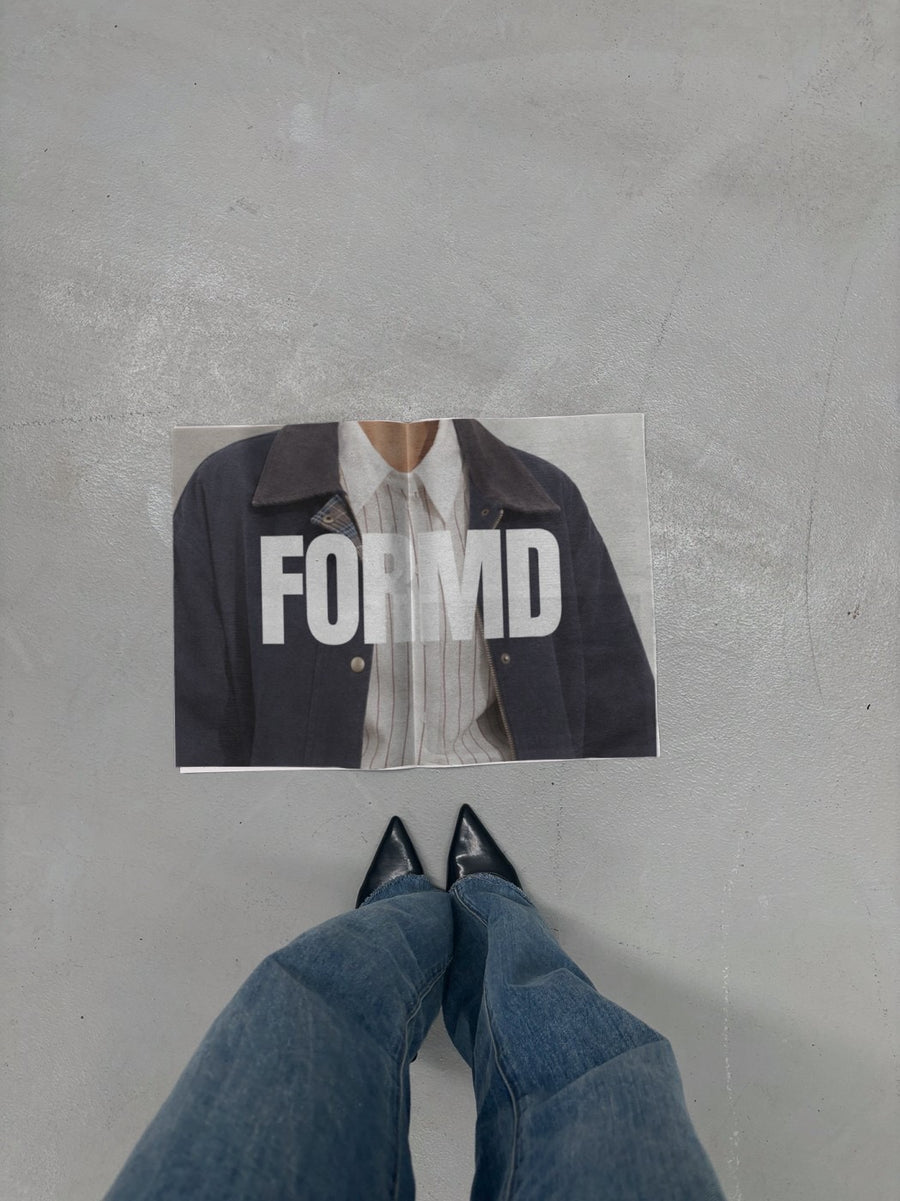
Make one image with both logos, then put it on a real photo. The subway billboard or a newspaper on concrete next to black heels feels like the collab is already out in the world. Both brands post it together, and the people who follow both of you see it twice.
Keep the look the same across the tease, the reveal and the launch so it reads as one campaign, not two brands posting separately.
Collab post ideas to plan together
- The tease: one logo on a street poster, with "Guess who" in the caption
- The reveal: both logos on the subway billboard, posted by both brands at the same minute
- The headline: both logos on a newspaper, with the collab name as the caption
- The product: show the collab tote or bag before it drops
- A collab carousel: one photo each, in the same order, on both accounts
Captions to start with
Two of our favourite things. Finally together.
You asked who. Here's who.
Made together. Out Friday.
Photos that suit you
- On a billboard: the big reveal, with both logos up top.
- On a newspaper: a headline look for the collab name.
- On a street poster: two posters on one wall, one for each brand.
- On a tote bag: show the collab tote before it drops.
How it works
- Add your image. A logo, poster, product shot or full campaign. PNG or JPG.
- Tap a photo. Your design goes on in seconds.
- Download it. A 2000px image, ready to post.
Real photos. Not AI.
Every photo is a real photograph, shot on a real camera. Your design goes on exactly as it is. Nothing gets redrawn, so it's still your brand.
Questions
Do I need Photoshop?
No. It all happens in your browser.
Is it really free?
Your first one is free when you make an account. After that, top up credits inside the studio. No subscription.
Can I put two logos on one photo?
Yes. Put both logos on one image first, with a cross or a plus between them, and save it as a PNG or JPG. Upload that and it goes on the photo as one design, exactly as you laid it out.

