New Stockist Announcement Ideas
Now stocked at somewhere new.
Landing a new stockist is a big step for a small brand. The post has two jobs: tell your people where they can buy you now, and give the shop something good to share. Your logo on a real shopping bag or tote does both.
Make your first one freeOne tap with Google. No card.
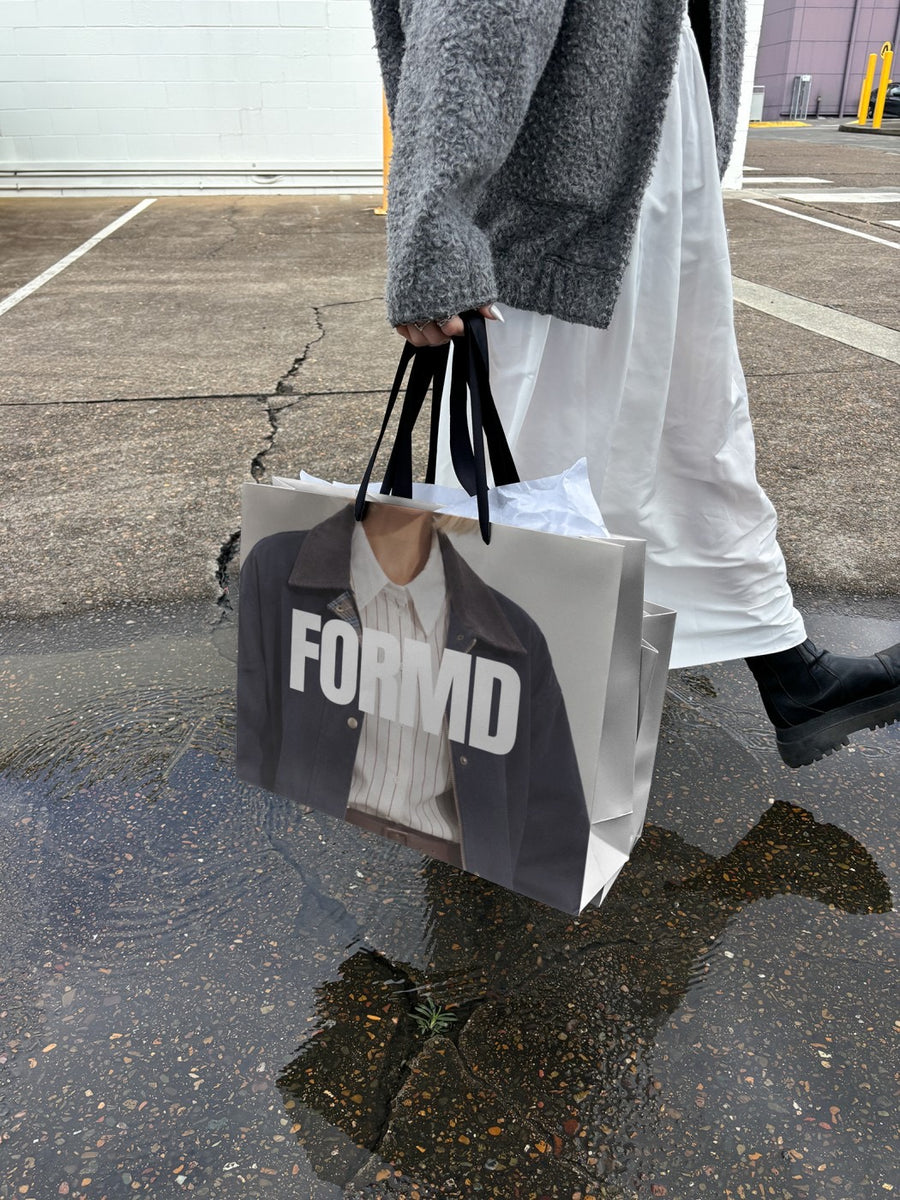
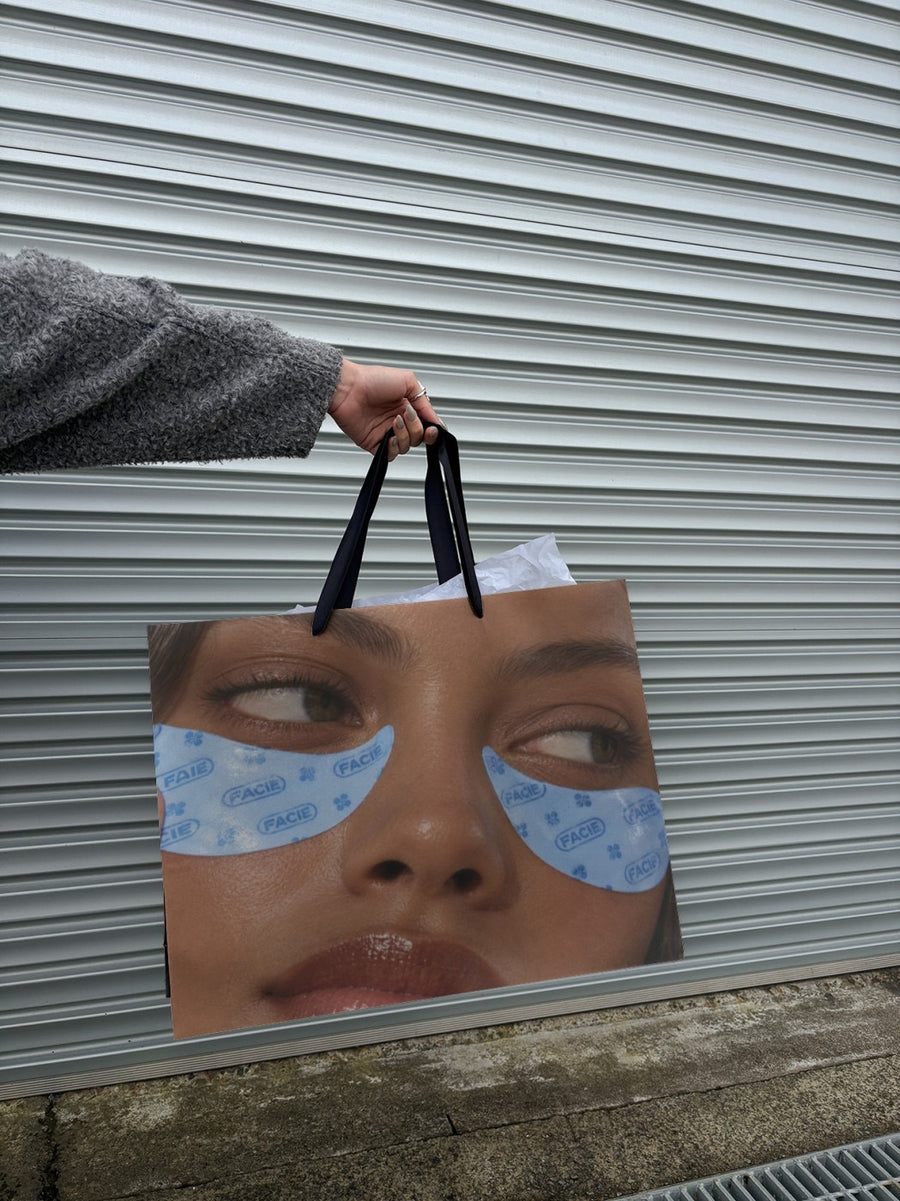
Stockist posts need to send people somewhere.
Most stockist posts are a photo of the shop front with a long list of tags. It's fine, but it's easy to scroll past. What makes someone go is the feeling that your product is out there, in real shops, in real bags.
Put your logo on a shopping bag walking through the rain or a tote held up against a roller door and you give people that feeling. Pair it with the shop's name, suburb and a tag, and send the image to the stockist so they can post it too. Stockists are much more likely to share something that already looks good.
New stockist post ideas
- The shopping bag: your logo on a bag in the rain, with "Now at" and the shop name in the caption
- A stockist map in pictures: one post per new shop, all using the same tote photo
- The welcome: your logo on a newspaper, with "Extra, extra" and the stockist tagged
- A thank you to the shop: repost their shelf photo next to your branded tote
- Where to find us: a pinned post with every stockist in the caption, updated as you grow
Captions to start with
Now stocked at a shop we love. Go say hi.
Find us on the shelf, not just online.
New home for us. Tag someone who lives nearby.
Photos that suit you
- On a shopping bag: the "take it home" look for stockist news.
- On a tote bag: a relaxed look for makers and markets.
- On a newspaper: a small headline for big news.
How it works
- Add your image. A logo, poster, product shot or full campaign. PNG or JPG.
- Tap a photo. Your design goes on in seconds.
- Download it. A 2000px image, ready to post.
Real photos. Not AI.
Every photo is a real photograph, shot on a real camera. Your design goes on exactly as it is. Nothing gets redrawn, so it's still your brand.
Questions
Do I need Photoshop?
No. It all happens in your browser.
Is it really free?
Your first one is free when you make an account. After that, top up credits inside the studio. No subscription.
Can I send the image to the shop to post?
Yes. You download a 2000px image, so you can send it straight to your stockist and post it on both accounts.

