New Location Announcement Ideas
New address. Make it known.
Opening a second spot or moving to a new one is big news, but your regulars only care about two things: where is it, and when can they come. These ideas help you tell them clearly, with your logo on real photos that feel like a street, not a template.
Make your first one freeOne tap with Google. No card.
A new location post needs to feel like a place.
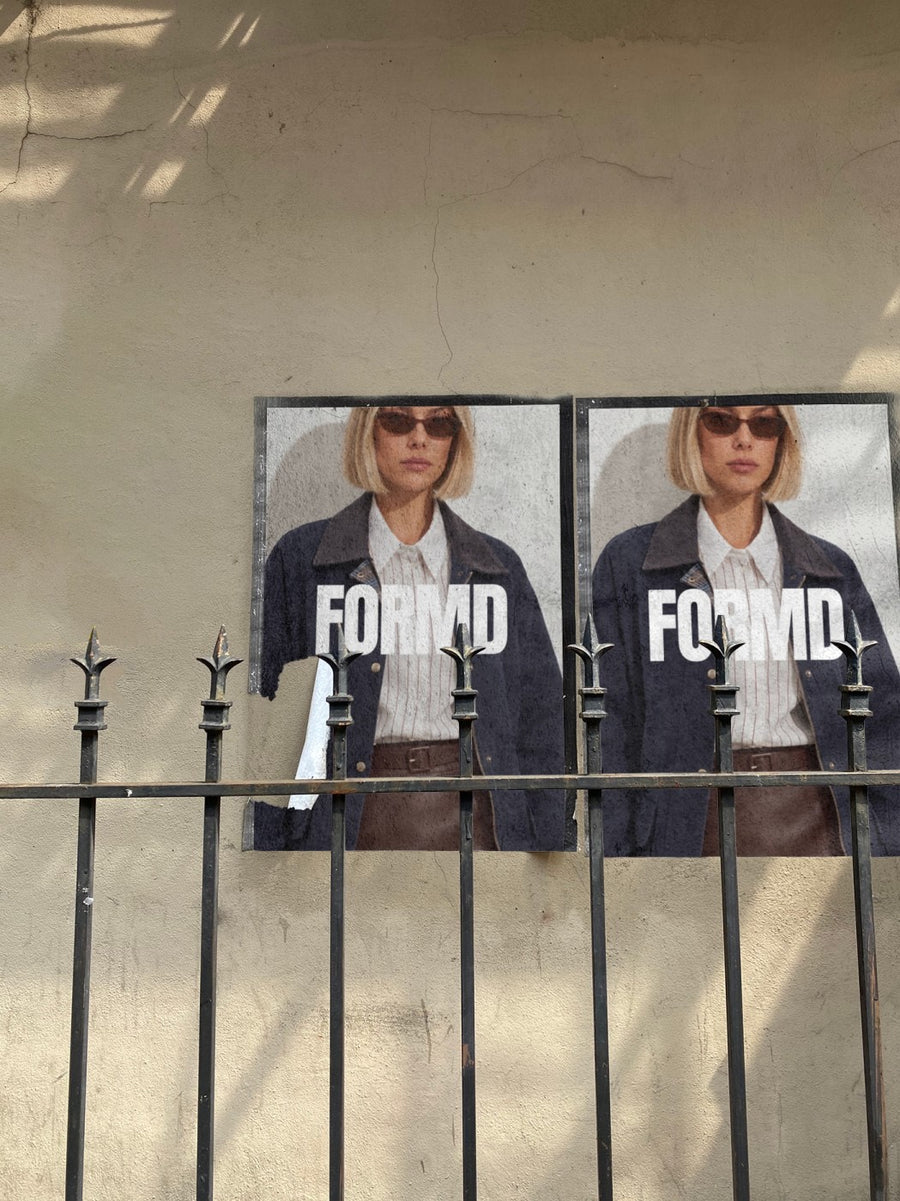
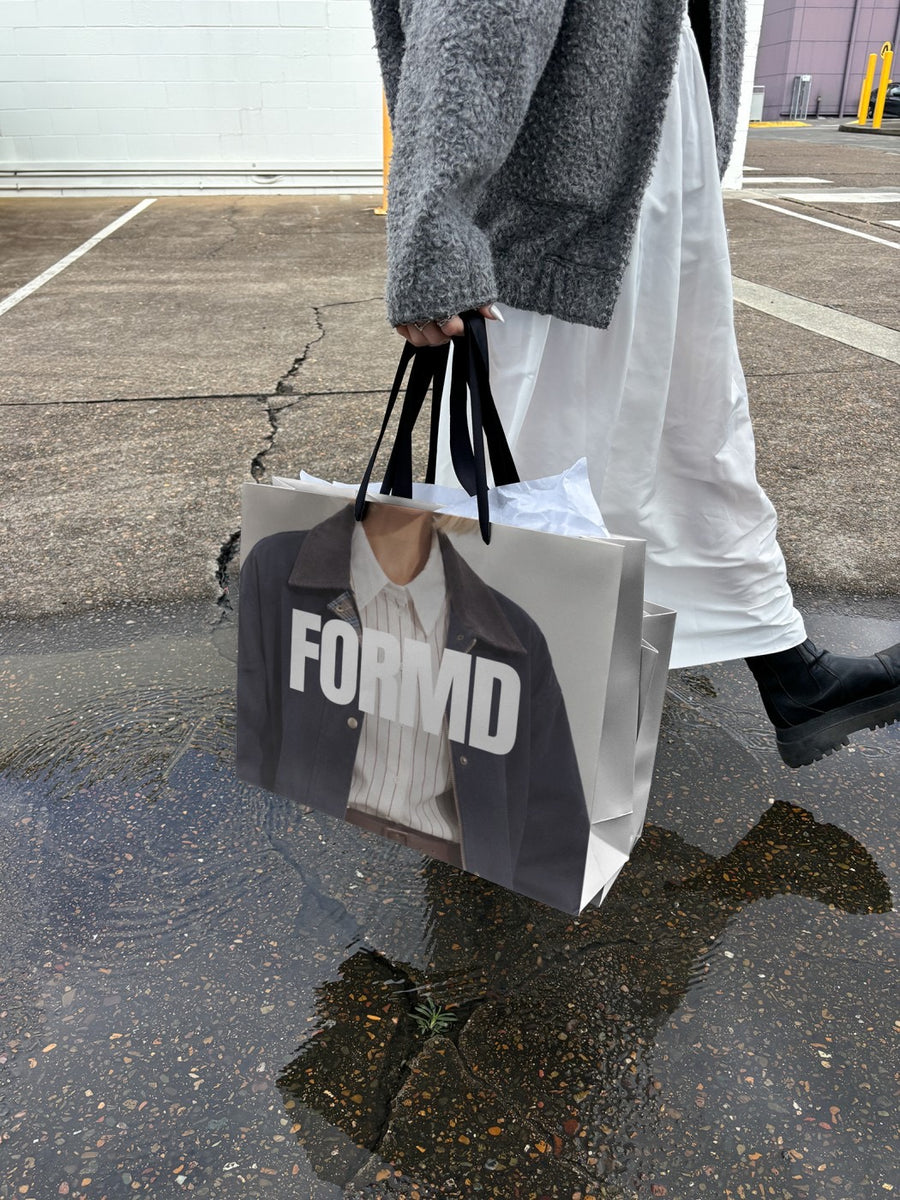
A map pin and an address tell people where you are. They don't make anyone excited to go. Your logo on posters pasted on a city wall, or on a bag out in the rain, puts your brand on a real street before the doors open.
Run it as a short series. Tease the move, share the suburb, then the address and opening date. Using the same few photos each time makes the posts feel like one story, and people start to recognise it in their feed.
Ways to announce your new spot
- The wall of posters: your logo pasted on a city wall, with "New address soon" in the caption
- Guess the suburb: post the street poster, drop hints in the caption, reveal it the next day
- We're moving: a newspaper held up on the street with your logo, and the last day at the old spot
- Doors open: the billboard look on opening day, with the address and hours in the caption
- Carry us home: your logo on a shopping bag to show the new shop's packaging
Captions to start with
Same us. New address. See you there.
We've outgrown the old place. Guess where we're headed.
Doors open Saturday. Address in the bio.
Photos that suit you
- On a street poster: the street look for a move or a new spot.
- On a billboard: for opening day at the new address.
- On a shopping bag: show the bag people will carry out the door.
- On a newspaper: the headline look for "we're moving" news.
How it works
- Add your image. A logo, poster, product shot or full campaign. PNG or JPG.
- Tap a photo. Your design goes on in seconds.
- Download it. A 2000px image, ready to post.
Real photos. Not AI.
Every photo is a real photograph, shot on a real camera. Your design goes on exactly as it is. Nothing gets redrawn, so it's still your brand.
Questions
Do I need Photoshop?
No. It all happens in your browser.
Is it really free?
Your first one is free when you make an account. After that, top up credits inside the studio. No subscription.
Can I put the new address on the photo too?
Yes. Make a simple graphic with your logo, the address and the opening date, save it as a PNG or JPG, and upload that instead of your logo. It goes on exactly as you made it.

