Salon New Location Post Ideas
Your salon is moving. Take your clients with you.
When a salon moves, the real risk is clients who never hear about it. Put your logo and new address on real photos of posters, billboards and phones, and post the move enough times that every regular sees it before their next booking.
Make your first one freeOne tap with Google. No card.
One moving post isn't enough. Clients book weeks apart.
A client who books every couple of months might see one of your posts in that time, if the algorithm is kind. If that post is a photo of boxes, they miss the new address and turn up to an empty shopfront. A move needs a run of posts over weeks, and each one has to be worth stopping for.
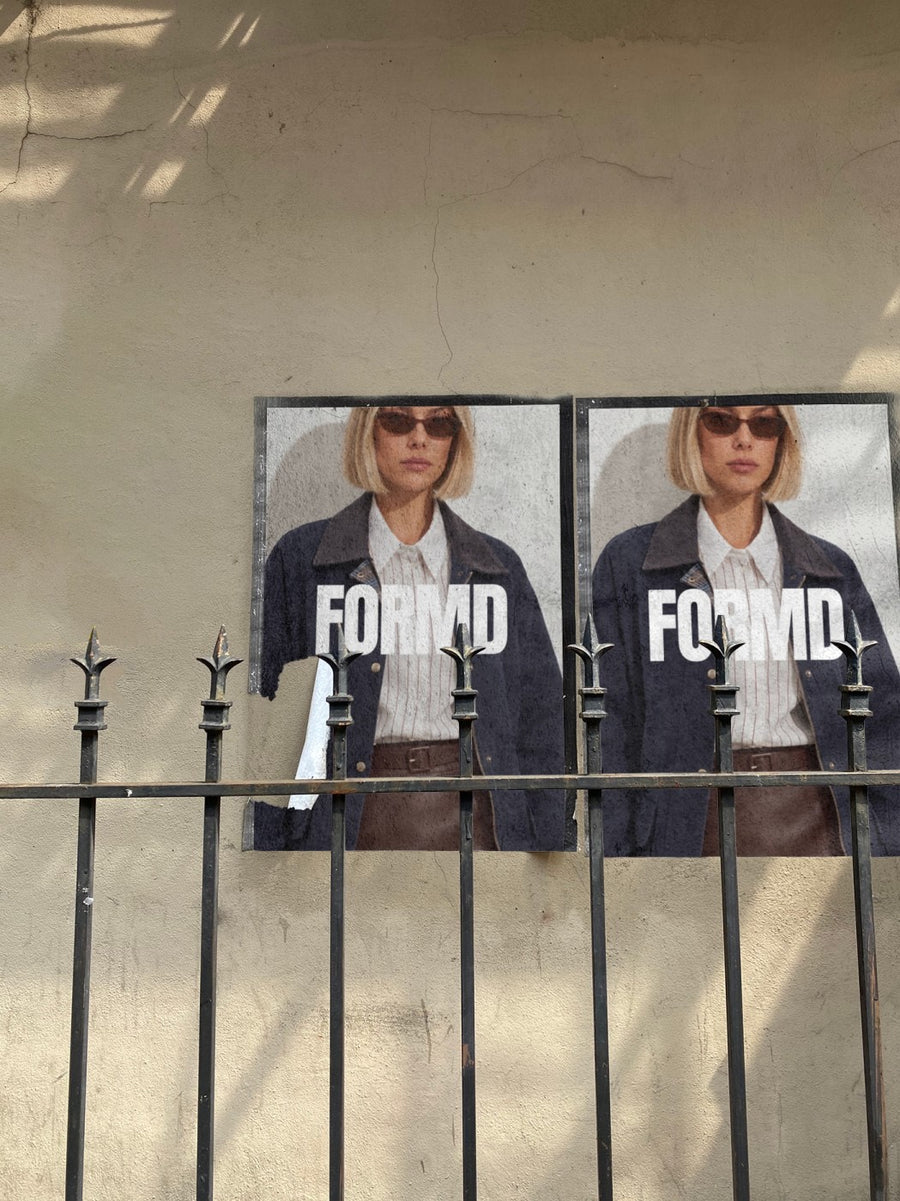
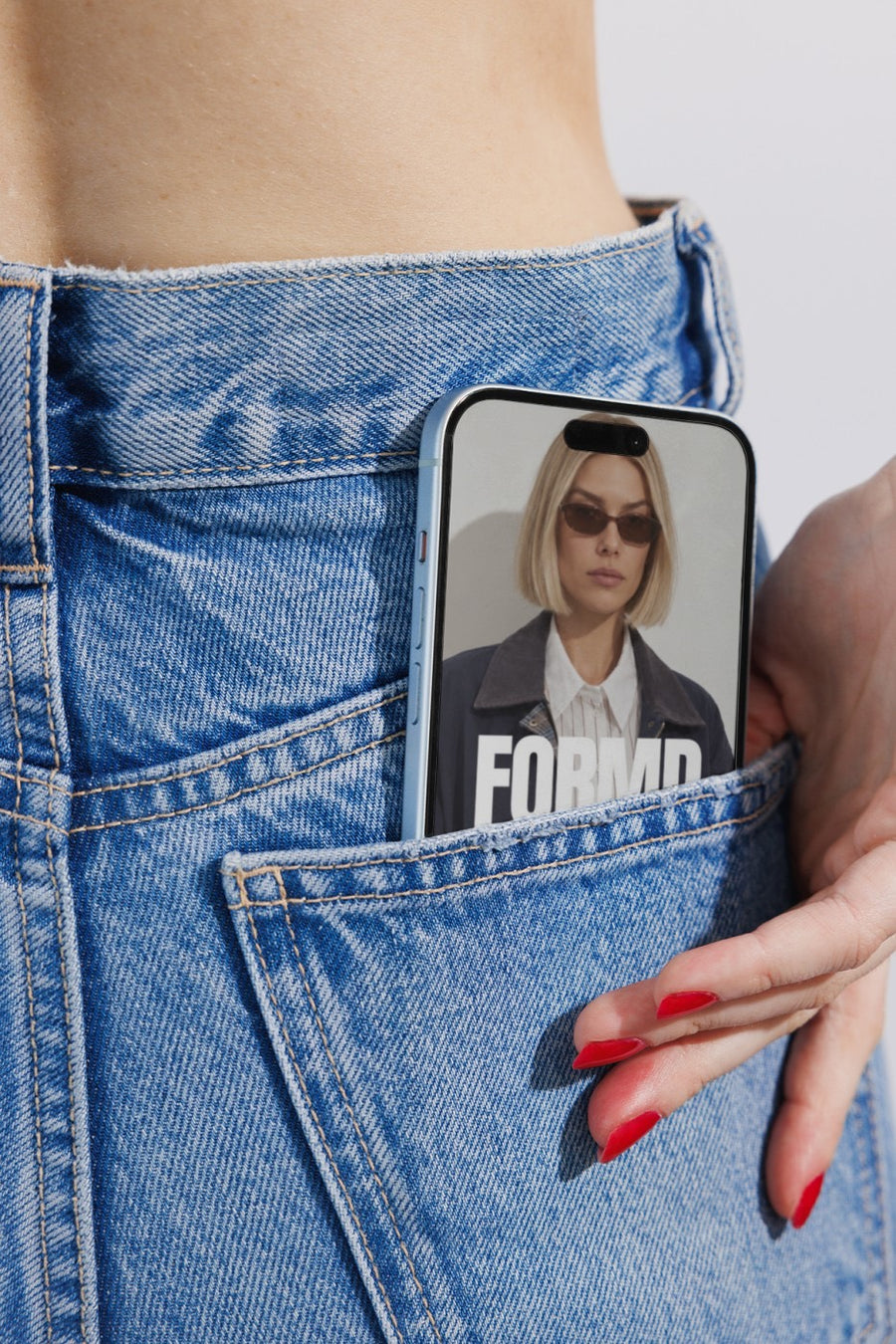
Your logo on a poster wall with the new street in the caption, or on an iPhone in a jeans pocket with your booking link, keeps the move feeling like good news instead of admin. Opening a second location? The same posts tell people you're growing.
Posts for a move or a second salon
- The announcement: your logo on a billboard, with the new suburb in the caption
- The countdown: last weeks at the old chairs, first bookings at the new ones
- Directions and parking: the new address on a poster wall, a post people can screenshot
- The booking link: your logo on an iPhone in a jeans pocket, pointing to your booking app
- Your retail range: your logo on a shopping bag for opening week
- A thank you to the old street and everyone who followed you across town
Captions to start with
We're moving. Same team, new chairs, from next month.
Bookings at the new salon are open now. Link in bio.
Parking's easier and the coffee next door is better. See you at the new place.
Photos that suit you
- On a street poster: the new address, pasted up like a notice.
- On a billboard: the big announcement.
- On a phone: your booking link, in someone's pocket.
- On a shopping bag: retail and opening week.
How it works
- Add your image. A logo, poster, product shot or full campaign. PNG or JPG.
- Tap a photo. Your design goes on in seconds.
- Download it. A 2000px image, ready to post.
Real photos. Not AI.
Every photo is a real photograph, shot on a real camera. Your design goes on exactly as it is. Nothing gets redrawn, so it's still your brand.
Questions
Do I need Photoshop?
No. It all happens in your browser.
Is it really free?
Your first one is free when you make an account. After that, top up credits inside the studio. No subscription.
Can I add the new address to the photo?
Put the address into your artwork before you upload it as a PNG or JPG. It goes onto the photo exactly as it is. Or keep the photo clean and put the address in the caption.

