Restaurant New Menu Post Ideas
A new menu deserves more than one post.
Your chef spent months on the new menu. Then it gets one plate photo and a caption that says new menu out now. Put the menu itself on real photos of newspapers, posters and iPads, and give it a proper launch week.
Make your first one freeOne tap with Google. No card.
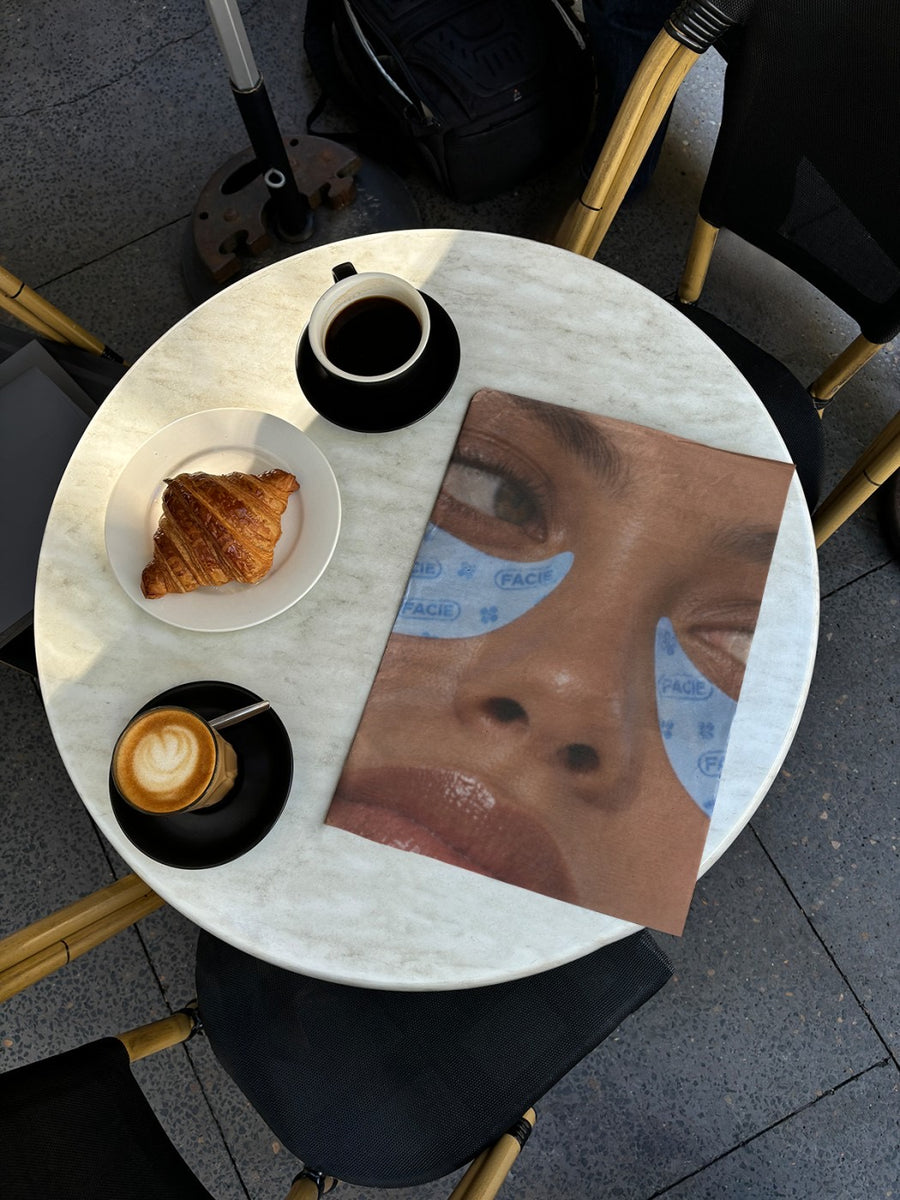
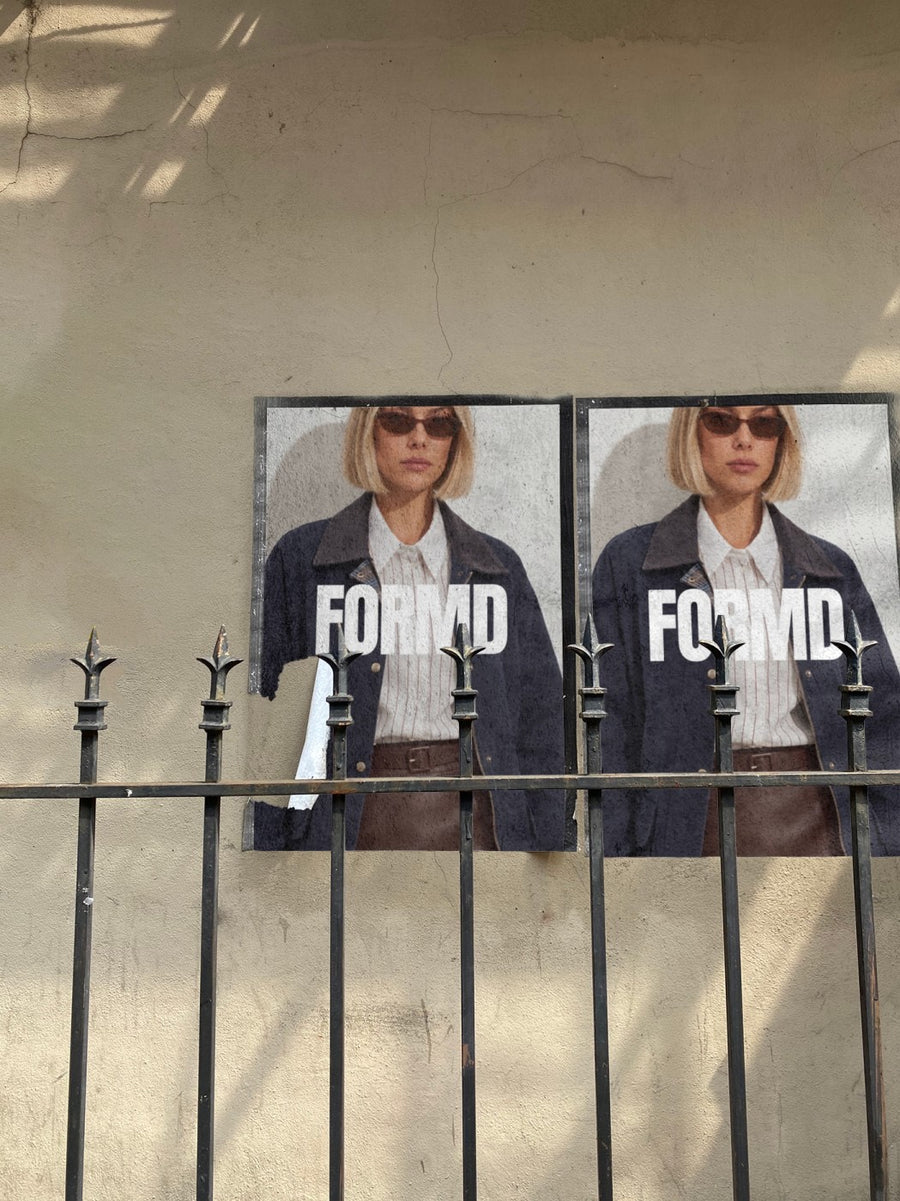
Plate photos alone don't tell people the menu changed.
A single dish shot looks like every other post from your restaurant. Regulars scroll past because it could be last season's special. A menu change needs a signal that says this is new, and a plate on the pass doesn't do that on its own.
The menu card on a newspaper open on a cafe table reads like news. A poster of the new dishes on a city wall reads like an event. Put those next to your food photos and people get it: something changed, time to book. You can make them from the file your designer already sent.
A launch week for the new menu
- The teaser: a crop of the new menu on a newspaper, only the dish names showing
- Launch night: the full menu on an iPad on a cafe table, so people can zoom in and read it
- The chef's pick: one hero dish as a poster pasted on a city wall
- The seasonal switch: your winter menu on a subway billboard, timed with the first cold snap
- Last call: a post for the dishes leaving the menu, so regulars come in one more time
Captions to start with
The winter menu starts Thursday. Book in before the slow braise runs out.
Read all about it. New menu from Thursday night.
Saying goodbye to a few old favourites. Say hello to what's replacing them.
Photos that suit you
- On a newspaper: the menu card reads like the day's news.
- On a street poster: one hero dish, pasted up like an event.
- On an iPad: your full menu on a real screen, easy to read.
- On a billboard: a seasonal launch that looks like a campaign.
How it works
- Add your image. A logo, poster, product shot or full campaign. PNG or JPG.
- Tap a photo. Your design goes on in seconds.
- Download it. A 2000px image, ready to post.
Real photos. Not AI.
Every photo is a real photograph, shot on a real camera. Your design goes on exactly as it is. Nothing gets redrawn, so it's still your brand.
Questions
Do I need Photoshop?
No. It all happens in your browser.
Is it really free?
Your first one is free when you make an account. After that, top up credits inside the studio. No subscription.
Can I upload my menu as a PDF?
Save it as a PNG or JPG first. Most design apps and phones can export a page as an image. Then upload it like a logo and it goes onto the photo exactly as it is.

