Bakery Christmas Post Ideas
Christmas at a bakery is all about the pre-order.
December is your biggest month and your busiest ovens. The posts that matter most are the boring ones: pre-orders open, cut-off date, pick-up times. Put them on real photos of newspapers, bags and posters so people stop and actually read them.
Make your first one freeOne tap with Google. No card.
Pre-order posts get ignored because they all look the same.
Every bakery posts a text tile that says Christmas orders now open. A week later it's the same tile with a new date. Customers miss both, and on 23 December the phone rings with people asking if it's too late for fruit mince tarts.
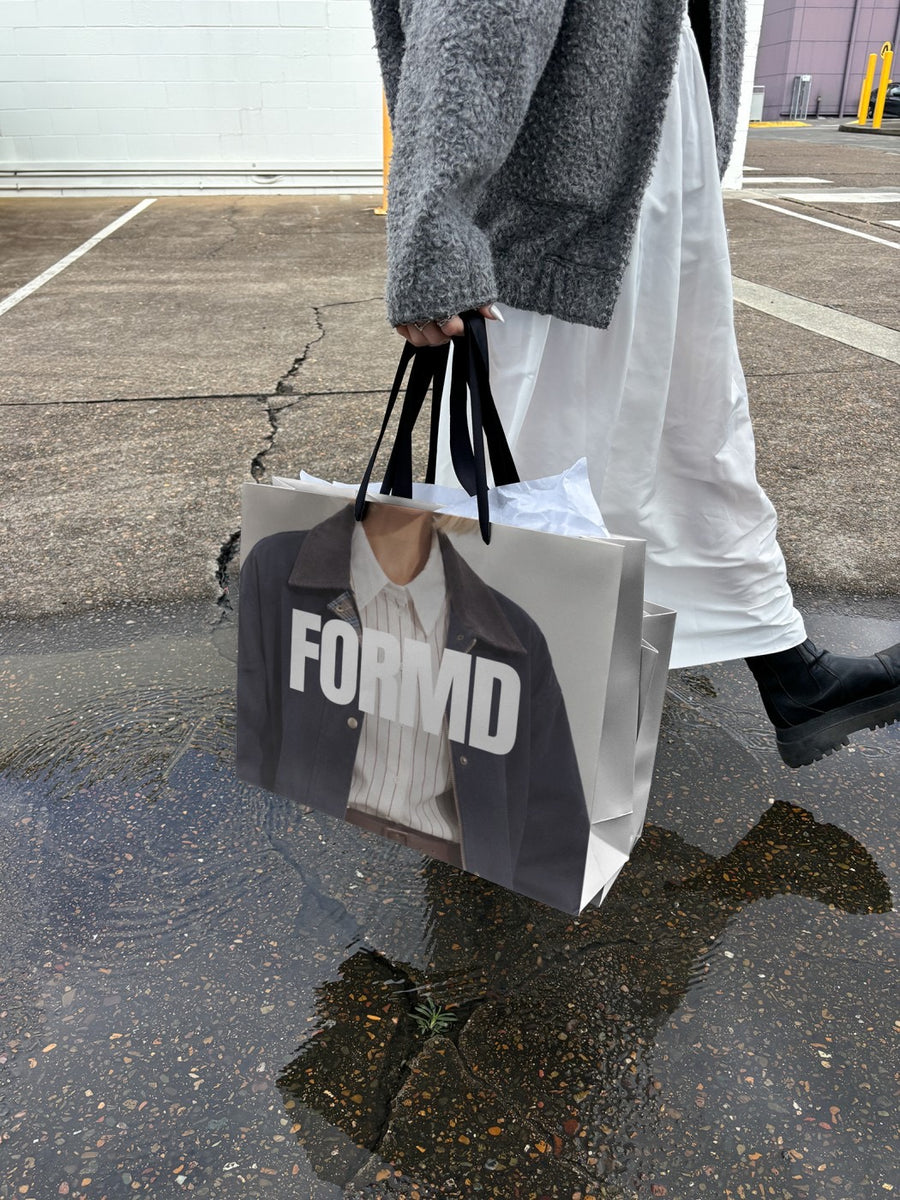
Your Christmas range on a newspaper, or your logo on a shopping bag with the pick-up dates in the caption, looks different enough to stop the scroll. In an Australian summer, with half your customers at the beach, a post that stands out is the gap between a full order book and a cool room of leftover pav bases.
Christmas posts, from November to Christmas Eve
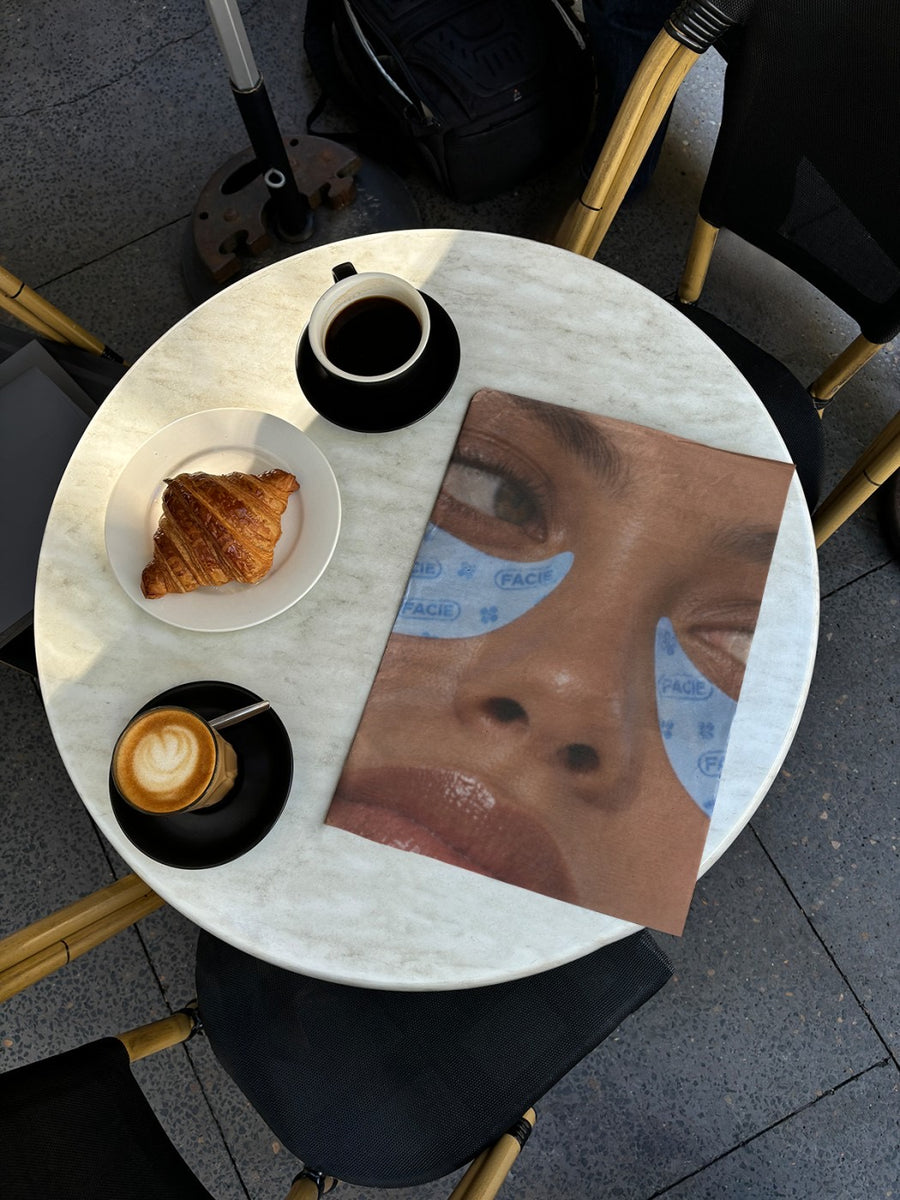
- Mid November: pre-orders open, with your Christmas range on a newspaper open on a cafe table
- Late November: your logo on a shopping bag, and a caption about gift boxes for clients and teachers
- Early December: the cut-off date on a poster wall, like it's been pasted up all over town
- Mid December: Christmas trading hours on an iPad on a cafe table, easy to screenshot
- Christmas Eve: a thank you post before the ovens go cold for a few days
- January: back open, with a post that isn't another loaf of sourdough
Captions to start with
Christmas orders close Friday. Fruit mince tarts, pav bases and panettone. Link in bio.
Pick-up is 23 and 24 December. Bring a cool bag, it's going to be hot.
The ovens are off until the new year. Thank you for a massive one.
Photos that suit you
- On a shopping bag: your bag, ready for Christmas Eve pick-ups.
- On a newspaper: the Christmas range as front page news.
- On a street poster: a cut-off date nobody can miss.
- On an iPad: trading hours on a real screen.
How it works
- Add your image. A logo, poster, product shot or full campaign. PNG or JPG.
- Tap a photo. Your design goes on in seconds.
- Download it. A 2000px image, ready to post.
Real photos. Not AI.
Every photo is a real photograph, shot on a real camera. Your design goes on exactly as it is. Nothing gets redrawn, so it's still your brand.
Questions
Do I need Photoshop?
No. It all happens in your browser.
Is it really free?
Your first one is free when you make an account. After that, top up credits inside the studio. No subscription.
Can I put my Christmas order form on a photo?
Yes. Save the order form or price list as a PNG or JPG and upload it. It goes onto the photo exactly as it is, so your prices and dates stay readable.

