Jewellery Valentine's Day Post Ideas
Valentine's Day is a gift problem. Solve it for them.
Most people buying jewellery for Valentine's Day are nervous and running late. Your posts need to make choosing easy and the shipping cut-off clear. Put your logo and gift artwork on real photos of shopping bags, newspapers and phones and give them the nudge.
Make your first one freeOne tap with Google. No card.
Your Valentine's buyer probably isn't your usual follower.
A lot of Valentine's orders come from partners who don't follow jewellery brands. They got tagged, or a friend sent a screenshot. They need three things fast: what to buy, what it costs, and whether it arrives by 14 February.
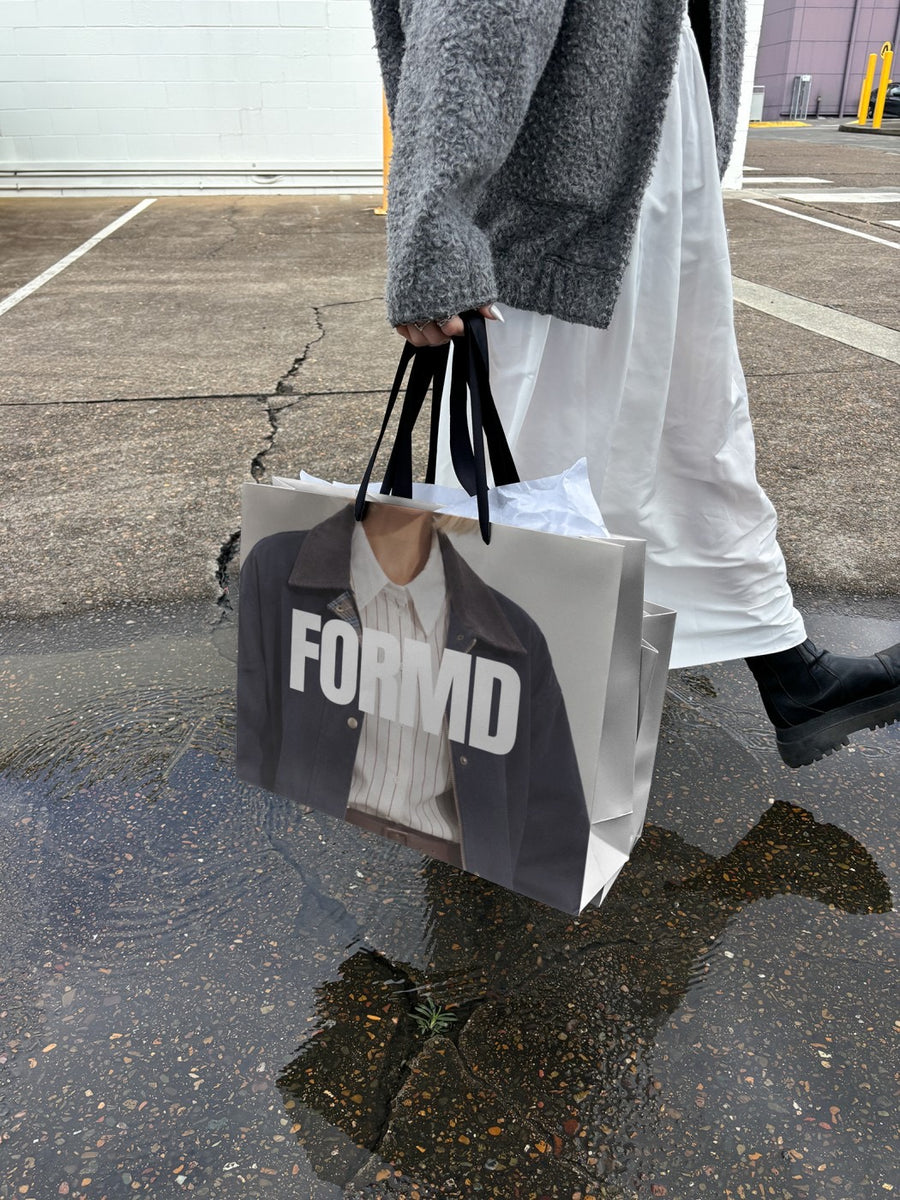
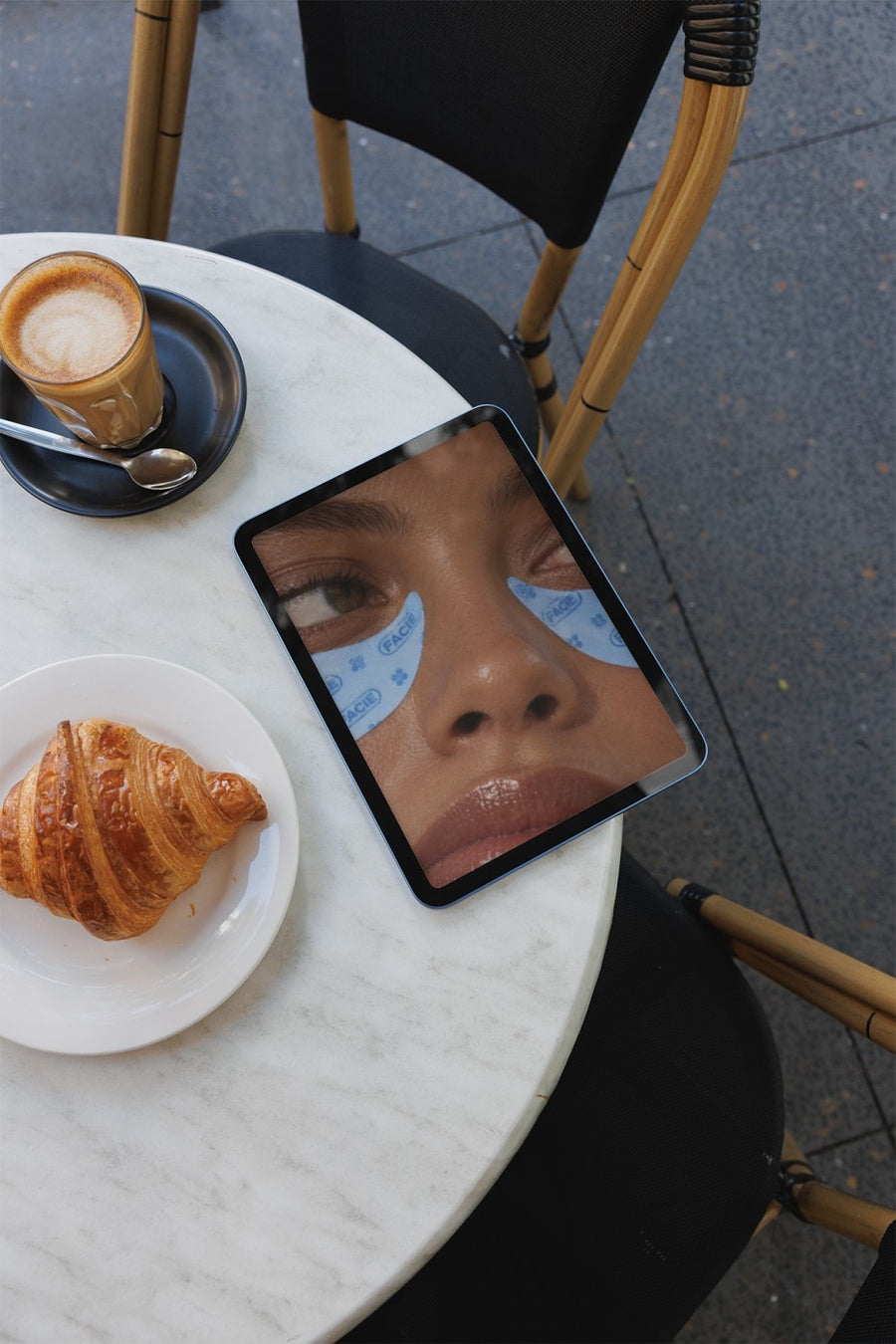
Macro shots of a ring on stone are lovely, but they don't answer any of that. A gift guide on an iPad on a cafe table, or your logo on a shopping bag with the order cut-off in the caption, does. It looks like a gift, it's easy to screenshot and send, and your pieces still look premium.
Posts for the fortnight before 14 February
- The gift guide: three pieces at three price points, on an iPad on a cafe table
- The bag: your logo on a shopping bag, so the post looks like the gift
- The shipping cut-off: the last order date on a newspaper, like breaking news
- Engraving and custom orders: the lead time on a poster wall, posted early
- The panic post: click and collect or gift cards for anyone who left it late
- The day after: a self-gifting post for everyone who bought for themselves
Captions to start with
Tag the person who needs a hint.
Order by Monday for delivery before Valentine's Day. Express after that.
Left it late? Gift cards land in their inbox straight away.
Photos that suit you
- On a shopping bag: the post that looks like the gift.
- On an iPad: a gift guide on a real screen.
- On a newspaper: the shipping cut-off as breaking news.
- On a phone: the link, ready to send.
How it works
- Add your image. A logo, poster, product shot or full campaign. PNG or JPG.
- Tap a photo. Your design goes on in seconds.
- Download it. A 2000px image, ready to post.
Real photos. Not AI.
Every photo is a real photograph, shot on a real camera. Your design goes on exactly as it is. Nothing gets redrawn, so it's still your brand.
Questions
Do I need Photoshop?
No. It all happens in your browser.
Is it really free?
Your first one is free when you make an account. After that, top up credits inside the studio. No subscription.
Will my logo keep its fine detail?
It goes on exactly as it is. Nothing gets redrawn, so your lettering and fine lines stay yours. Tap Adjust to rotate or fit it. Changes are free.

