Florist Mother's Day Post Ideas
Mother's Day is your Christmas. Post like it.
The second Sunday in May is one of the biggest weekends of the year for florists, and you're too busy wiring stems to think about Instagram. Plan the posts early. Put your logo and order details on real photos and let them run while you're in the cool room.
Make your first one freeOne tap with Google. No card.
Pre-orders fill the week. The posts have to go out early.
Mother's Day flowers get bought in a rush, but plenty of people will order weeks ahead if you ask early. A florist who opens pre-orders in April and posts delivery zones and the cut-off clearly has a calmer Saturday than one who posts a bouquet photo on Thursday night.
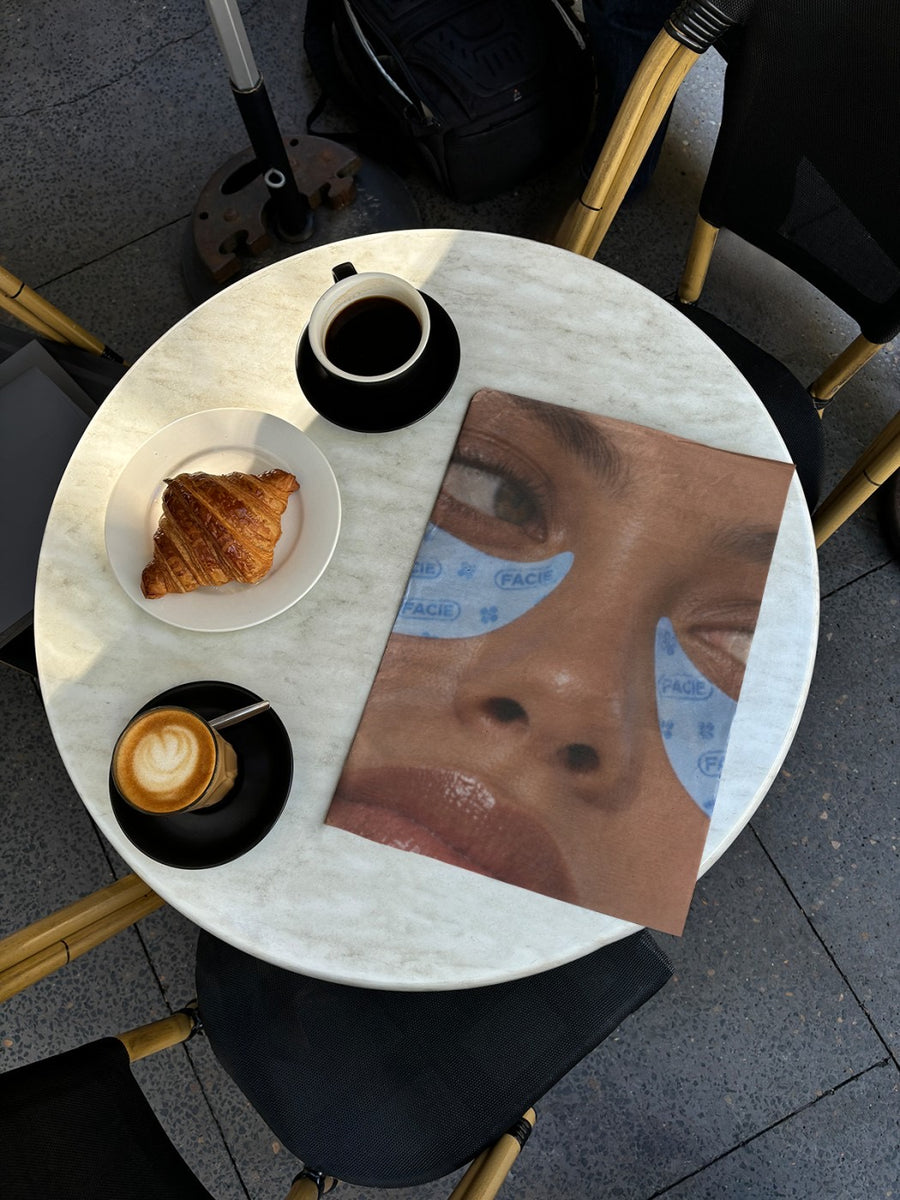
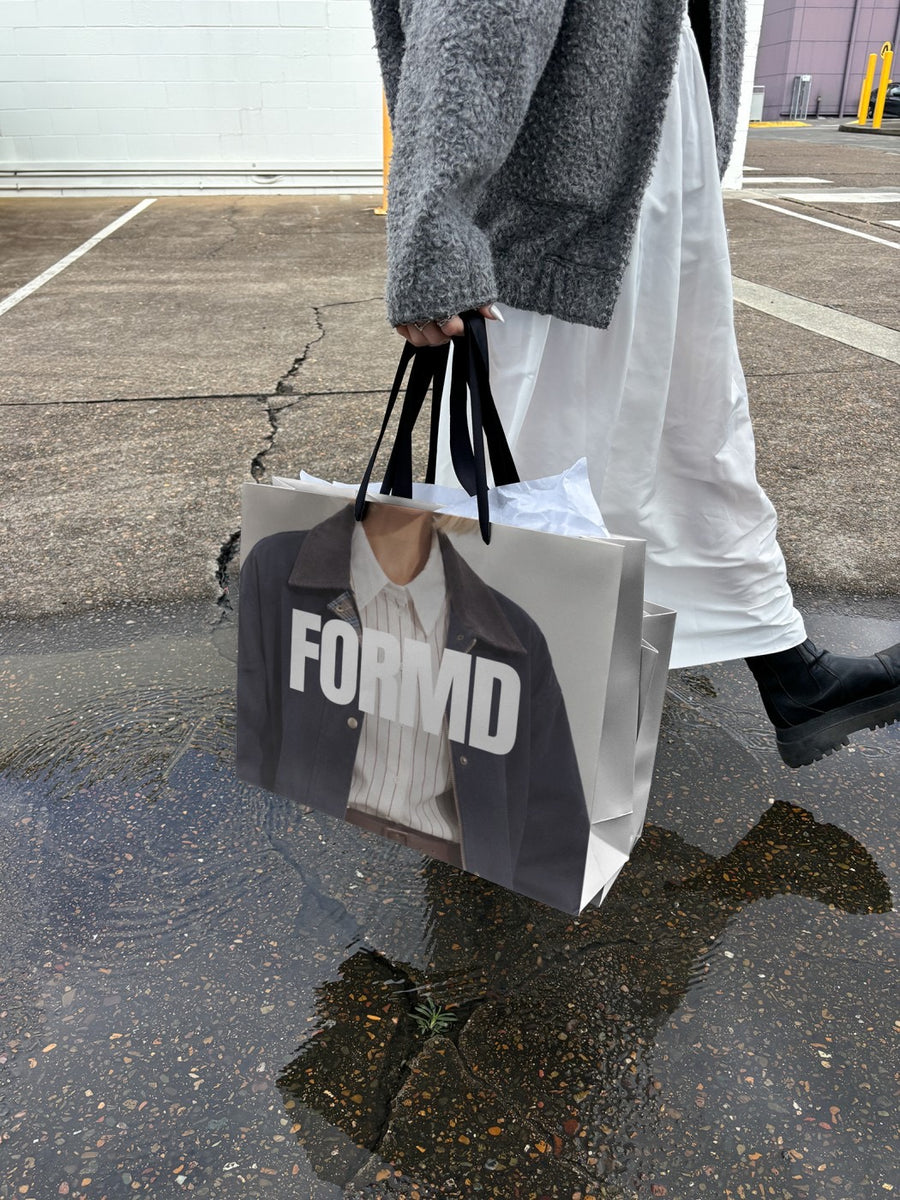
Bouquet photos are the heart of your feed and they should stay there. The posts around them, about dates, zones and sold out sizes, are the ones people skim past. Your logo on a newspaper open on a cafe table or a shopping bag in the rain makes that information look worth reading.
Posts for the weeks leading into May
- Mid April: pre-orders open, your logo on a billboard with the date
- Late April: delivery zones and the cut-off on a newspaper open on a cafe table
- The week of: your logo on a shopping bag for pick-up orders
- Saturday: sold out sizes and what's left for walk-ins, on an iPad on a cafe table
- Sunday night: a thank you that credits the team who worked through the night
- Afterwards: a reminder that flowers aren't only for May
Captions to start with
Mother's Day pre-orders are open. The small bunches go first.
Order by Thursday for Saturday delivery. Pick-up all weekend.
The large bouquets are gone. Walk-ins welcome for what's left.
Photos that suit you
- On a newspaper: delivery zones and dates, like the day's news.
- On a shopping bag: for pick-up orders.
- On a billboard: the pre-orders open announcement.
- On an iPad: what's left, on a real screen.
How it works
- Add your image. A logo, poster, product shot or full campaign. PNG or JPG.
- Tap a photo. Your design goes on in seconds.
- Download it. A 2000px image, ready to post.
Real photos. Not AI.
Every photo is a real photograph, shot on a real camera. Your design goes on exactly as it is. Nothing gets redrawn, so it's still your brand.
Questions
Do I need Photoshop?
No. It all happens in your browser.
Is it really free?
Your first one is free when you make an account. After that, top up credits inside the studio. No subscription.
Can I make these posts weeks ahead?
Yes. Make them in April, download each one as a 2000px image and schedule them. Each one takes about a minute, so a whole week of posts fits in a quiet afternoon.

