Loyalty Program Launch Ideas
Launching rewards? Make joining feel like a perk.
A loyalty program only works if people sign up. Here's how to launch a stamp card, a rewards club or a VIP list, what to post and captions to use. Upload your card design or logo and we put it on real photos of phones, tote bags and billboards.
Make your first one freeOne tap with Google. No card.
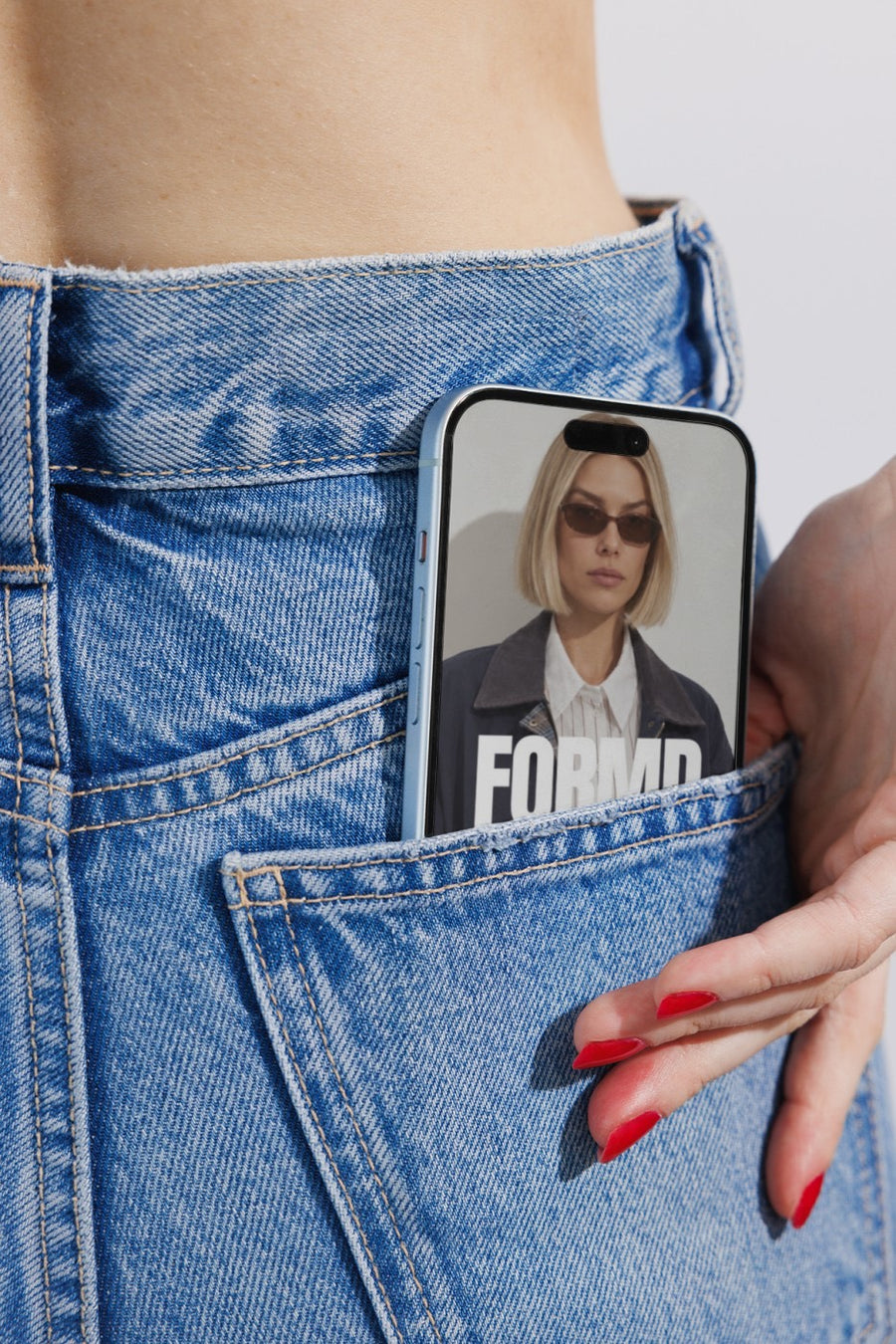
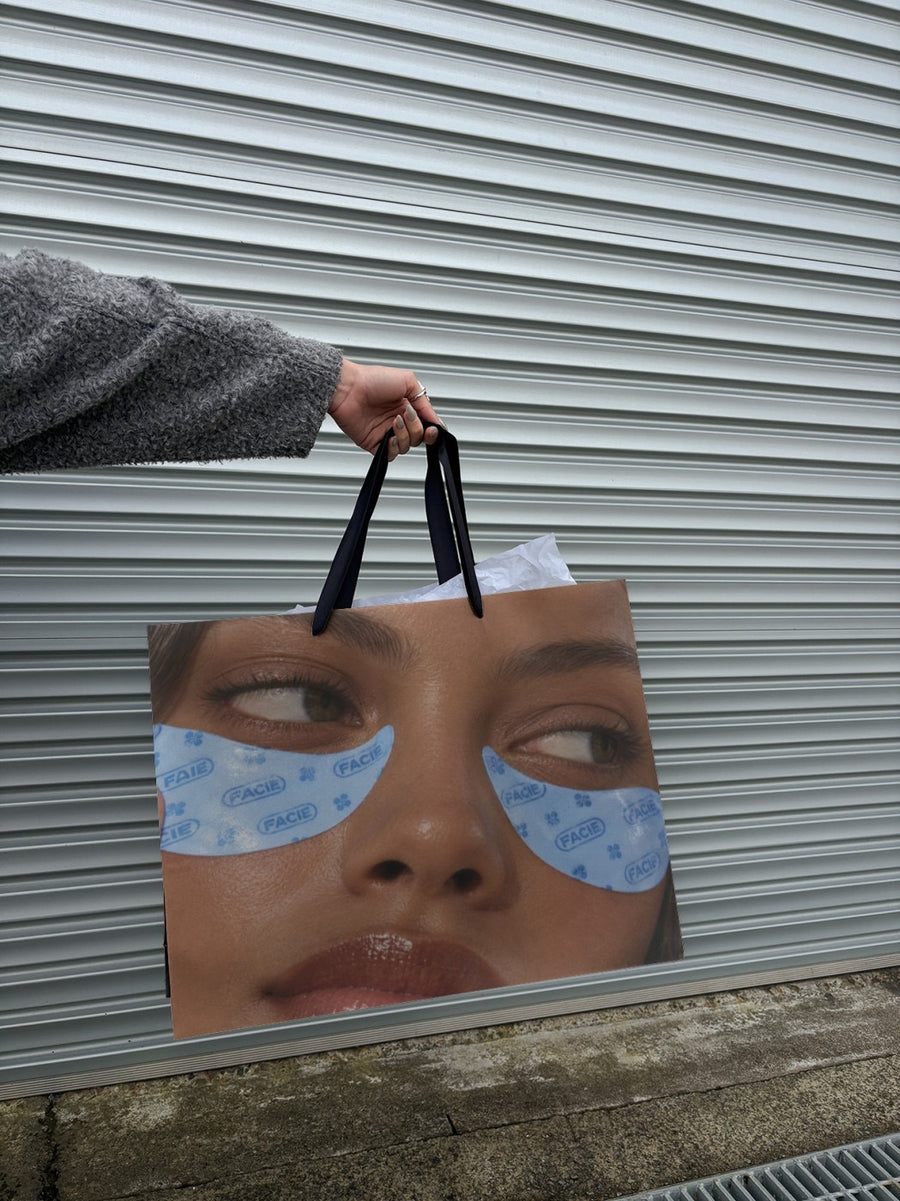
The launch post has to explain it in one look
People sign up for rewards when it's clear what they get and how easy it is to join. A long caption about points and tiers loses them. The image has to do half the work.
Your card design on an iPhone in a jeans pocket says 'this lives on your phone'. Your logo on a canvas tote says 'members get something'. Mix those with a plain slide that spells out how it works and you've covered it.
Only promise the rewards you've set up. Write the rules the same way everywhere, on the post, at the counter and on your site.
Posts for launch week
- The announcement: your card or logo on a billboard with a caption that says rewards are here.
- How it works: your card design on a phone, then a slide with three simple steps to join.
- The member perk: your logo on a tote or a shopping bag, if that's part of what members get.
- Founding members: a post thanking the first people who sign up, with their permission.
- At the counter: a real photo of the card or QR code at your register.
- A month in: a reminder post for anyone who hasn't joined yet.
Captions to start with
Rewards are here. Every coffee counts now.
Join in ten seconds at the counter. Your tenth one's on us.
A little thank you for being a regular. Ask us how to join.
Photos that suit you
- On a phone: show your digital card where it lives.
- On a tote bag: for a member perk or welcome gift.
- On a billboard: for the big announcement.
- On a shopping bag: show members' packaging or a welcome pack.
How it works
- Add your image. A logo, poster, product shot or full campaign. PNG or JPG.
- Tap a photo. Your design goes on in seconds.
- Download it. A 2000px image, ready to post.
Real photos. Not AI.
Every photo is a real photograph, shot on a real camera. Your design goes on exactly as it is. Nothing gets redrawn, so it's still your brand.
Questions
Do I need Photoshop?
No. It all happens in your browser.
Is it really free?
Your first one is free when you make an account. After that, top up credits inside the studio. No subscription.
Can I put my stamp card design on it?
Yes. Upload your card design, a QR code graphic or your logo as a PNG or JPG. It goes on exactly as you made it. Tap Adjust to rotate or fit it, and changes are free.

