Grand Reopening Post Ideas
Back and better? Make the comeback count.
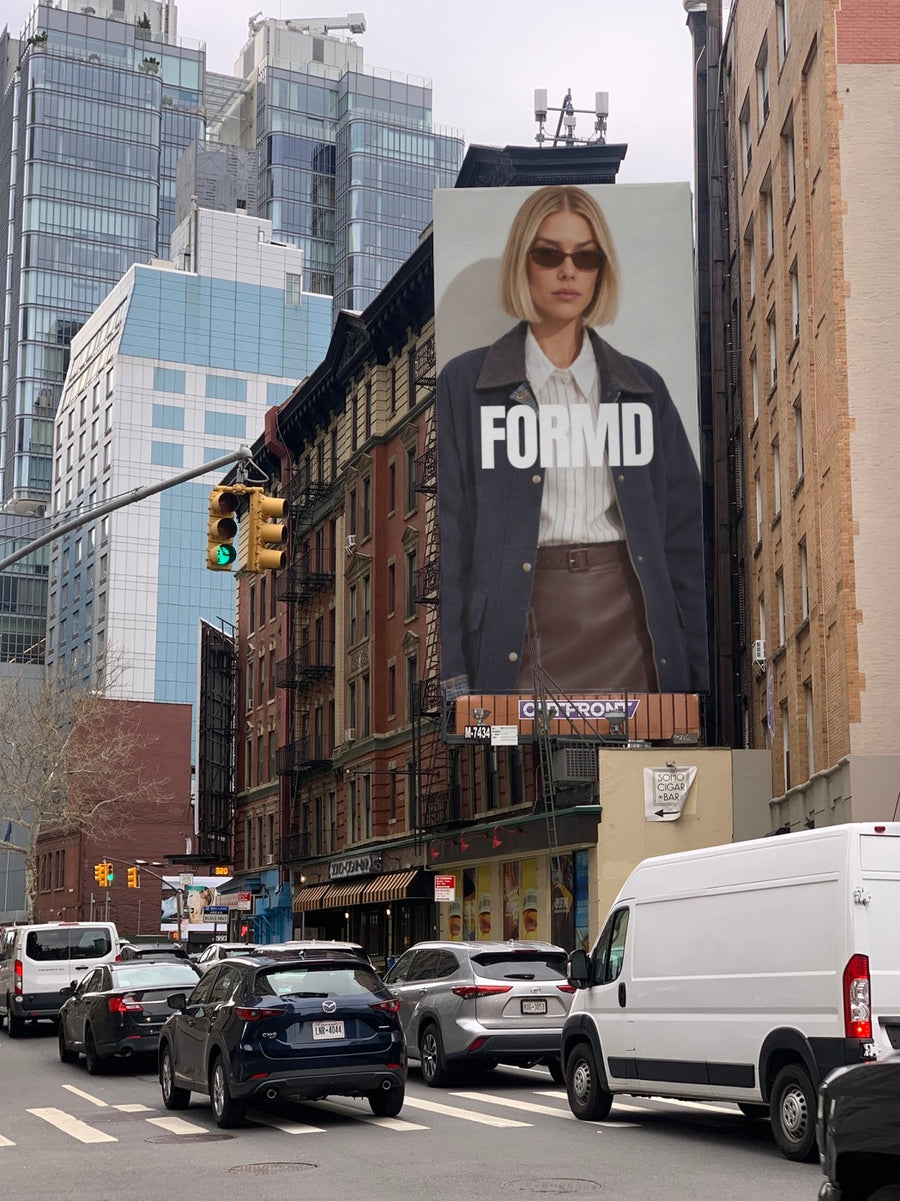
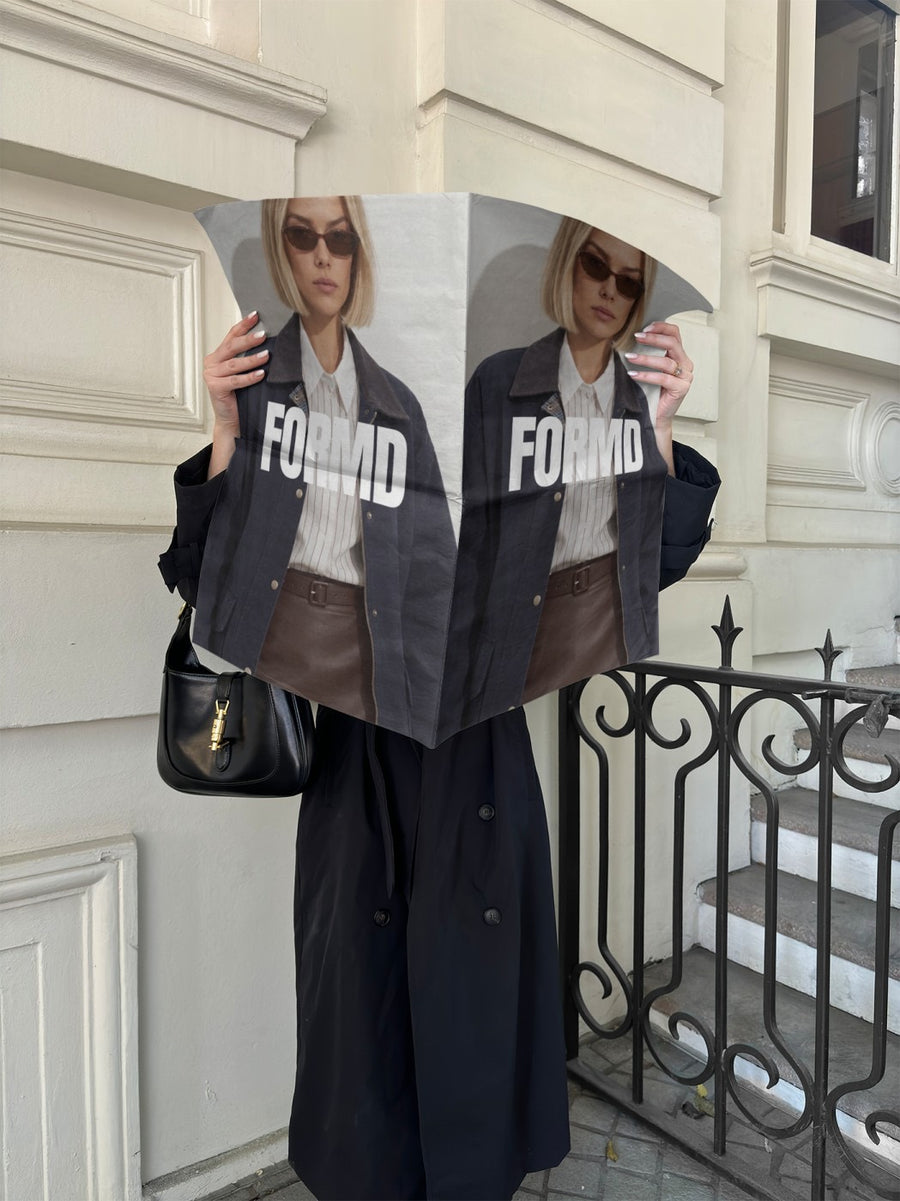
A reopening is different to an opening. People already know you. They want to know what changed and when they can come back. Here's a post plan, captions and ideas for a refit, a new location or a new look. Upload your logo and we put it on real photos of billboards and newspapers.
Make your first one freeOne tap with Google. No card.
Your regulars are waiting to hear from you
While you were closed, the feed probably went quiet or filled up with builders and dust. That's fine. Now you have one job: tell people the date, show them what's new and make them feel welcome back.
If you've rebranded, your new logo on a billboard or a newspaper held up on the street is the moment people see it for the first time. It feels like an unveiling, not a file upload. If the logo hasn't changed, it still gives you a big image for a day that matters.
If you've moved, say the new address in every post. Don't assume people saw the last one.
A reopening post plan
- The update: a real photo of the refit in progress, with a caption that thanks people for their patience.
- The date: your logo on a billboard with the reopening date. Keep it big and simple.
- The new look: if you've rebranded, the new logo on a newspaper held up on the street, then a slide with the old logo for comparison.
- The new address: your logo on two street posters, one with the logo and one with the address and a pin drop.
- Reopening day: a real photo of the doors open. Let it be raw.
- The week after: a thank you with a customer photo, shared with their permission.
Captions to start with
We're back. Doors open again Saturday at 7.
New look, same heart. Come and see what we've been up to.
We've moved. Same crew, new address. See you there.
Photos that suit you
- On a billboard: for the reopening date.
- On a newspaper: unveil a new logo like it's news.
- On a street poster: pair your logo with the new address.
- On a shopping bag: show off new packaging from the rebrand.
How it works
- Add your image. A logo, poster, product shot or full campaign. PNG or JPG.
- Tap a photo. Your design goes on in seconds.
- Download it. A 2000px image, ready to post.
Real photos. Not AI.
Every photo is a real photograph, shot on a real camera. Your design goes on exactly as it is. Nothing gets redrawn, so it's still your brand.
Questions
Do I need Photoshop?
No. It all happens in your browser.
Is it really free?
Your first one is free when you make an account. After that, top up credits inside the studio. No subscription.
Can I show my old and new logo side by side?
Yes. Put your old logo on one photo and your new one on another, then post them as a carousel. Or put both on the two street posters. Each goes on exactly as you made it.

