Sold Out Post Ideas
You sold out. Now say it well.
Selling out is the best news you can share, and the easiest post to get wrong. Here's how to thank people, keep the buzz for the restock and what to write. Upload your logo and we put it on real photos of street posters, newspapers and billboards.
Make your first one freeOne tap with Google. No card.
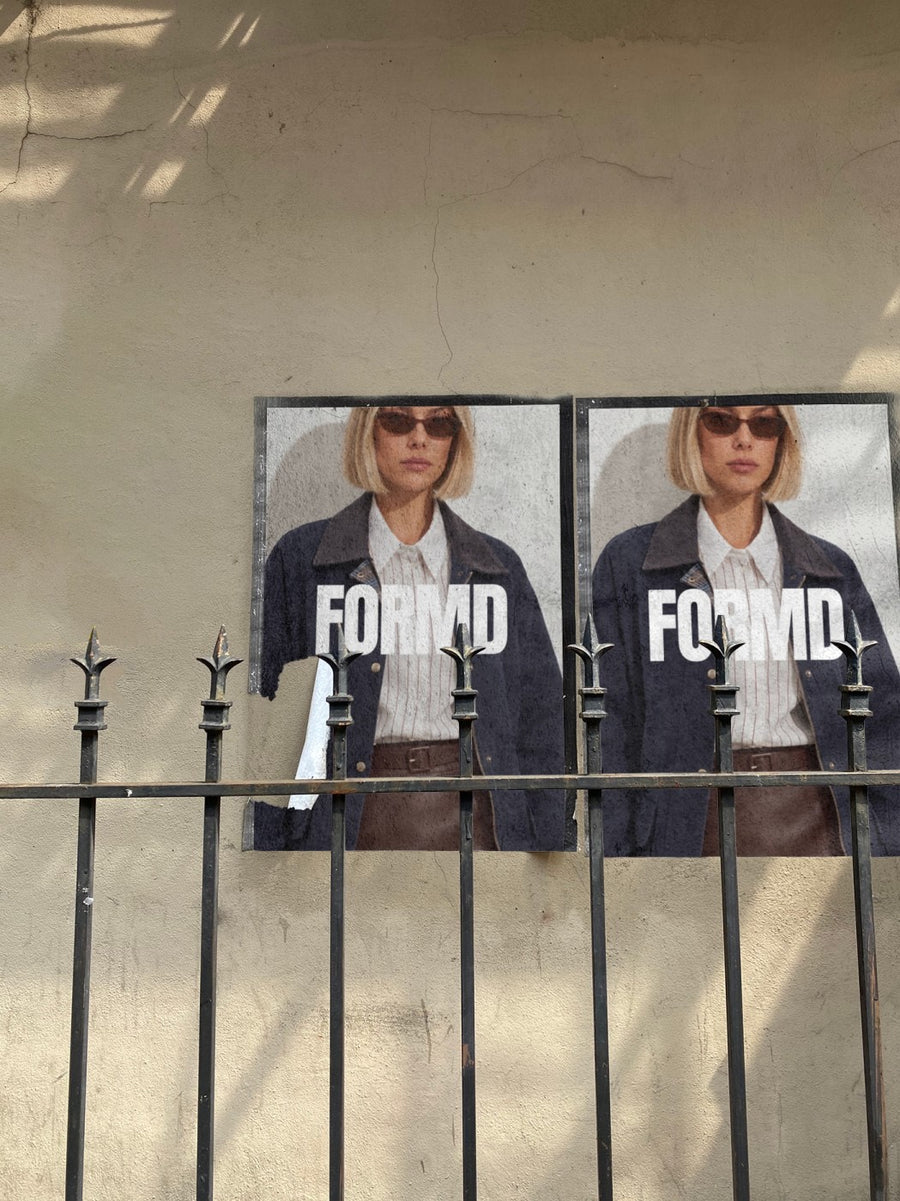
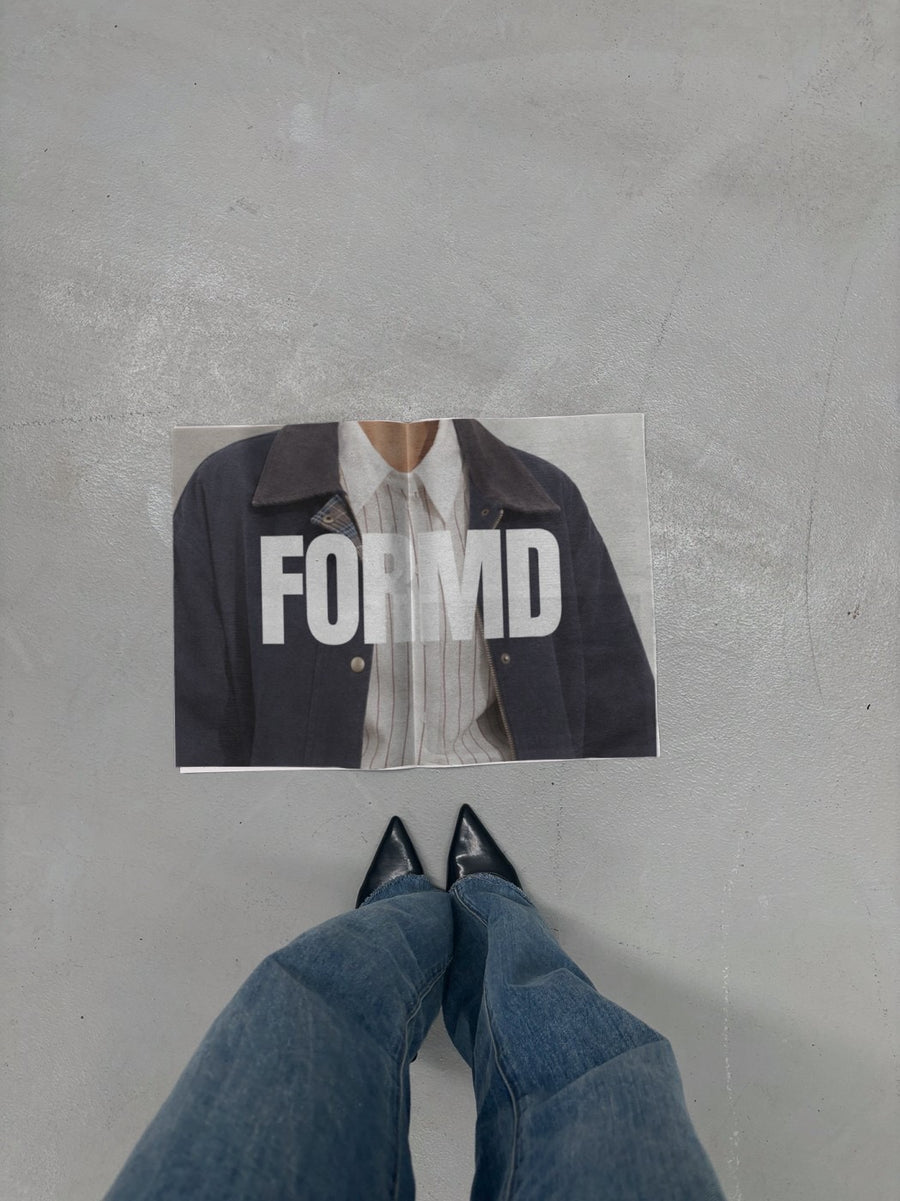
A sold out post should feel like a thank you, not a brag
The people who missed out are still reading. If the post is all fire emojis they feel shut out. If it thanks the people who bought, tells everyone else what happens next and gives them a way to hear first, the sell out turns into a waitlist.
You also have nothing left to photograph. The shelf is empty. Your logo on two street posters or a newspaper on concrete next to black heels gives you a strong image for the news without staging a sad empty rack.
Only post it when it's true. If a few sizes are left, say which ones. People remember the brands that are straight with them.
Posts for after the sell out
- The announcement: your logo on a newspaper with a short caption that thanks people first.
- The waitlist post: two street posters, one with your logo and one with 'join the waitlist', and the link in bio.
- What's left: if some sizes or colours remain, list them plainly with a real photo of each.
- A behind the scenes post: packing orders, the stack of boxes, the mail run. Real photos from your day.
- The restock tease: your logo on a billboard with the restock date once you know it. Not before.
- A customer post: reshare a buyer's photo of the product arriving, with their permission.
Captions to start with
Sold out. Thank you, truly. Waitlist is open for the next run.
Missed it? Join the list and you'll hear before anyone else.
All packed and on their way. Restock date coming soon.
Photos that suit you
- On a newspaper: for the announcement, so it reads like news.
- On a street poster: pair your logo with a waitlist message.
- On a billboard: for the restock date when you have one.
How it works
- Add your image. A logo, poster, product shot or full campaign. PNG or JPG.
- Tap a photo. Your design goes on in seconds.
- Download it. A 2000px image, ready to post.
Real photos. Not AI.
Every photo is a real photograph, shot on a real camera. Your design goes on exactly as it is. Nothing gets redrawn, so it's still your brand.
Questions
Do I need Photoshop?
No. It all happens in your browser.
Is it really free?
Your first one is free when you make an account. After that, top up credits inside the studio. No subscription.
Can I put 'sold out' across my logo?
Yes. Make a graphic with your logo and the words in Canva or any app, save it as a PNG or JPG and upload it. It goes on exactly as you made it, and changes in Adjust are free.

