Holiday Trading Hours Post Ideas
Your holiday hours, in a post people read.
Every business has to post its holiday hours and nobody reads them. Here's how to make the Christmas, Easter and public holiday post clear, when to post it and captions to use. Upload your hours graphic and we put it on real photos of street posters, newspapers and iPads.
Make your first one freeOne tap with Google. No card.
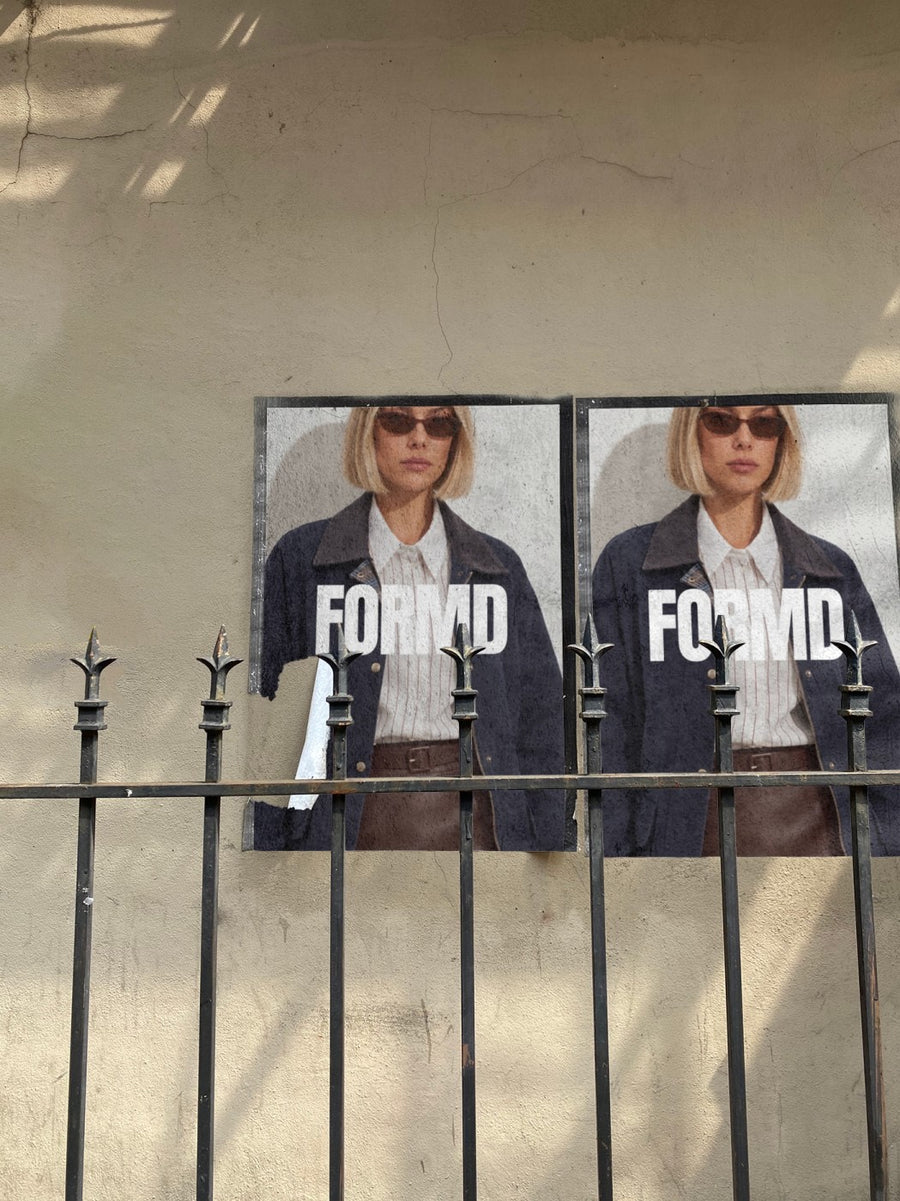
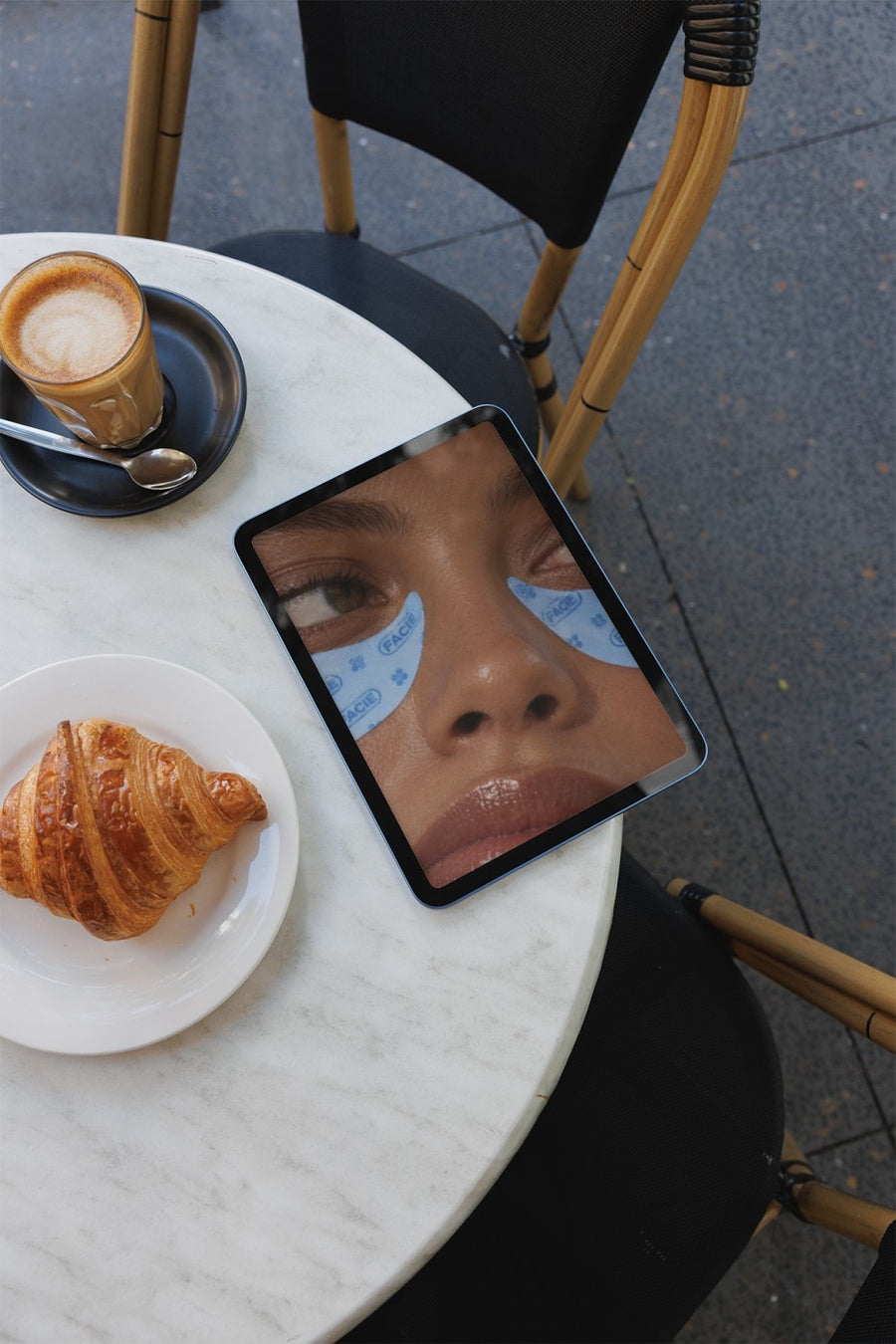
It's the most useful post you'll make all year
Holiday hours are the post your regulars actually need, and the one they scroll straight past. A white square with a table of dates looks like every other one in the feed. Then people turn up on Boxing Day to a locked door and feel let down.
Put the same hours on two real street posters or an iPad on a cafe table and the post looks like it came from a business with some care. It still does its job. The dates just get seen.
Post it early, then post it again. Pin it to your profile and update your Google hours at the same time, so the answer is the same wherever people look.
When and what to post
- Two weeks before Christmas: your full Christmas and New Year hours on two street posters. One with your logo, one with the dates.
- The week before: the same hours on a newspaper open on a cafe table, as a reminder.
- The day before you close: a thank you for the year with your logo on a billboard and the day you reopen.
- Easter and Anzac Day: a short post a week out with just the days that change.
- Other public holidays: a story on the Friday before a long weekend. Keep it to one line.
- Reopening day: a real photo of the door open or the first coffee back.
Captions to start with
Christmas hours are in. Save this so you don't have to guess.
Closed Christmas Day and Boxing Day. Back on the 27th with fresh stock and full energy.
Long weekend hours: closed Monday, open as normal Tuesday.
Photos that suit you
- On a street poster: one poster for your logo, one for the dates.
- On a newspaper: for the reminder the week before.
- On an iPad: put your hours on a real screen on a cafe table.
- On a billboard: for your last day of the year.
How it works
- Add your image. A logo, poster, product shot or full campaign. PNG or JPG.
- Tap a photo. Your design goes on in seconds.
- Download it. A 2000px image, ready to post.
Real photos. Not AI.
Every photo is a real photograph, shot on a real camera. Your design goes on exactly as it is. Nothing gets redrawn, so it's still your brand.
Questions
Do I need Photoshop?
No. It all happens in your browser.
Is it really free?
Your first one is free when you make an account. After that, top up credits inside the studio. No subscription.
Can I put a table of my hours on it?
Yes. Make your hours graphic in Canva or any app, save it as a PNG or JPG and upload it. Keep the text big so it reads on a phone. It goes on exactly as you made it.

