Price Change Announcement Ideas
Putting your prices up? Say it straight.
Nobody likes posting a price rise. Done well, it's a chance to show customers you respect them. Here's how to write it, when to post it and captions to start from. Upload your logo or notice and we put it on real photos of newspapers, street posters and iPads.
Make your first one freeOne tap with Google. No card.
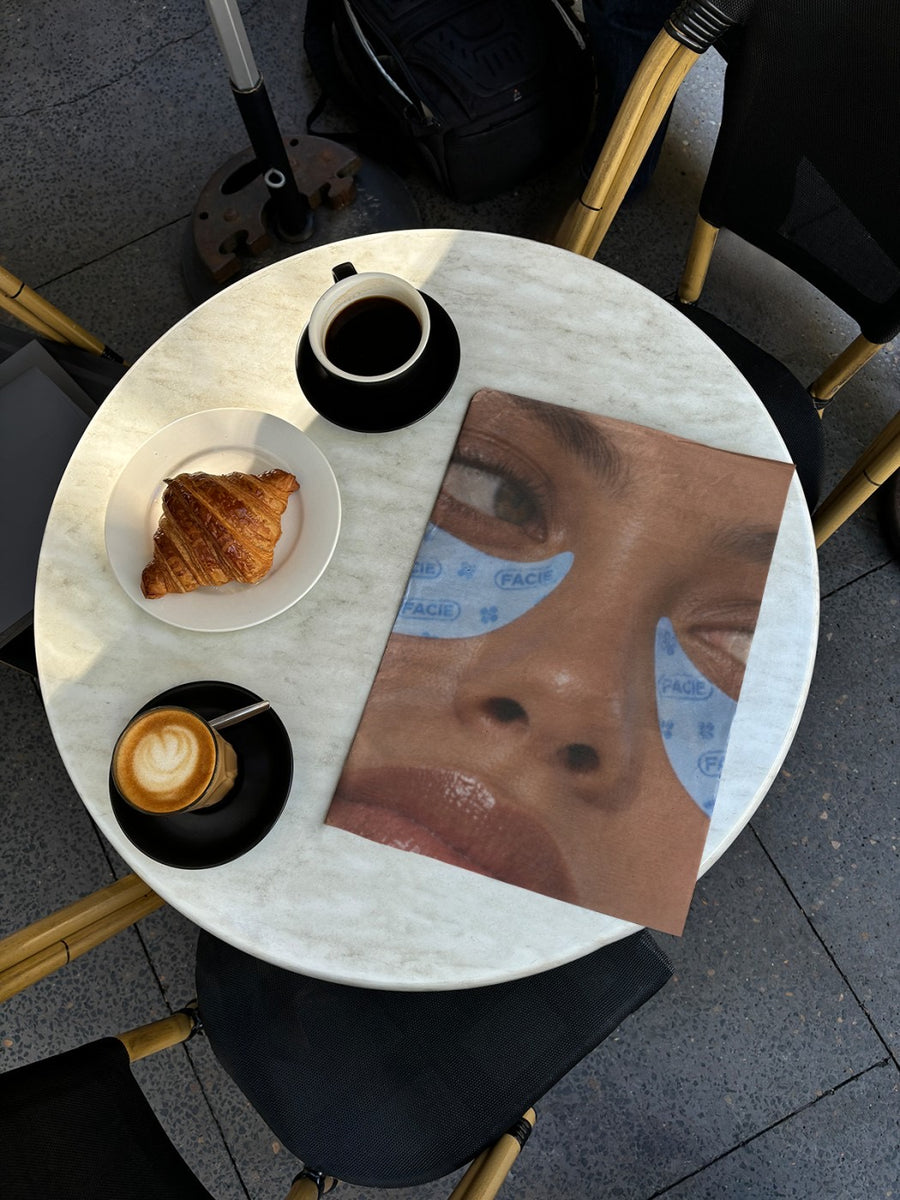
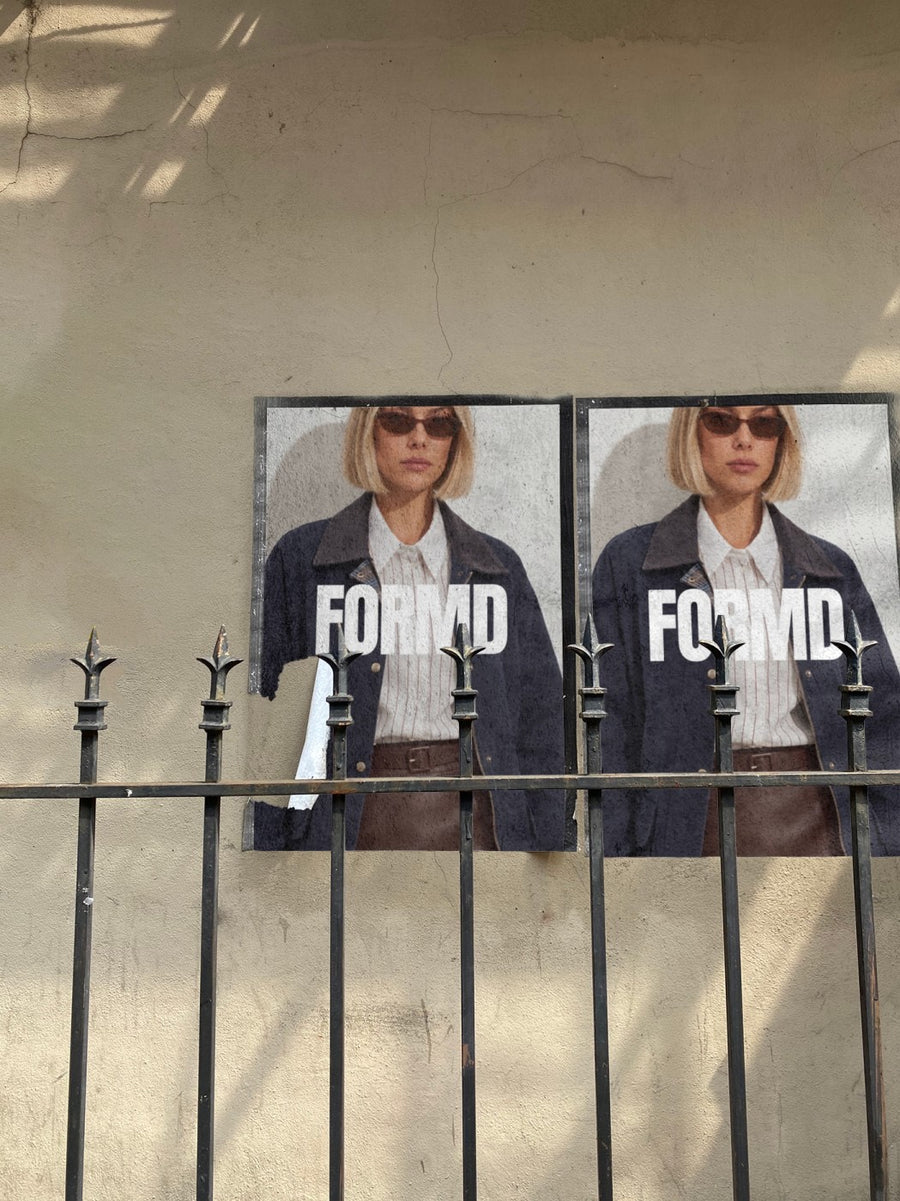
Customers take it better when you tell them first
Most people understand that costs go up. What stings is finding out at the counter or at checkout. A short, honest post a couple of weeks before the change gives your regulars time to adjust and shows you're not hiding it.
Keep the look calm and considered. Your notice on a newspaper open on a cafe table reads like a proper announcement. It's not a sale, so skip the bright colours and the hype.
Give the date, say what's changing and give one plain reason. Don't over explain and don't apologise five times. If anything is staying the same, lead with that.
How to roll it out
- Two weeks out: your notice on a newspaper with the date the new prices start and one line on why.
- The same week: update your menu board, price list or website so the post and the shop match.
- A few days out: a story reminding people the old prices finish on a set date.
- On the day: no big post needed. Let the new menu or price list on an iPad speak for itself.
- The week after: a post about what you're proud of, like your suppliers or your team, with a real photo.
Captions to start with
A quick note from us. From 1 March our prices are changing. Here's why.
Our costs have gone up and we've held off as long as we can. New prices start Monday.
Same people, same quality, same care. Thanks for sticking with us.
Photos that suit you
- On a newspaper: a calm, editorial look for the notice.
- On an iPad: show the new menu or price list on a real screen.
- On a street poster: pair your logo with the start date.
How it works
- Add your image. A logo, poster, product shot or full campaign. PNG or JPG.
- Tap a photo. Your design goes on in seconds.
- Download it. A 2000px image, ready to post.
Real photos. Not AI.
Every photo is a real photograph, shot on a real camera. Your design goes on exactly as it is. Nothing gets redrawn, so it's still your brand.
Questions
Do I need Photoshop?
No. It all happens in your browser.
Is it really free?
Your first one is free when you make an account. After that, top up credits inside the studio. No subscription.
Should I put the new prices in the image?
That's up to you. Some businesses list every price, others just give the date and a link. Either way, make a graphic, save it as a PNG or JPG and upload it. It goes on exactly as you made it.

