Customer Thank You Post Ideas
Thank your customers like you mean it.
A thank you post is the easiest one to write and the hardest to make feel real. Here are ideas for milestones, the end of the year and after a big week, plus captions you can use. Upload your logo and we put it on real photos of billboards, tote bags and newspapers.
Make your first one freeOne tap with Google. No card.
Generic thanks gets scrolled past
A graphic that says THANK YOU in script over a pink background could be from anyone. The thank you posts people like and share are specific. They name the moment, the number or the person, and they sound like the owner wrote them.
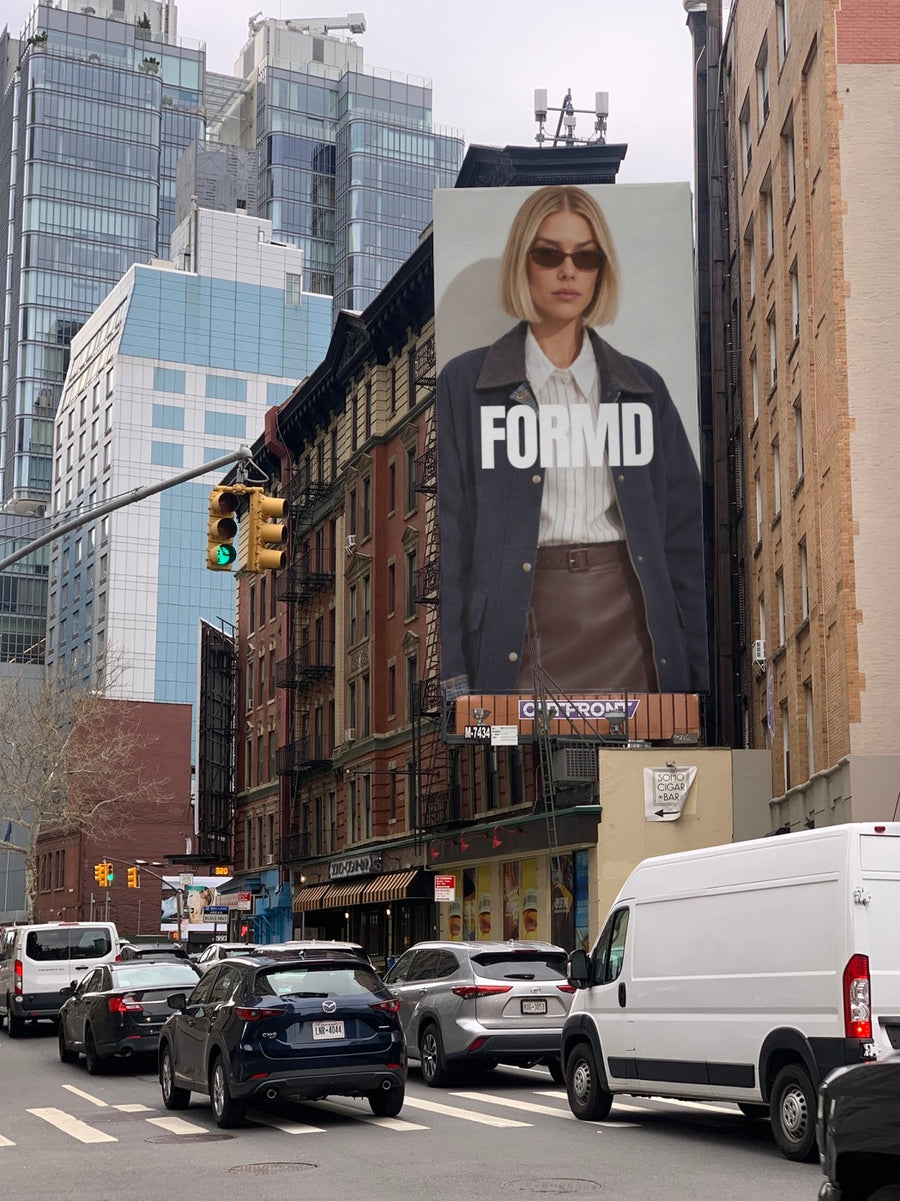
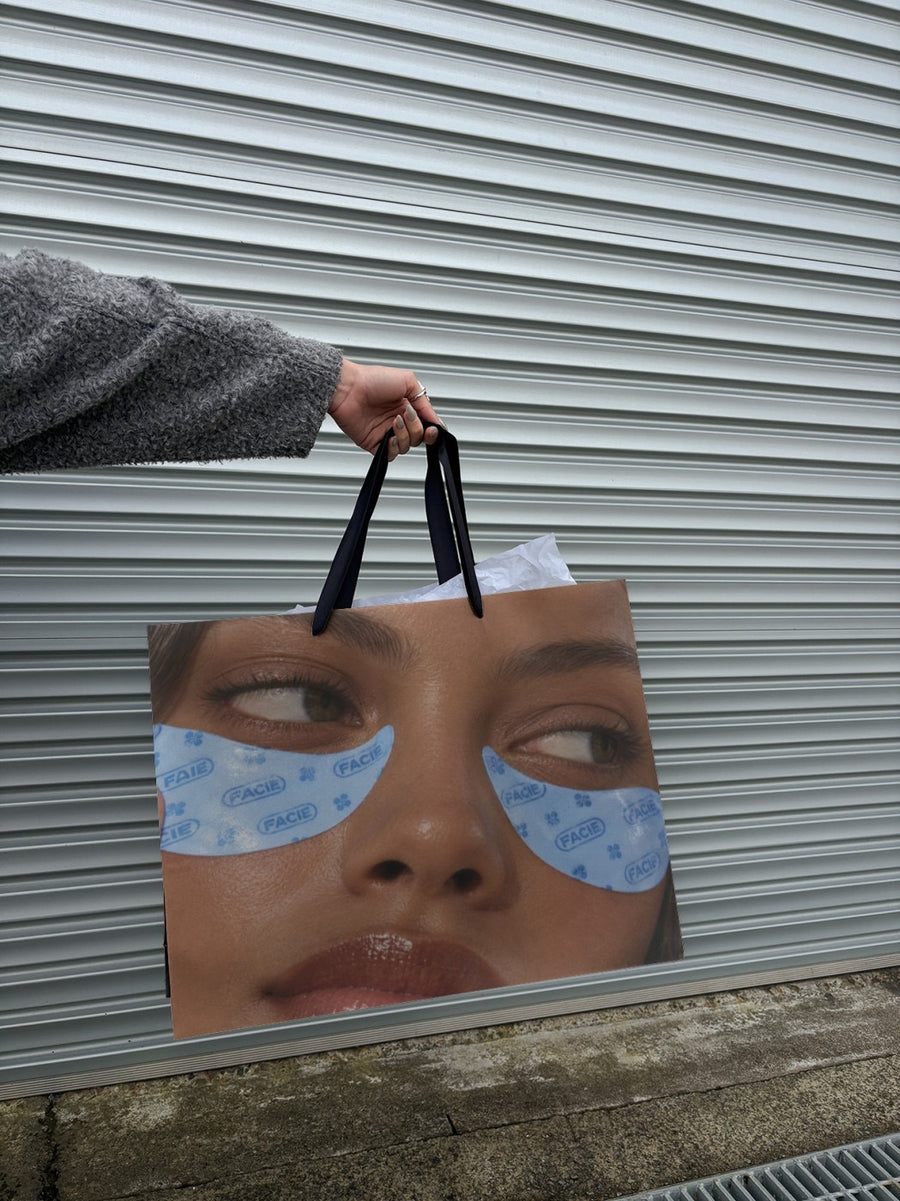
Your logo on a real billboard is a fun way to say 'if we could put this in lights, we would'. Just say it that way, so nobody thinks you bought the billboard. On a tote held up against a roller door it feels warm and local.
Say what you're grateful for in one sentence. Then get out of the way.
Moments to say thank you
- A milestone: your first hundred orders, first year or first market sold out. Your logo on a billboard with the milestone in the caption.
- End of year: a post in December that thanks people for the year, with a few real photos from it.
- After a big week: a sale, a launch or a market day. Thank people while it's still fresh.
- A regular: with their permission, a photo and a line about why they matter to you.
- Your suppliers and neighbours: a post that thanks the people behind the scenes.
- A handwritten note: a real photo of the thank you cards going into orders.
Captions to start with
If we could put this on a billboard, we would. Thank you for a year we won't forget.
A hundred orders. Every one packed by hand. Thank you.
To everyone who came to the market on Saturday: you made our month.
Photos that suit you
- On a billboard: the 'we'd put it in lights' thank you.
- On a tote bag: a warm, local look for a thank you post.
- On a newspaper: for a milestone that feels like news.
How it works
- Add your image. A logo, poster, product shot or full campaign. PNG or JPG.
- Tap a photo. Your design goes on in seconds.
- Download it. A 2000px image, ready to post.
Real photos. Not AI.
Every photo is a real photograph, shot on a real camera. Your design goes on exactly as it is. Nothing gets redrawn, so it's still your brand.
Questions
Do I need Photoshop?
No. It all happens in your browser.
Is it really free?
Your first one is free when you make an account. After that, top up credits inside the studio. No subscription.
Can I add my own message to the image?
Yes. Make a graphic with your logo and a short thank you in Canva or any app, save it as a PNG or JPG and upload it. It goes on exactly as you made it.

