Meet the Team Post Ideas
Meet the team posts people actually read.
People buy from people. A meet the team series is one of the best things you can post, and one of the easiest to let slide. Here's how to run one, what to ask each person and captions to start from. Upload your logo and we put it on real photos of tote bags, laptops and street posters.
Make your first one freeOne tap with Google. No card.
The faces matter more than the graphics
The best meet the team posts are a real photo of the person and three good answers. Your logo posts are the frame around them: the series opener, the cover slide, the post that says who's coming up next.
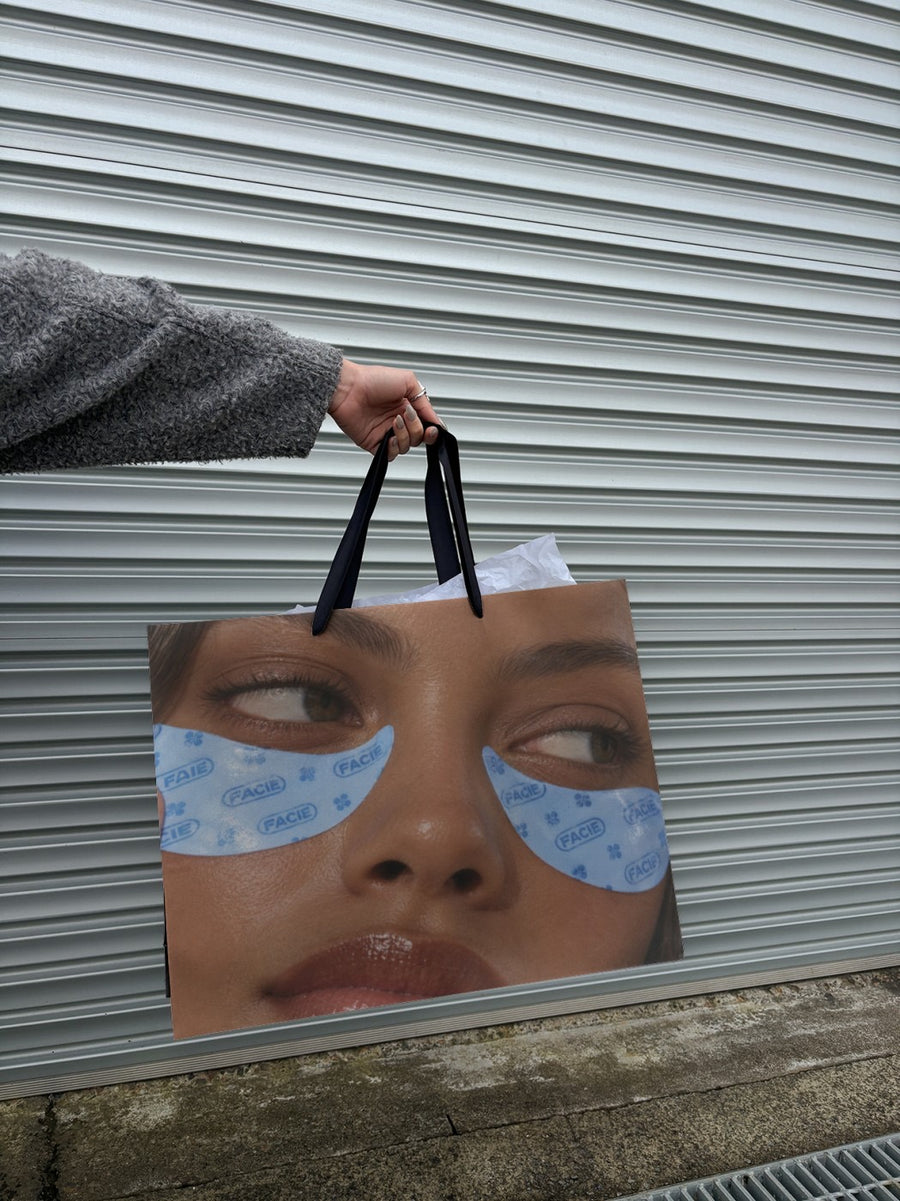
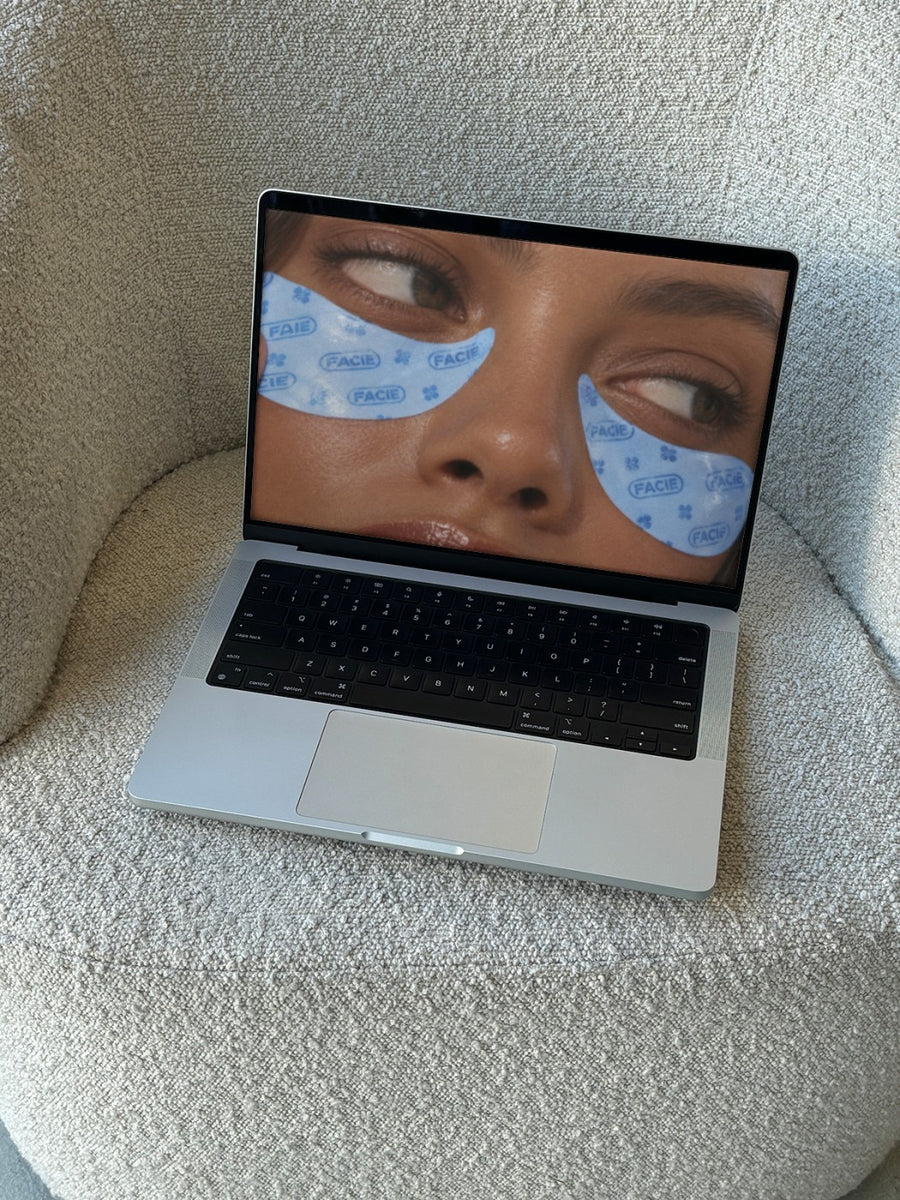
Your logo on a canvas tote or a laptop on a boucle couch gives the series a look that feels like your brand, not a template. Use it as the first slide and put the person's photo straight after.
Always ask before you post someone's photo or story. Let them read the caption first. Some people love it, some would rather be behind the camera, and both are fine.
How to run a meet the team series
- The opener: your logo on two street posters with 'meet the team' on one. Tell people a new face is coming each week.
- One person a week: a cover slide with your logo on a tote, then their photo, then three answers.
- Good questions to ask: their go to order, the best part of the job, and something customers wouldn't guess.
- Behind the desk: your logo on a laptop for the people who work behind the scenes, like the bookkeeper or the designer.
- The founder: one post about why the business started, in the owner's own words.
- New starters: welcome posts that double as hiring posts, showing the kind of place it is to work.
Captions to start with
Meet Sam. Makes the best flat white on the street and won't let you forget it.
Every week we're introducing someone behind the counter. First up: the one who started it all.
Three questions, one new face. Say hi to Priya in the comments.
Photos that suit you
- On a tote bag: a cover slide for each team member.
- On a laptop: for the people who work behind the scenes.
- On a street poster: the series opener, logo on one and a headline on the other.
How it works
- Add your image. A logo, poster, product shot or full campaign. PNG or JPG.
- Tap a photo. Your design goes on in seconds.
- Download it. A 2000px image, ready to post.
Real photos. Not AI.
Every photo is a real photograph, shot on a real camera. Your design goes on exactly as it is. Nothing gets redrawn, so it's still your brand.
Questions
Do I need Photoshop?
No. It all happens in your browser.
Is it really free?
Your first one is free when you make an account. After that, top up credits inside the studio. No subscription.
Can I put a team member's photo on the poster?
Yes, with their okay. Any PNG or JPG goes on, so a headshot with your logo works. It goes on exactly as you made it. Or keep the logo on the cover slide and the real portrait next.