Pre-order Post Ideas
Taking pre-orders? Show it before it exists.
Pre-orders ask people to pay for something they can't hold yet. Here's how to make it feel real, what to post while orders are open and captions you can use. Upload your logo or artwork and we put it on real photos of shopping bags, billboards and phones.
Make your first one freeOne tap with Google. No card.
The hard part is having nothing to photograph
When you open pre-orders the stock is still at the printer, the maker or the supplier. You've got a render, a sample or a logo, and a feed that needs a week of posts. One flat graphic on repeat won't carry it.
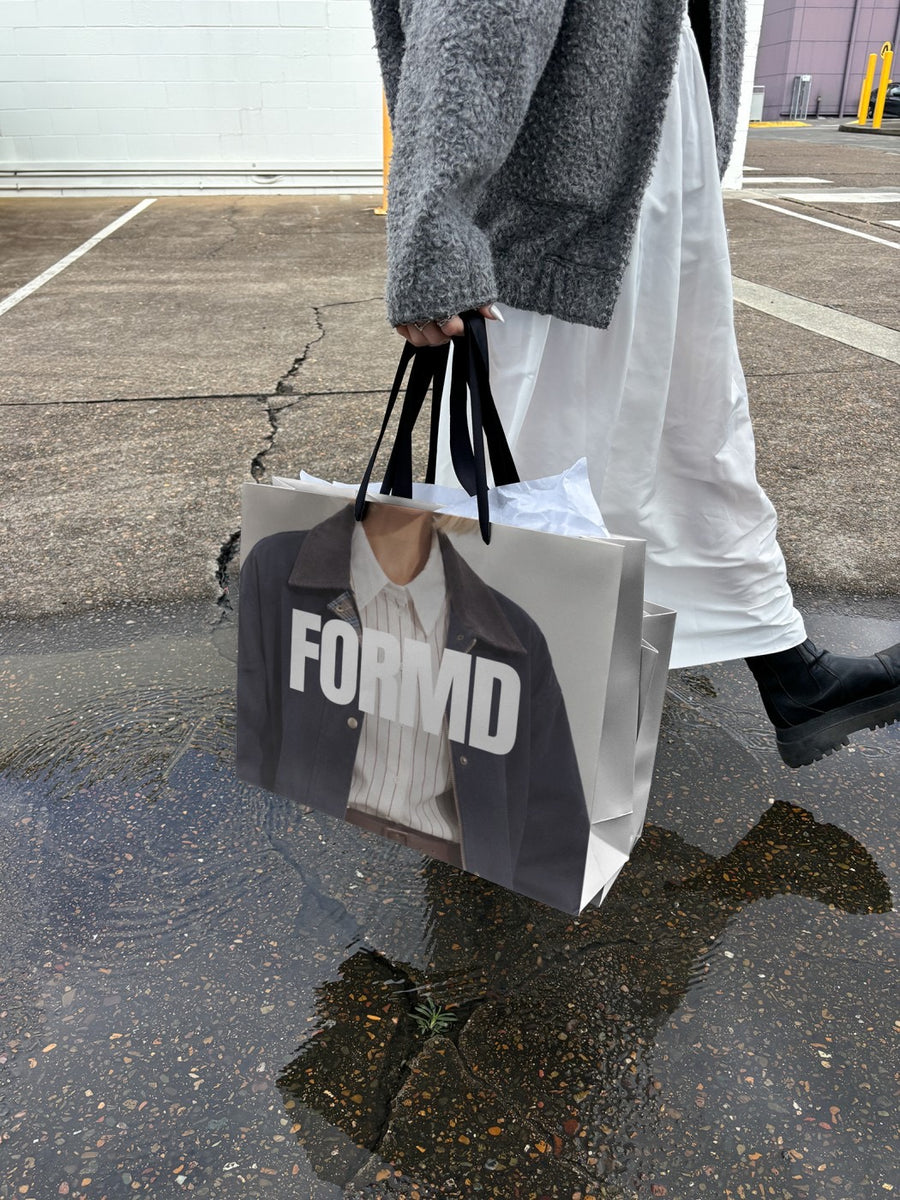
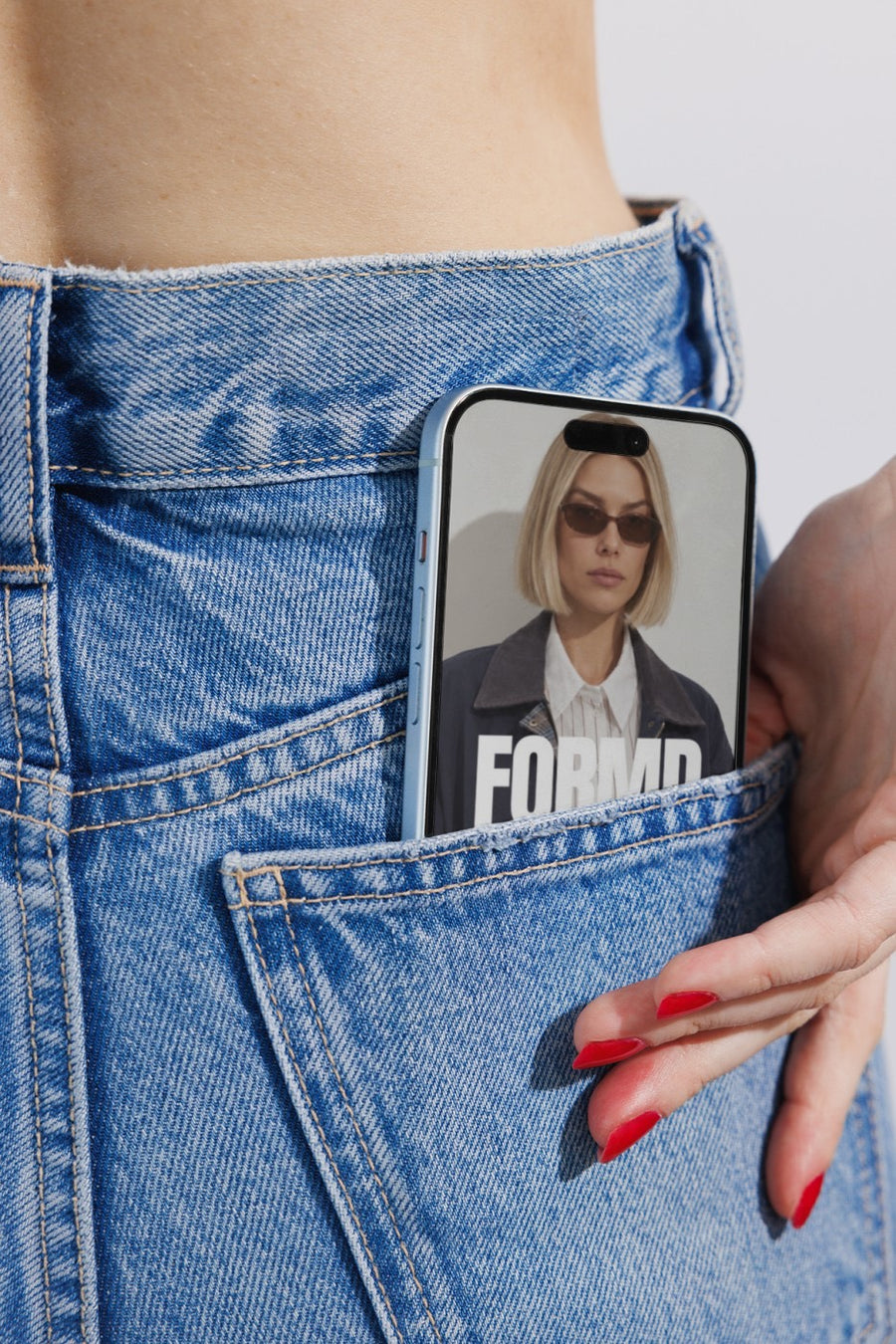
Your logo on a real shopping bag in the rain, or your order page on an iPhone in a jeans pocket, gives people a picture of what they're getting and how easy it is to order. Be clear in the caption about when it ships. People are happy to wait when they know how long.
These are good for the cover art, the label, the packaging or the brand. Show the product itself with your own sample photos so nobody feels misled when it lands.
Posts for a pre-order window
- Opening post: your logo on a billboard with 'pre-orders open' and the ship date in the caption.
- How to order: your order page on a phone, with the link in bio and the steps in the caption.
- The packaging: your label or bag design on a real shopping bag, so people can picture it arriving.
- A behind the scenes post: a real photo of the sample, the swatches or the workbench.
- Last days: your logo on a newspaper held up on the street with the closing date. Close on the date you said.
- Shipping update: a plain post when it's on its way. It builds trust for next time.
Captions to start with
Pre-orders are open. Ships in the first week of November.
It's not on the shelf yet. You can still be first in line. Link in bio.
Pre-orders close Sunday night. After that, it's wait for the restock.
Photos that suit you
- On a shopping bag: picture the package before it's packed.
- On a phone: show how easy it is to order from your site.
- On a billboard: for the day pre-orders open.
- On a newspaper: for the last call before you close.
How it works
- Add your image. A logo, poster, product shot or full campaign. PNG or JPG.
- Tap a photo. Your design goes on in seconds.
- Download it. A 2000px image, ready to post.
Real photos. Not AI.
Every photo is a real photograph, shot on a real camera. Your design goes on exactly as it is. Nothing gets redrawn, so it's still your brand.
Questions
Do I need Photoshop?
No. It all happens in your browser.
Is it really free?
Your first one is free when you make an account. After that, top up credits inside the studio. No subscription.
Can I use a product render instead of my logo?
Yes. Any PNG or JPG works, so cover art, a label design or a product graphic all go on the same way. Nothing gets redrawn. Just say in the caption what's final and what's a preview.

